NVIDIA RTX PRO 4500 Blackwell Server
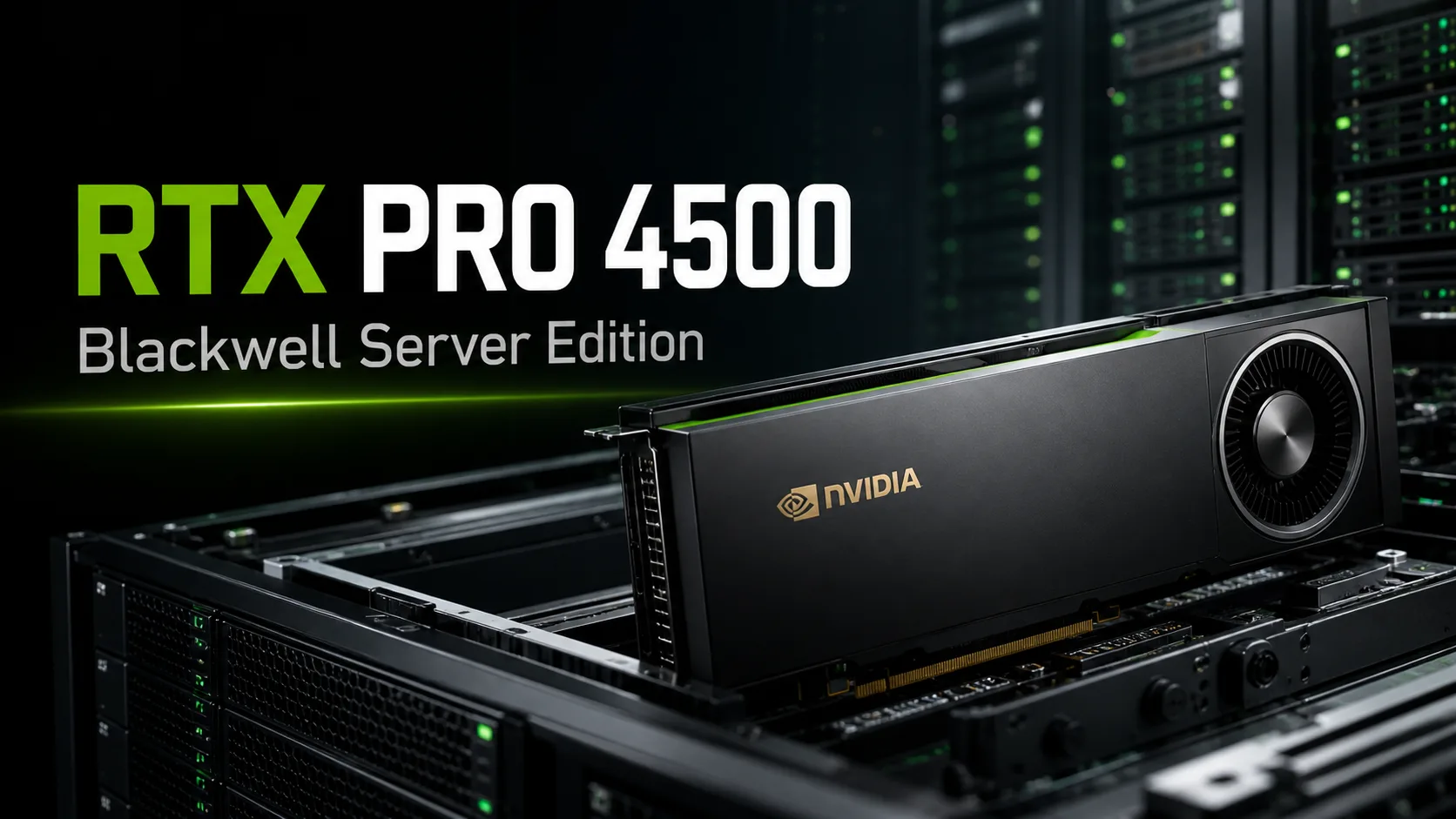
NVIDIA RTX PRO 4500 Blackwell Server Edition: a server GPU for AI, vGPU, and remote workstations
The NVIDIA RTX PRO 4500 Blackwell Server Edition is a professional server graphics card built on the Blackwell architecture. It is designed not for gaming or standard desktop PCs, but for data centers, virtual workstations, AI inference, video processing, CAD/CAE, 3D visualization, and mixed enterprise workloads.
The main idea behind this model is balance. The RTX PRO 4500 Server offers 32 GB of GDDR7, 10,496 CUDA cores, PCIe 5.0 x16, a power consumption of 165 watts, a single slot design, passive cooling, support for MIG, vGPU, and modern Tensor Cores. This makes it appealing for servers where installation density, manageability, and versatility are crucial, rather than just maximum performance metrics.
What you need to know
| Feature | Practical significance |
|---|---|
| 32 GB GDDR7 | More memory for AI models, VDI, 3D scenes, and video tasks |
| Blackwell | Modern Tensor Cores, RT Cores, FP8, and FP4 |
| 165 W | Moderate power consumption for a server GPU |
| Single-slot | Convenient for dense server configurations |
| Passive cooling | Requires a server chassis with strong airflow |
| MIG support for up to 2 instances | One GPU can be divided into two isolated parts of 16 GB each |
| 3 NVENC and 3 NVDEC | Useful for VDI, streaming, video analytics, and transcoding |
| No video outputs | The card is designed for servers, not for connecting a monitor |
Suitable tasks for the RTX PRO 4500 Server
This graphics card excels in infrastructure where one GPU must handle various tasks: virtual machines, AI services, graphics applications, and video.
| Task | Suitability | Comment |
|---|---|---|
| AI inference | Excellent | Supports FP8, FP4, and 32 GB memory |
| Small and medium LLMs | Good | Especially effective with quantization and optimization |
| Training large LLMs | Limited | 32 GB may be insufficient |
| VDI and virtual workstations | Excellent | Supports vGPU and MIG |
| CAD, 3D, visualization | Good | Suitable for professional graphics |
| Video analytics and streaming | Good | 3 NVENC and 3 NVDEC |
| Gaming PC | Poor | No video outputs and active cooling |
The RTX PRO 4500 Server is best viewed as an infrastructural accelerator. It is particularly useful where the GPU should not be a standalone graphics card for one user, but a shared resource for multiple virtual machines or tasks.
Why 32 GB of GDDR7 matters
32 GB of video memory is one of the main advantages of this model. In AI inference, memory is needed for the model, context, and intermediate data. In VDI, it is essential for resource allocation among users. In 3D and CAD, it is necessary for complex scenes and projects. In video analytics, it aids in processing multiple streams.
A bandwidth of up to 800 GB/s helps with tasks where data processing speed is critical. However, it is still not an HBM accelerator for the heaviest data center workloads. The RTX PRO 4500 Server is strong as a versatile PCIe solution with a good balance of memory, power, and energy consumption.
Blackwell and AI
The Blackwell architecture makes the card particularly appealing for inference. Support for FP8 and FP4 helps accelerate modern AI workloads when models are properly optimized.
In practice, the RTX PRO 4500 Server is suitable for corporate AI assistants, RAG systems, inference of small and medium-sized language models, image and video analysis, document processing, video analytics, and CUDA tasks.
For training large models, this card is not an ideal choice. If a large amount of memory and maximum AI performance is required, it is better to look at higher server accelerators.
MIG and vGPU
One of the key reasons to choose the server version is the support for MIG and vGPU. The RTX PRO 4500 Server can be divided into two isolated GPU instances of 16 GB each. This is convenient for virtual workstations and corporate servers where multiple users or tasks need predictable shares of resources.
Without vGPU and compatible virtualization platforms, part of the point of this card is lost. It is more interesting not as a standalone accelerator, but as a managed resource of a data center.
Comparison with NVIDIA L4 and RTX PRO 6000 Blackwell Server
| Model | When to choose |
|---|---|
| NVIDIA L4 | When energy efficiency, video, and basic inference are priorities |
| RTX PRO 4500 Blackwell Server | When 32 GB of memory, Blackwell architecture, vGPU, MIG, AI, video, and graphics in one GPU are needed |
| RTX PRO 6000 Blackwell Server | When maximum performance, more memory, and heavy AI/graphics tasks are necessary |
The RTX PRO 4500 Server sits between the compact L4 and the higher RTX PRO Blackwell models. The L4 may be more reasonable for simple video and budget-friendly inference. The RTX PRO 6000 is needed for heavy tasks that require a large memory capacity. The RTX PRO 4500 Server is interesting where versatility is required: AI, VDI, graphics, and video in one server accelerator.
What to check before purchasing
| What to check | Why it's important |
|---|---|
| Server compatibility | Not all servers support such GPUs |
| Airflow | Passive card requires strong system cooling |
| Power supply | Must check cables and power supply capabilities |
| PCIe slot | Ideally use a full-fledged PCIe 5.0 x16 |
| vGPU support | NVIDIA licenses may be required for VDI |
| Memory volume | 32 GB may not be sufficient for all models and scenes |
| Drivers and hypervisor | It's important to check the support of the required platform in advance |
The main point is not to perceive this card as an ordinary graphics card without fans. Passive cooling works only with the correct server airflow.
Pros and Cons
| Pros | Cons |
|---|---|
| Blackwell architecture | Not suitable for standard PCs |
| 32 GB GDDR7 | Not the best choice for large LLMs |
| FP8 and FP4 for AI | Requires server cooling |
| MIG and vGPU | Licenses are needed for vGPU |
| 3 NVENC and 3 NVDEC | No video outputs |
| Single slot and 165 W | May be excessive for simple transcoding |
Conclusion
The NVIDIA RTX PRO 4500 Blackwell Server Edition is a practical server GPU for companies that need a balance between AI, virtualization, professional graphics, and video. It does not replace higher-end accelerators for heavy tasks and is not suitable for gaming PCs but fits well in data centers, VDI infrastructure, remote workstations, AI inference, and video analytics.
Consider choosing the RTX PRO 4500 Server when the graphics card is needed not as a device for a single user but as a managed server resource for multiple tasks simultaneously.
GPU Comparison
Compare RTX PRO 4500 Blackwell Server with other GPUs
Basic
Memory Specifications
Display and Media
Theoretical Performance
Miscellaneous
Benchmarks
Compared to Other GPU


Share in social media
Or Link To Us
<a href="https://cputronic.com/gpu/nvidia-rtx-pro-4500-blackwell-server" target="_blank">NVIDIA RTX PRO 4500 Blackwell Server</a>