NVIDIA GeForce RTX 5090
vs
NVIDIA RTX PRO 4500 Blackwell

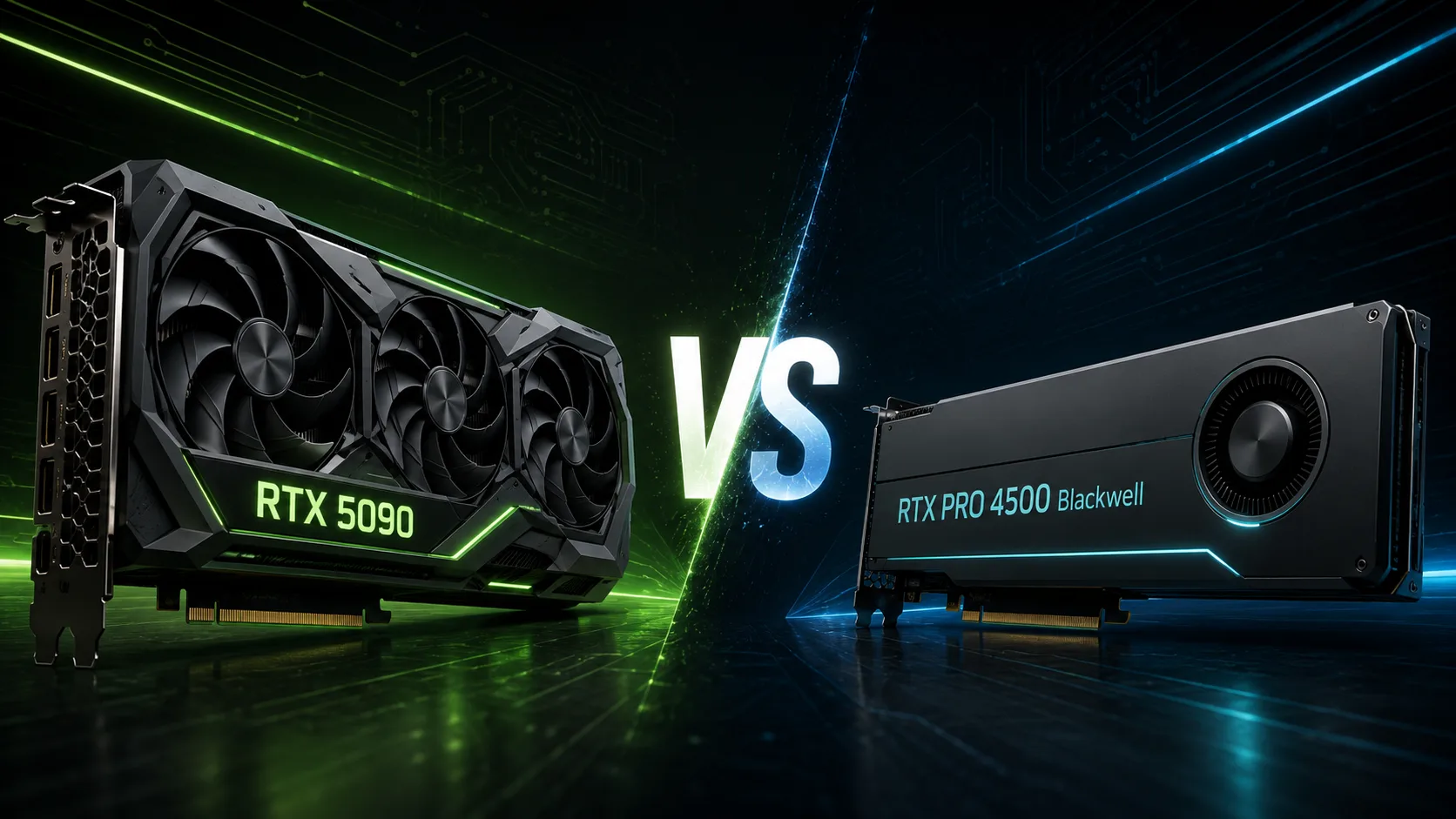
GPU Comparison Result
NVIDIA GeForce RTX 5090 vs RTX PRO 4500 Blackwell: Twice the Power or ECC and 200W
NVIDIA GeForce RTX 5090 and RTX PRO 4500 Blackwell both feature 32 GB of GDDR7 memory, but they are designed for completely different systems. The RTX 5090 extracts the maximum performance from the Blackwell architecture, while the RTX PRO 4500 sacrifices speed for ECC, professional drivers, and a mere 200W of power consumption.
For gaming, rendering, and local AI, the GeForce is significantly more powerful. The professional model is necessary where application certification, stability during long calculations, and predictable deployment of workstations are critical.
Key Differences
| Feature | GeForce RTX 5090 | RTX PRO 4500 Blackwell |
|---|---|---|
| Architecture | Blackwell | Blackwell |
| CUDA Cores | 21,760 | 10,496 |
| Video Memory | 32 GB GDDR7 | 32 GB GDDR7 with ECC |
| Memory Bus | 512 bit | 256 bit |
| Bandwidth | 1,792 GB/s | 896 GB/s |
| NVENC | 3 blocks of 9th gen | 2 blocks of 9th gen |
| Power Consumption | 575W | 200W |
| Video Outputs | DisplayPort and HDMI | 4 × DisplayPort |
| Purpose | Gaming, rendering, AI, editing | CAD, design, visualization |
The RTX 5090 boasts more than double the number of CUDA cores and twice the memory bandwidth. The RTX PRO 4500 consumes 375W less and offers error-correcting memory.
RTX 5090 is Much Faster
The computational resources of the cards are in different classes. The RTX 5090 has 21,760 CUDA cores versus 10,496, a 512-bit bus compared to 256 bits, and a bandwidth of 1,792 GB/s against 896 GB/s.
This does not guarantee a twofold advantage in every program: the result depends on the engine, drivers, and the nature of the workload. However, in Blender, CUDA computations, editing, image generation, and other well-scalable tasks, the RTX 5090 should be significantly faster.
The difference in local AI is particularly important. Both cards can accommodate a model up to 32 GB in memory, but identical capacity does not mean identical speed. The RTX 5090 processes data faster due to a greater number of computational units and a memory subsystem that is twice as wide.
Additionally, the GeForce has three 9th generation NVENC encoders versus two in the RTX PRO 4500. This could provide an advantage when exporting video and simultaneously processing multiple streams.
Speed Comes at the Cost of Power Consumption
The RTX 5090 is rated for 575W. It requires a powerful power supply, a spacious case, and substantial cooling. Under sustained load, such a card produces a lot of heat even when used as a computational accelerator rather than for gaming.
The RTX PRO 4500 is limited to 200W. It can be more easily installed in a standard workstation, cooled, and used in an office, studio, or engineering department. With several computers under continuous load, the difference in thermal output and consumption becomes significant.
However, the RTX PRO 4500 is not an economical version of the RTX 5090. The reduction in power consumption comes with almost a twofold reduction in its primary computational resources.
What ECC Memory Provides
The memory of the RTX PRO 4500 supports ECC - error detection and correction for single bit errors in data. In gaming, normal editing, and most home tasks, this feature is nearly useless.
ECC is important in lengthy engineering calculations, modeling, scientific processing, and other workloads where a random error could ruin the results of hours of work. It does not speed up computations but reduces the risk of corrupted data.
Thus, the 32 GB in both cards is the same in volume but not in purpose. In the RTX 5090, memory operates faster, while in the RTX PRO 4500, it is better protected from errors.
What to Pay for in the Professional Series
The main advantage of the RTX PRO 4500 is not found in the specification table. The card is designed for professional drivers, certified configurations, and compatibility with specialized software.
For the home user, this rarely justifies the loss of performance. But if a driver failure halts the work of an engineering department, a configuration that has been officially tested could be more important than a reduced rendering time.
The professional card also integrates better into corporate infrastructure, where consistent configurations, extended support, and predictable driver updates are essential.
Gaming, Editing, and Rendering
For a gaming PC, the RTX 5090 is undoubtedly the more suitable choice. It offers significantly larger resources for rasterization, ray tracing, and neural network scaling. Purchasing the RTX PRO 4500 for gaming means overpaying for ECC and certification with noticeably lower frame rates.
In Blender, DaVinci Resolve, Adobe Premiere Pro, and mass content creation applications, GeForce also demonstrates better performance. More CUDA cores, faster memory, and an additional NVENC block give it an edge in most tasks.
The RTX PRO 4500 only makes sense when the workflow requires ECC, certified drivers, or a specific professional configuration.
What to Choose
GeForce RTX 5090 is better suited when you need:
- Maximum gaming performance;
- Fast GPU rendering;
- Local execution of AI models;
- Image and video generation;
- Editing and hardware encoding;
- Maximum speed with 32 GB of memory.
RTX PRO 4500 Blackwell is justified when you need:
- GDDR7 memory with ECC;
- Certification of professional applications;
- Corporate drivers;
- Power consumption around 200W;
- Installation in a standard workstation;
- Predictability is more important than peak speed.
Conclusion
The RTX 5090 offers more than twice the CUDA cores, twice the memory bandwidth, and an additional NVENC block. For gaming, rendering, editing, and local AI, it is significantly stronger.
The RTX PRO 4500 is not purchased to win benchmarks. Its benefits lie in ECC, professional drivers, certification, and the ability to obtain 32 GB of memory at a power consumption of 200W.
The RTX 5090 is needed to complete tasks as quickly as possible. The RTX PRO 4500 is designed for workstations to reliably perform their tasks every day.
Advantages
- Larger Memory Size: 32 GB GDDR7 (32 GB GDDR7 vs 32GB)
- Higher Bandwidth: 1792 GB/s (1792 GB/s vs 896.0GB/s)
- More Shading Units: 21760 (21760 vs 10496)
- Higher Boost Clock: 2617 MHz (2407 MHz vs 2617 MHz)
- Newer Launch Date: March 2025 (January 2025 vs March 2025)
Basic
Memory Specifications
Display and Media
3x DisplayPort 2.1b with UHBR20
Theoretical Performance
Miscellaneous
Benchmarks
Related GPU Comparisons


Share in social media
Or Link To Us
<a href="https://cputronic.com/gpu/compare/nvidia-geforce-rtx-5090-vs-nvidia-rtx-pro-4500-blackwell" target="_blank">NVIDIA GeForce RTX 5090 vs NVIDIA RTX PRO 4500 Blackwell</a>