AMD Radeon RX 9060 XT 16 GB
vs
NVIDIA GeForce RTX 5060


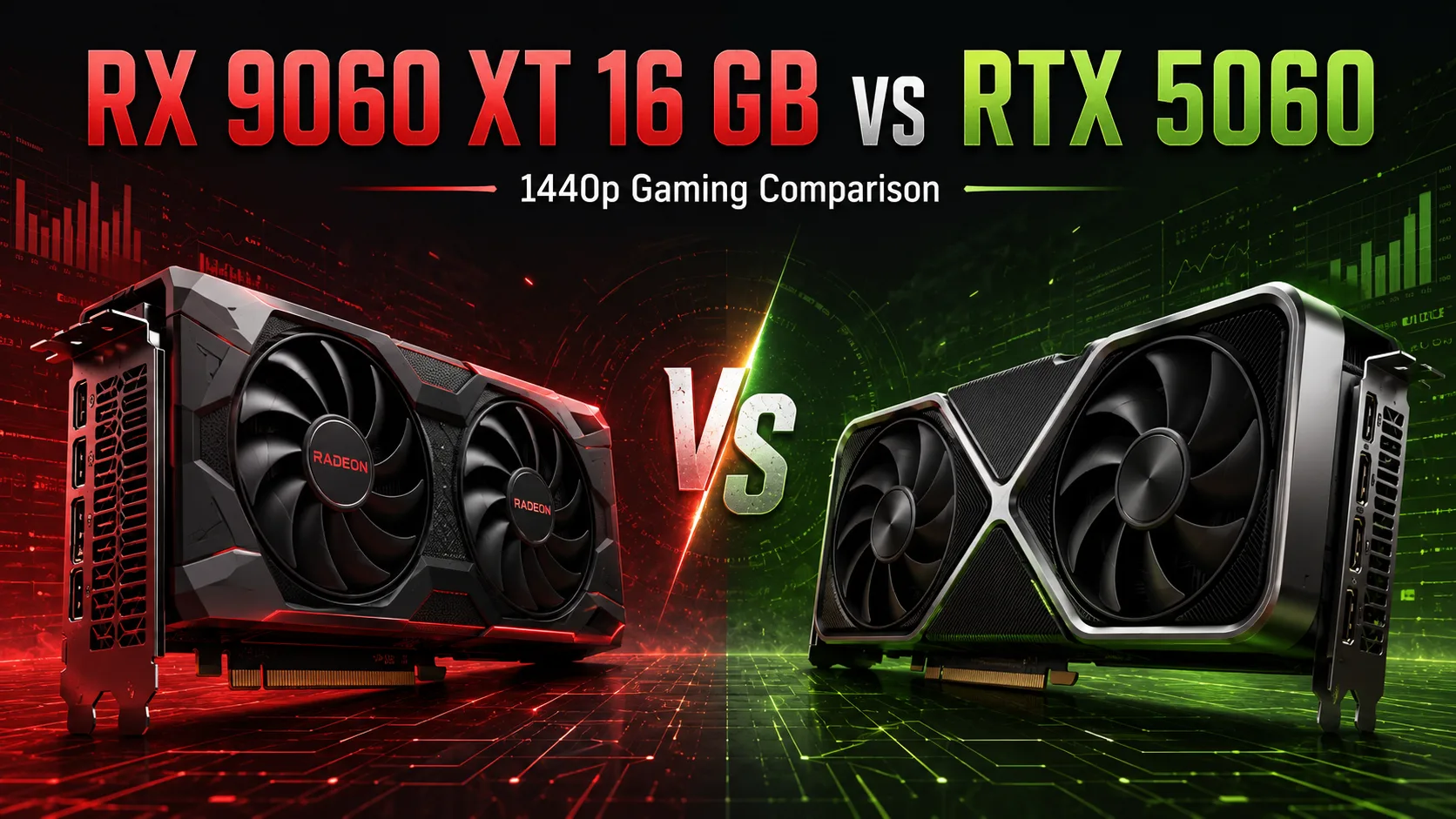
GPU Comparison Result
AMD Radeon RX 9060 XT 16 GB vs NVIDIA GeForce RTX 5060: Which is Better for 1440p Gaming
The Radeon RX 9060 XT 16 GB and the GeForce RTX 5060 are closely priced but aimed at different scenarios. The AMD video card was initially priced $50 higher, but it offers twice the memory and typically shows higher FPS in games. The RTX 5060 consumes less power, supports DLSS, and is better compatible with applications that use CUDA and OptiX.
With a slight price difference, the RX 9060 XT appears more convincing as a gaming purchase, especially for 2560 × 1440 resolution. The RTX 5060 is more rational for 1080p, compact systems, and tasks tied to the NVIDIA software ecosystem.
Key Differences
| Parameter | Radeon RX 9060 XT 16 GB | GeForce RTX 5060 |
|---|---|---|
| Main Resolution | 1440p and 1080p with high FPS | Primarily 1080p |
| Video Memory | 16 GB GDDR6 | 8 GB GDDR7 |
| Rasterization | Usually faster | Usually slower |
| Ray Tracing | Depends on the game | Stronger in heavy RT projects |
| Scaling | FSR | DLSS |
| Frame Generation | AMD Frame Generation | Multi Frame Generation |
| Power Consumption | Higher | Lower |
| Application Support | Depends on the program | CUDA, OptiX, and NVIDIA Studio |
| Starting Price | $349 | $299 |
AMD has set a recommended price of $349 for the RX 9060 XT 16 GB. The RTX 5060 was released at $299, making the initial difference around 17%. Partner models are available, and their actual prices can vary significantly from the recommended ones.
Gaming Benchmarks
Comparison results from GamersNexus on a single test platform were used. The tests included the Sapphire Pulse Radeon RX 9060 XT 16 GB and the Gigabyte GeForce RTX 5060 Eagle OC 8G. The average FPS in the tables is rounded to whole numbers.
Rasterization
| Game and Settings | Radeon RX 9060 XT 16 GB | GeForce RTX 5060 | Advantage |
|---|---|---|---|
| Dragon’s Dogma 2, 1440p | 65 FPS | 57 FPS | RX 9060 XT by 14% |
| Final Fantasy XIV, 1440p | 85 FPS | 87 FPS | RTX 5060 by 2% |
| Starfield, 1080p | 77 FPS | 66 FPS | RX 9060 XT by 17% |
| Resident Evil 4, 1440p | 106 FPS | 91 FPS | RX 9060 XT by 17% |
| Black Myth: Wukong, 1080p | 71 FPS | 66 FPS | RX 9060 XT by 8% |
| Cyberpunk 2077: Phantom Liberty, 1440p | 64 FPS | 55 FPS | RX 9060 XT by 16% |
The RX 9060 XT wins in five out of six tests. The largest differences are observed in Starfield, Resident Evil 4, and Cyberpunk 2077, where the advantage of the Radeon reaches 16-17%. In Final Fantasy XIV, the difference is only 2%, making the performance of the graphics cards nearly equal.
When moving to 1440p, the position of the RX 9060 XT generally improves due to its higher base performance and 16 GB of memory. The RTX 5060 also handles this resolution, but in demanding games, it often requires scaling or reduced settings. Its primary scenario remains 1920 × 1080.
Ray Tracing
| Game and Settings | Radeon RX 9060 XT 16 GB | GeForce RTX 5060 | Advantage |
|---|---|---|---|
| Dragon’s Dogma 2, RT, 1080p | 78 FPS | 67 FPS | RX 9060 XT by 16% |
| Dying Light 2, RT and scaling, 1080p | 77 FPS | 72 FPS | RX 9060 XT by 7% |
| Resident Evil 4, RT and scaling, 1440p | 102 FPS | 92 FPS | RX 9060 XT by 11% |
| Cyberpunk 2077, RT Medium, 1080p | 54 FPS | 51 FPS | RX 9060 XT by 6% |
| Black Myth: Wukong, RT and scaling, 1440p | 31 FPS | 45 FPS | RTX 5060 by 45% |
The presence of ray tracing alone does not guarantee a win for the RTX 5060. In Dragon’s Dogma 2, Dying Light 2, and Resident Evil 4, the Radeon maintains its lead due to its higher base performance.
A very different picture is observed in Black Myth: Wukong. The RTX 5060 shows 45 FPS compared to 31 FPS for the RX 9060 XT, leading by about 45%. In such games, NVIDIA's stronger RT blocks compensate for the lag in regular rasterization.
Particular attention should be given to Cyberpunk 2077 with RT Medium. The RTX 5060 averages 51 FPS, but its 0.1% low drops to 21 FPS. The RX 9060 XT has an average of 54 FPS, with noticeably more stable frame delivery. In this mode, 8 GB of video memory becomes a limiting factor before the GPU's computational performance runs out.
The RTX 5060 is stronger in specific projects with particularly heavy ray tracing loads. Under moderate RT loads, the RX 9060 XT frequently stays ahead.
16 GB vs 8 GB
Video memory is the most important distinction between these models. The RTX 5060 has faster GDDR7 memory, but its capacity is limited to 8 GB. The RX 9060 XT has 16 GB of GDDR6. Both graphics cards use a 128-bit memory bus.
For most games at 1080p, eight gigabytes is currently sufficient at reasonable settings. Problems arise when combining 1440p, ray tracing, and high-quality textures.
A lack of VRAM may lead to three notable consequences:
- Stuttering and reduced minimum FPS;
- Degradation in the quality of loaded textures;
- The need to manually reduce settings at 1440p and RT.
Sixteen gigabytes are particularly useful for open-world games, mods with heavy textures, and continued use at 1440p. Frame generation does not fix memory overflow: it increases the displayed FPS but does not eliminate loading delays.
DLSS vs FSR
The RTX 5060 supports DLSS, ray reconstruction, and Multi Frame Generation. The latter technology creates additional frames and can significantly increase the FPS counter.
However, frame generation does not replace actual performance. At low starting FPS, the image becomes smoother, but control latency and graphical artifacts do not completely disappear. Therefore, comparing graphics cards solely based on results with multi-frame generation is incorrect.
The RX 9060 XT supports current versions of FSR, including machine scaling and frame generation. The quality of AMD's technology has indeed improved significantly; however, NVIDIA's prevalence of DLSS and the number of supported features still remain an advantage.
The RTX 5060 has the stronger software side. The RX 9060 XT offers higher native FPS and double the memory capacity.
Power Consumption
The official power rating for the RX 9060 XT 16 GB is 160 W, while for the RTX 5060, it is 145 W. In real gaming scenarios, the difference may be more than the stated 15 W.
In Starfield, the tested RX 9060 XT consumed about 169 W, while the RTX 5060 consumed around 126 W. NVIDIA is significantly more power-efficient, even while showing lower FPS.
The RTX 5060 is easier to fit into a compact case or a pre-built computer with a limited power supply. The RX 9060 XT cannot be considered power-hungry but does require slightly more effective cooling.
For a typical system with a mid-range processor, both graphics cards only need a quality power supply rated between 500-550 W.
Work Applications and Local AI
For applications that use CUDA or OptiX, the RTX 5060 remains more practical. This includes Blender, some video editors, local neural networks, and applications originally optimized for NVIDIA.
The RX 9060 XT has an advantage in memory size. Sixteen gigabytes enable loading larger scenes, models, and textures, but the VRAM surplus does not compensate for the lack of optimization for AMD.
For a purely gaming computer, the RX 9060 XT appears more convincing. For a system where gaming is combined with CUDA development, Blender, or specialized AI software, the RTX 5060 may be more useful even with lower gaming FPS.
Which Graphics Card to Choose
Choose the Radeon RX 9060 XT 16 GB if:
- The computer is primarily built for gaming;
- A 2560 × 1440 monitor is used;
- High texture settings are important;
- The graphics card is purchased for several years;
- The RX 9060 XT is priced no more than 15-20% higher than the RTX 5060.
Consider the GeForce RTX 5060 if:
- The primary resolution is 1920 × 1080;
- The card is significantly cheaper than the RX 9060 XT;
- DLSS and heavy ray tracing are particularly important;
- A small and power-efficient computer is needed;
- CUDA, OptiX, or NVIDIA Studio are used.
Conclusion
With a similar price, the Radeon RX 9060 XT 16 GB is the more rational gaming purchase. It is faster in most tests, better suited for 1440p, and offers twice the video memory.
The RTX 5060 should be chosen for lower power consumption, DLSS, CUDA, and strong performance in specific games with heavy ray tracing. However, such a choice is justified primarily when the price is significantly lower or there is a clear necessity for the NVIDIA ecosystem.
Advantages
- Higher Boost Clock: 3230 MHz (3230 MHz vs 2497 MHz)
- Larger Memory Size: 16GB (16GB vs 8GB)
- Higher Bandwidth: 448 GB/s (322.3GB/s vs 448 GB/s)
- More Shading Units: 3840 (2048 vs 3840)
- Newer Launch Date: May 2025 (May 2025 vs May 2025)
Basic
Memory Specifications
Display and Media
3x DisplayPort 2.1a
3x DisplayPort 2.1b
Theoretical Performance
Miscellaneous
Benchmarks
Related GPU Comparisons


Share in social media
Or Link To Us
<a href="https://cputronic.com/gpu/compare/amd-radeon-rx-9060-xt-16-gb-vs-nvidia-geforce-rtx-5060" target="_blank">AMD Radeon RX 9060 XT 16 GB vs NVIDIA GeForce RTX 5060</a>