Intel Core 5 210H

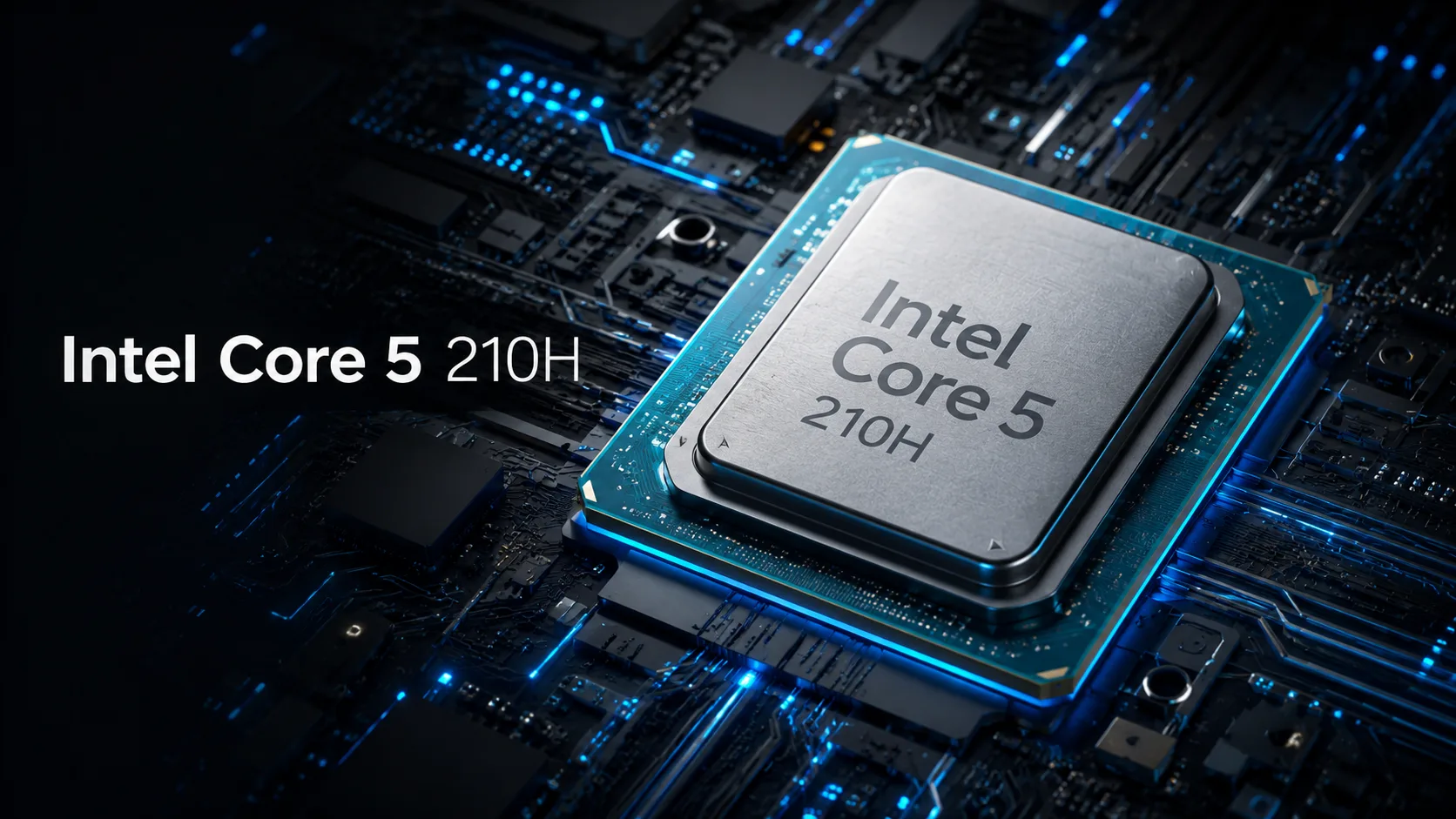
Intel Core 5 210H: Review of an 8-core H-processor for Laptops and Mini-PCs
Intel Core 5 210H is a mid-range mobile processor designed for laptops and compact desktop systems. As its name suggests, it belongs to the Intel Core Series 2, but technically it is neither Core Ultra nor a new architecture with a separate NPU. It represents an evolution of the Raptor Lake-H platform: 8 cores, 12 threads, a hybrid configuration of 4P + 4E, Intel 7 process technology, and a 45-watt power class.
The main idea behind the Core 5 210H is simple: to provide good processor performance for mainstream laptops without transitioning to the more expensive Core 7/Core 9. It is not an ultra-economical chip for thin models and is not intended for gaming without a discrete graphics card. However, it is quite suitable for 15-16 inch laptops, entry-level gaming setups with a discrete GPU, and mini-PCs with active cooling.
What kind of processor is this
The Core 5 210H is a typical representative of the mobile H-class: it is designed for a higher thermal package than the U-series and is better suited for prolonged workloads. It features 4 performance cores and 4 efficiency cores. The former are responsible for heavy tasks and system responsiveness, while the latter assist with background processes, browsing, messaging apps, and part of the multithreaded load.
For the mid-range, this configuration appears reasonable. It is not a flagship, but also not a budget office processor. The Core 5 210H provides a good buffer for work, study, programming, photo processing, multitasking, and light video editing.
The main caveat is cooling. The same Core 5 210H can behave differently in different devices. In a larger laptop with a proper cooling system, it can sustain high frequencies longer, whereas in a thin chassis, it may quickly hit temperature limits, noise thresholds, or power restrictions.
Performance
In terms of CPU performance, the Core 5 210H sits comfortably in the middle. It is no longer an economical U-processor for basic office laptops, but it is not yet a higher-end H/HX chip for demanding workstations.
In open benchmark databases, the Core 5 210H typically registers around 18,000 points in PassMark CPU Mark. For a mid-range mobile processor, this is a good benchmark, but it should be taken with caution: results can vary significantly depending on the specific laptop model, power limits, and cooling solutions.
In real-world tasks, the processor is suitable for a browser with many tabs, office applications, programming, compiling medium projects, light virtualization, photo processing, and Full HD/moderate 4K video editing. For continuous rendering, large projects in Blender, or heavy compilation, it would be better to look at models with more cores - such as the Core 5 220H, Core 7, or higher Ryzen chips.
Graphics and Multimedia
The integrated Intel Graphics with 48 EU is more of a multimedia and office unit than a full-fledged gaming solution. It is sufficient for the Windows interface, external displays, video playback, simple 3D tasks, and undemanding games. In esports projects, you can expect 1080p with low settings, especially with fast dual-channel memory, but it does not reach the level of Intel Arc from Core Ultra.
On the other hand, the multimedia capabilities are quite decent. It includes Intel Quick Sync Video, hardware acceleration for H.264 and H.265, and AV1 support for decoding. This is sufficient for watching modern videos, streaming, and basic media content work. In laptops with a discrete graphics card, the integrated graphics also help save power: in simple tasks, the system may not activate the discrete GPU.
Memory, Platform, and AI Capabilities
The Core 5 210H supports various types of memory: DDR5-5200, DDR4-3200, LPDDR5/X-5200, and LPDDR4X-4267. Therefore, devices with this processor can vary significantly: from more affordable models with DDR4 to newer laptops with DDR5 or LPDDR5X.
The best option is dual-channel memory. This is important not only for CPU performance but also for integrated graphics. If a laptop operates with a single memory stick or a poor configuration of soldered RAM, some performance will be lost.
The platform of the Core 5 210H is modern: Thunderbolt 4, PCIe Gen 5 on the CPU side, PCIe Gen 3 from the chipset/PCH, and up to 28 PCIe lanes in total. However, the specific implementation depends on the manufacturer: one device may have two M.2 slots and full Thunderbolt 4 support, while another may have a simpler arrangement of ports and storage.
The Core 5 210H does not have a separate NPU. This is a significant difference from Core Ultra. For standard tasks, this does not hinder performance: browsers, office applications, gaming, video, and most work applications operate normally without a neuromorphic accelerator. However, if local AI functions, neural network filters, video communication effects, and AI PC scenarios are needed, Core Ultra would be a more interesting option.
Core 5 210H vs Core 5 220H
Within the lineup, the most logical comparison is with the Intel Core 5 220H. The difference between them is more substantial than it may seem from the names alone.
The Core 5 210H features 8 cores / 12 threads, 12 MB L3 cache, and integrated graphics with 48 EU. The Core 5 220H, on the other hand, offers 12 cores / 16 threads, 18 MB L3, and a stronger iGPU with 80 EU. Both processors remain within the same power class: a base of 45 watts and up to 115 watts in Turbo mode.
Thus, the Core 5 220H is better suited for multithreaded tasks and integrated graphics. The Core 5 210H is a more affordable option for systems that need good H-class performance but without the extra cost of the higher configuration.
Pros and Cons
Pros:
- Good CPU performance for mainstream H-class;
- 8 cores / 12 threads and a hybrid configuration of 4P + 4E;
- Support for DDR4, DDR5, LPDDR4X, and LPDDR5/X;
- Thunderbolt 4 and PCIe Gen 5 on the processor side;
- Quick Sync Video and hardware acceleration for popular codecs;
- Pairs well with entry-level and mid-range discrete graphics cards.
Cons:
- No separate NPU;
- Integrated graphics are weaker than Core Ultra with Intel Arc;
- Inferior to Core 5 220H in multithreading and iGPU;
- Performance significantly depends on cooling and power limits;
- Not always the best choice for thin laptops.
Conclusion
The Intel Core 5 210H is a practical mobile processor without unnecessary exotic features. It does not focus on NPU, does not compete with Core Ultra in integrated graphics, and is not designed for serious gaming without a discrete graphics card. However, it offers good CPU performance, a modern platform, Thunderbolt 4, flexible memory support, and a reasonable power buffer for work scenarios.
A laptop powered by the Core 5 210H is a sensible choice for work, study, programming, multimedia, and gaming with a discrete graphics card. This processor is best suited for 15-16 inch models with adequate cooling and dual-channel memory. If a strong integrated GPU, a separate NPU, or maximum multithreading performance is needed, it is better to look higher - at the Core 5 220H, Core 7, or Core Ultra.
CPU Comparison
Compare Core 5 210H with other CPUs
Basic
CPU Specifications
Memory Specifications
GPU Specifications
Interfaces and Ports
Benchmarks
Compared to Other CPU
Related CPU Comparisons




Share in social media
Or Link To Us
<a href="https://cputronic.com/en/cpu/intel-core-5-210h" target="_blank">Intel Core 5 210H</a>