Intel Core i7-3537U

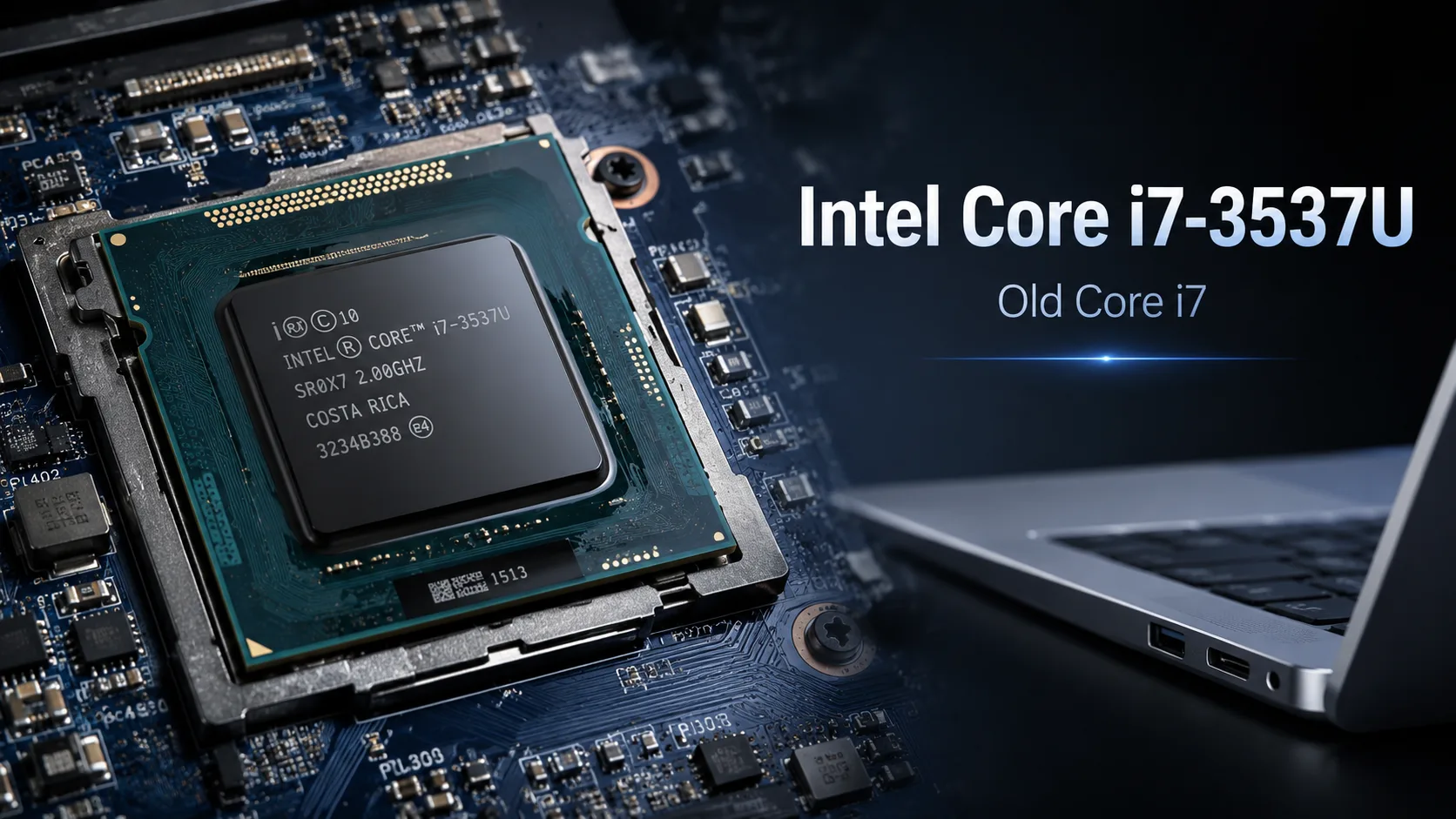
Intel Core i7-3537U: An Old Core i7 That's Easily Overrated Today
The main problem with the Intel Core i7-3537U in 2026 is not just its weak performance, but the very name Core i7. In advertisements, such a laptop can look solid: i7, slim body, sometimes an SSD, pleasant price. However, behind this name lies a dual-core mobile processor from 2013 that has long fallen out of the relevant class.
For its time, the Core i7-3537U was a decent chip for ultrabooks. It is based on the Ivy Bridge architecture, has 2 cores and 4 threads, a base frequency of 2.0 GHz, and Turbo Boost up to 3.1 GHz. The TDP is 17 watts, making the processor well-suited for thin laptops from the early 2010s. But in 2026, it should be evaluated not by the i7 badge, but by its actual performance in tasks: browsing, documents, video, battery state, and price.
Performance and Benchmarks
Benchmarks clearly show why the old Core i7 can no longer be compared to modern processors based solely on its name. Even budget chips from recent years often prove to be significantly faster, especially under multi-threaded workloads.
| Processor | Cores / Threads | Geekbench 6 Single-Core | Geekbench 6 Multi-Core | Observations |
|---|---|---|---|---|
| Intel Core i7-3537U | 2 / 4 | around 486 | around 974 | Old dual-core level for basic tasks |
| Intel N100 | 4 / 4 | around 1000-1200 | around 2500 | Modern budget chip often noticeably faster |
| AMD Ryzen 3 7320U | 4 / 8 | around 1205 | around 3635 | Already a different level of multitasking |
In short tasks, the i7-3537U can still seem spry: opening a document, launching a browser, loading a simple program. But the performance headroom is minimal. Heavy websites, numerous tabs, large PDFs, online presentations, and video conferences quickly reveal the age of the platform.
Turbo Boost up to 3.1 GHz also doesn’t make it modern. In older thin laptops, everything quickly hits a wall with cooling, TDP, and the condition of thermal paste. Therefore, under prolonged load, the processor may throttle down its frequencies and operate significantly slower than its maximum frequency suggests.
What It Can Still Do in 2026
The Core i7-3537U can still be used if the laptop is in good condition, has an SSD installed, and at least 8 GB of RAM. In that state, it is suitable for documents, email, light browsing, watching Full HD videos, running old programs, terminal work, and light Linux distributions.
However, it is no longer a comfortable primary laptop for daily use. It could serve as a backup device, a travel machine, an option for terminal use, simple Python programming, text work, and basic educational tasks. Buying it as a "powerful i7" would be a mistake.
Where the Limitations Begin
The weak point here is not only the processor. The entire laptop with the i7-3537U is old: DDR3L memory, outdated Wi-Fi, worn-out battery, weak Intel HD 4000 graphics, often a tired screen, and a cooling system that has long needed cleaning.
The Intel HD 4000 is suitable for the interface, video, and very old games, but not for modern gaming tasks. Full HD video usually works fine, but YouTube 4K and modern codecs like VP9/AV1 may struggle because there is no hardware decoding for them.
Windows support isn’t ideal either. The Core i7-3537U does not officially support Windows 11. A workaround installation is possible, but it doesn’t transform the old platform into a modern one. Windows 10 can work, but by 2026, this is already a questionable long-term option: standard support for the system ended on October 14, 2025. For such hardware, it often makes more sense to use a lightweight Linux distribution like Lubuntu, Linux Mint XFCE, or a similar distro.
Should You Buy a Laptop with Core i7-3537U?
You can buy a laptop with the i7-3537U only if it is very cheap and only for simple tasks. It’s more important to look at the condition of the specific device rather than the word Core i7.
The minimally acceptable configuration would include an SSD, 8 GB of RAM, a viable battery, normal temperatures, a functioning keyboard, and an issue-free screen. If it has an HDD, 4 GB of memory, and the battery lasts less than an hour, such a laptop could be a poor purchase even for a low price.
A good scenario for the i7-3537U is as a backup laptop, a device for documents, movies, terminal work, light Linux usage, or for learning basic programming. A bad scenario would be buying it as a primary computer just because it has the Core i7 label.
Conclusion
In 2026, the Intel Core i7-3537U is not an "old but powerful i7" but rather an aging dual-core processor for minimal tasks. It was well-suited for thin ultrabooks in 2013, but today its value rests almost entirely on a low price and the good condition of the laptop.
If a backup laptop is needed for documents, movies, and light Linux tasks, the i7-3537U can still be tolerated. However, for a primary daily computer, the old Core i7 badge no longer saves the day.
CPU Comparison
Compare Core i7-3537U with other CPUs
Basic
CPU Specifications
Memory Specifications
GPU Specifications
Miscellaneous
Benchmarks
Compared to Other CPU
Related CPU Comparisons


Share in social media
Or Link To Us
<a href="https://cputronic.com/cpu/intel-core-i7-3537u" target="_blank">Intel Core i7-3537U</a>