Intel Core 3 100U

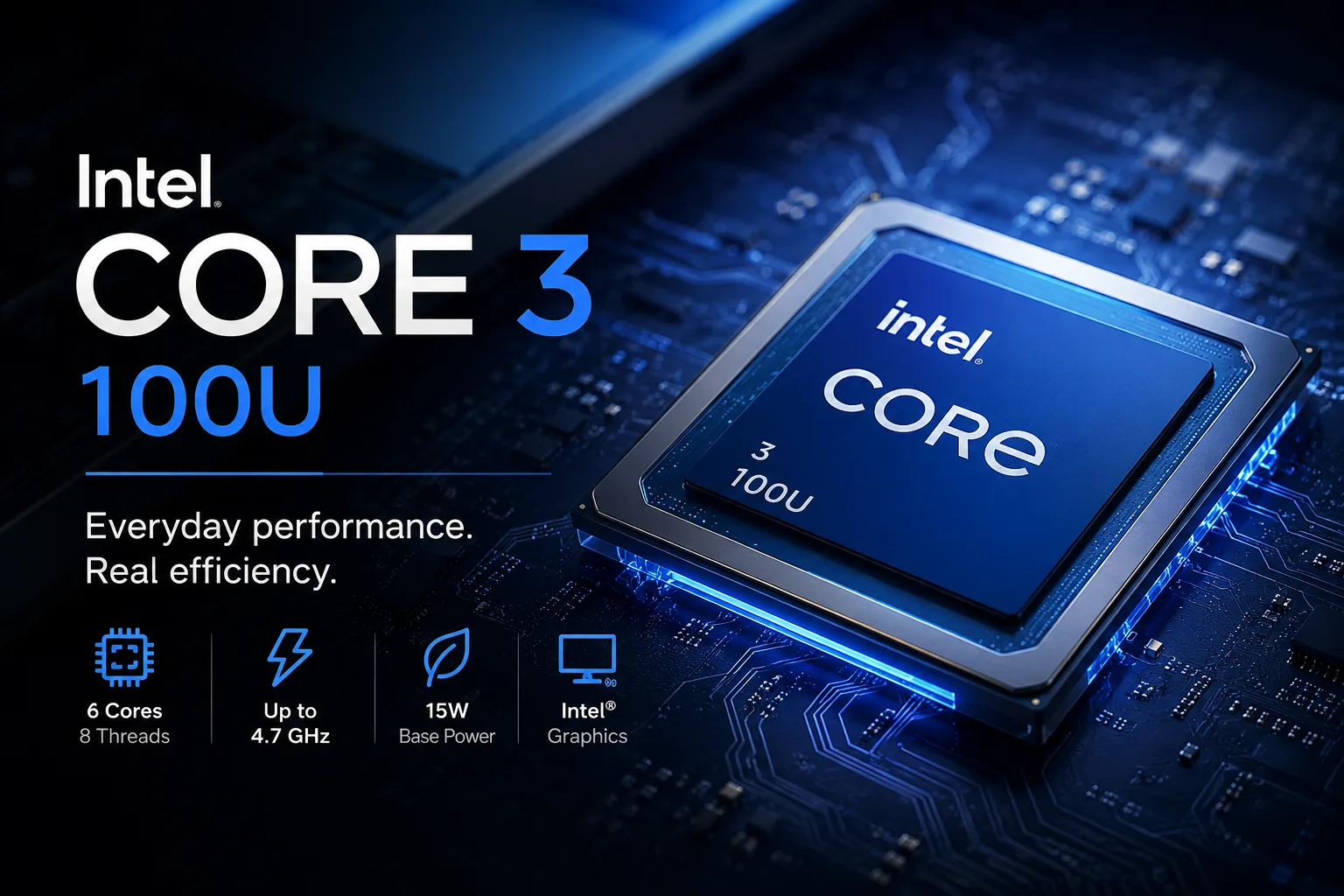
Intel Core 3 100U: A New Name Instead of a New Processor
The name Intel Core 3 100U hints at a new generation, but the changes here are mostly cosmetic: Intel removed the i and slightly increased the clock speed. Behind the new name is the already familiar Raptor Lake platform, closely resembling the Core i3-1315U. Therefore, when purchasing, the price and configuration of the laptop are more important than the new CPU index.
New Marking, Old Base
In its regular lineup, Intel replaced the designations Core i3, Core i5, and Core i7 with Core 3, Core 5, and Core 7, while Core Ultra remains a separate family.
The Core 3 100U does not belong to the Core Ultra lineup. It has not received a separate neural processor, more powerful integrated graphics, or a new platform. In fact, the previous mobile Core i3 continues its life under the name Core 3.
This new marking may confuse consumers. By the name Core 3 100U, it’s easy to assume it’s a significantly updated processor, even though it differs very little from the Core i3-1315U.
Almost the Same as Core i3-1315U
In terms of specifications, the Core 3 100U almost mirrors the Core i3-1315U. The processors have the same number of cores and threads, the same cache size, base power, and almost the same integrated graphics. The maximum frequency of the P-cores has been increased from 4.5 to 4.7 GHz.
| Parameter | Core 3 100U | Core i3-1315U |
|---|---|---|
| Cores / Threads | 6 / 8 | 6 / 8 |
| Max Frequency of P-cores | 4.7 GHz | 4.5 GHz |
| L3 Cache | 10 MB | 10 MB |
| Base Power | 15 W | 15 W |
| GPU Execution Units | 64 EU | 64 EU |
The additional 200 MHz provide only a slight advantage, which can easily be lost due to differences in cooling and power settings.
Thus, a laptop with the Core 3 100U is not necessarily better than a model with the Core i3-1315U. If the older version is cheaper and comparable in terms of screen, memory, and battery life, there is no need to pay extra for the Core 3 index.
Six Cores, But Only Two Are Performance Cores
The Core 3 100U has two performance (P) cores and four energy-efficient (E) cores. Hyper-Threading is supported only by the P-cores, allowing the processor to handle eight threads simultaneously.
This configuration works well for short bursts of load and typical multitasking. The P-cores take on tasks where high speed is important for one or several threads, while the E-cores help manage updates, messengers, and other background processes.
For office work and browsing, this scheme is sufficient, but in lengthy multithreaded tasks, the two P-cores quickly become a limitation. Therefore, the number "6 cores" here sounds more convincing than the actual performance in tasks such as editing, rendering, and compiling.
What the Core 3 100U Can Handle
For documents, browsing, and video calls, the power is adequate. Issues arise with simultaneous loads on several heavy applications.
Typical tasks for the Core 3 100U include:
- A browser with a large number of open tabs;
- Word, Excel, and similar programs;
- Video conferences;
- Watching high-resolution videos;
- Simple photo editing;
- Educational projects and lightweight development environments;
- Accounting, inventory, and other undemanding applications.
In this class of laptops, memory size and storage speed are more important than the small difference between the Core i3-1315U and the Core 3 100U. A laptop with 16 GB of RAM and a fast SSD will often be faster in everyday tasks than a model with a more powerful processor but only 8 GB of RAM and a slow storage drive.
For video editing, heavy engineering programs, and frequent building of large projects, it’s better to choose Core 5 or Ryzen 5 for higher multicore performance.
Speed Depends on the Specific Laptop
The base power of the Core 3 100U is 15 W, but in turbo mode, the processor can draw significantly more power for a short time. The power limits and the duration of the turbo mode are determined by the laptop manufacturer.
As a result, one Core 3 100U can noticeably differ from another in terms of sustained load speed. In a thin chassis with poor cooling, frequencies may drop sooner. A model with a more efficient cooling system can sustain high power for longer.
Not less important than the processor itself are:
- Cooling quality;
- Memory size and operating mode;
- Upgrade potential;
- SSD speed;
- Battery capacity;
- Screen quality;
- Port selection.
Skimping on the screen, memory, or cooling will impact daily use more significantly than an additional 200 MHz.
The Main Limitation Remains the Graphics
The Core 3 100U is equipped with Intel Graphics featuring 64 execution units. In terms of capabilities, it is almost identical to the graphics in the Core i3-1315U.
The graphics handle the system interface and video effortlessly, are adequate for presentations, and manage simple image processing. Gaming options are limited to older online projects, simple indie releases, and other undemanding titles.
In demanding modern games, the GPU capabilities fall short. Settings and resolution will need to be lowered, but even after that, the performance in heavy tasks will be modest.
The performance of integrated graphics significantly depends on memory bandwidth. For graphics, dual-channel mode is especially essential: a single memory module can noticeably reduce speed.
Which Configuration to Choose
The Core 3 100U is suitable for an inexpensive laptop for work and study if it comes with enough memory, a good screen, and effective cooling.
Reasonable minimum specifications include:
- 16 GB of RAM;
- 512 GB SSD;
- IPS screen;
- Dual-channel memory;
- USB-C with charging and video output;
- Upgradeable storage;
- Good reviews regarding heat and noise.
In a laptop with 8 GB of non-upgradable RAM, the lack of memory will become apparent sooner than the lack of computational power from the processor.
There’s no reason to overpay for the Core 3 100U if a laptop with the Core i3-1315U is cheaper and better equipped. If there is only a small price difference, it’s better to opt for the Core 5 120U: the additional cores provide it a clear advantage in prolonged multithreaded tasks.
Conclusion
The Core 3 100U differs from the Core i3-1315U mainly in name and the additional 200 MHz. Its capabilities are sufficient for office work, browsing, and studying, but the transition from the previous Core i3 changes almost nothing.
In prolonged multithreaded tasks and gaming, limitations quickly become apparent. When purchasing, focus primarily on the price and configuration of the specific model: a good screen, 16 GB of RAM, a fast SSD, and effective cooling are more important than a new index on the sticker.
CPU Comparison
Compare Core 3 100U with other CPUs
Basic
CPU Specifications
Memory Specifications
GPU Specifications
AI Specifications
Benchmarks
Compared to Other CPU
Related CPU Comparisons


Share in social media
Or Link To Us
<a href="https://cputronic.com/cpu/intel-core-3-100u" target="_blank">Intel Core 3 100U</a>