AMD Ryzen Z1
AMD Ryzen Z1: A Powerful Processor with Weak Graphics
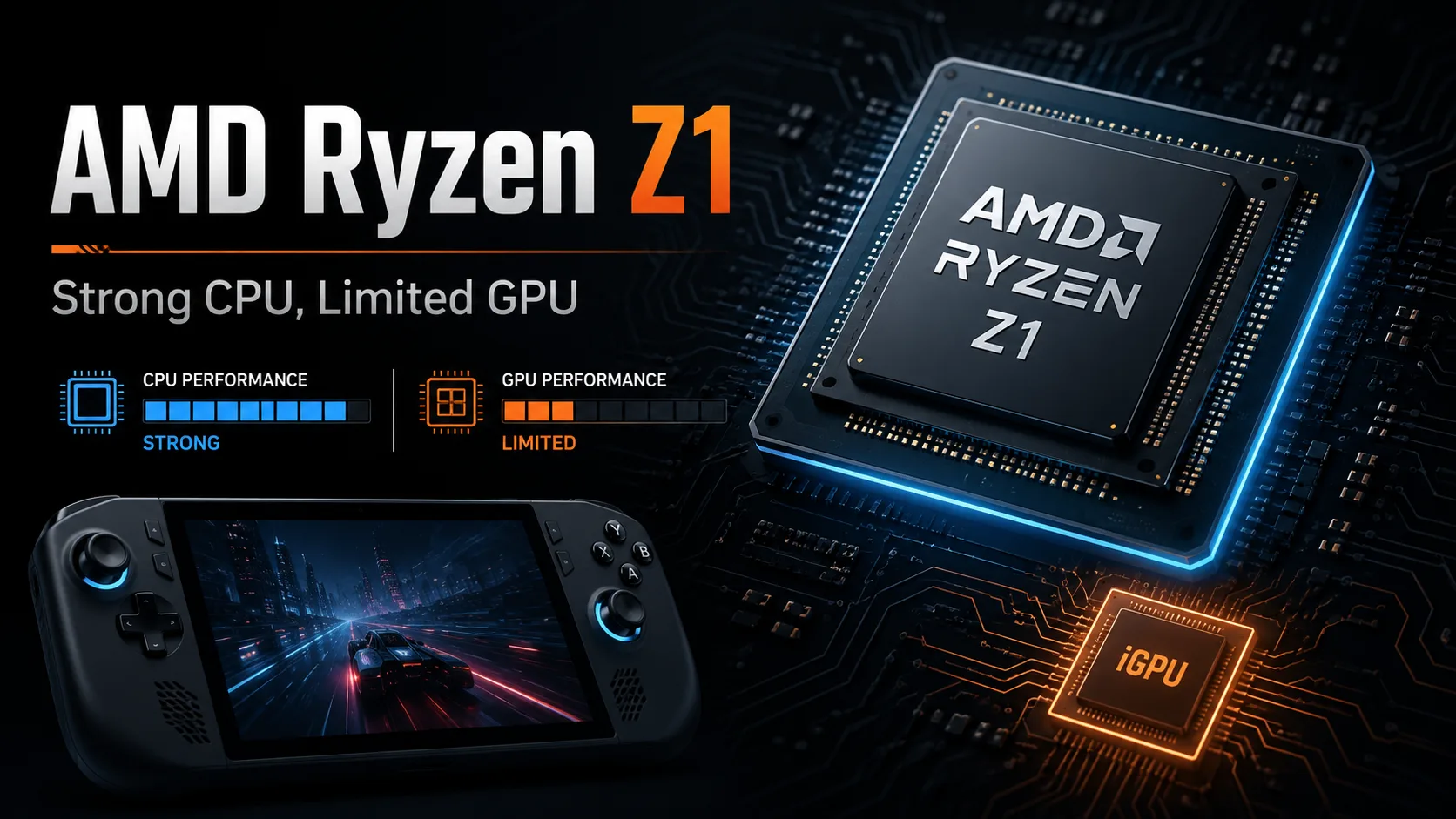
The AMD Ryzen Z1 is designed for portable gaming devices, but it cannot simply be regarded as a slightly slowed-down version of the Ryzen Z1 Extreme. The CPU part is still serious: six cores, 12 threads, and a clock speed of up to 4.9 GHz. The main compromise lies in its integrated graphics, which features just 4 RDNA 3 compute units compared to the 12 of the Z1 Extreme.
This limitation defines the capabilities of the chip. Windows, web browsers, background applications, and emulators do not pose a significant challenge for the Ryzen Z1, but in modern games, performance quickly hits a bottleneck due to the GPU. Among newer Ryzen processors like the Ryzen Z2, the standard Z1 remains interesting primarily in the noticeably cheaper first-generation ASUS ROG Ally.
Ryzen Z1 vs. Ryzen Z1 Extreme
| Parameter | Ryzen Z1 | Ryzen Z1 Extreme |
|---|---|---|
| Cores / Threads | 6 / 12 | 8 / 16 |
| CPU Configuration | 2 × Zen 4 + 4 × Zen 4c | 8 × Zen 4 |
| Max Clock Speed | 4.9 GHz | 5.1 GHz |
| L2 + L3 Cache | 22 MB | 24 MB |
| Integrated Graphics | RDNA 3, 4 CU | RDNA 3, 12 CU |
| TDP Range | 9-30 W | 9-30 W |
In terms of CPU specifications, the difference appears moderate: the junior chip has two fewer cores and slightly lower maximum clock speed. However, the gap in the graphics department is much larger. The Ryzen Z1 Extreme comes with three times the number of compute units, making the superiority of the higher model especially noticeable in GPU-limited games.
Two Zen 4 and Four Zen 4c Cores
AMD specifies an unusual configuration for the Ryzen Z1 consisting of two full-sized Zen 4 cores and four compact Zen 4c cores. The fast cores can boost to higher frequencies, whereas the Zen 4c cores are designed for lower frequencies and a denser placement on the die.
It's worth noting that Zen 4c cores are not simplified energy-efficient cores in the sense of Intel's hybrid processors. They support the same instruction set and can perform the same tasks, although their maximum clock speed is capped at 3.5 GHz.
For a portable device, such a configuration seems reasonable. The two fast cores handle single-threaded tasks and gaming, while the four Zen 4c cores take on multi-threaded and background workloads. The issue with the Ryzen Z1 does not lie here: six cores are frequently sufficient, while the four graphics compute units are not.
In Which Device is the Ryzen Z1 Found?
The main commercial device featuring this processor is the ASUS ROG Ally RC71L in its lower configuration. The console comes with 16 GB of LPDDR5-6400 dual-channel memory, a 1920 × 1080 display with a 120 Hz refresh rate, and several power consumption modes.
Hardware-wise, the junior ROG Ally is almost indistinguishable from the version with the Z1 Extreme. The identical display, battery, memory, and casing allow for fairly accurate assessment of the processor's effects. However, the 1080p display presents a heavy load for the four-block integrated graphics, requiring image scaling in demanding games.
Gaming Performance of ASUS ROG Ally with Ryzen Z1
The results were obtained on the ASUS ROG Ally RC71L. The 15 W mode was used when running on battery, while 30 W was used with the power adapter. Settings and FSR modes are specified separately for each game.
| Game and Settings | 15 W | 30 W |
|---|---|---|
| F1 22, High | 31 FPS | 36 FPS |
| Cyberpunk 2077: Phantom Liberty, Low, FSR 2.1 Quality | 21 FPS | 27 FPS |
| Dying Light 2, Low, FSR Quality | 24 FPS | 27 FPS |
| Resident Evil 4, Prioritize Performance, FSR 2 Quality | 23 FPS | 27 FPS |
The table shows the main limitation of the Ryzen Z1. Even at low settings and scaling, some demanding games fail to achieve stable 30 frames per second. Transitioning from 15 to 30 W helps, but the increase is often limited to just a few frames.
For Cyberpunk 2077 and Resident Evil 4, the 1920 × 1080 resolution is too heavy even with FSR Quality. A more practical solution becomes switching to 720p or 900p, lowering FSR quality, and capping the frame rate at 30 FPS. However, even with this performance reserve, there is almost no headroom left for future AAA games.
In less demanding projects, the situation is significantly better. Indie games, 2D projects, older AAA releases, and many emulators do not tax the graphics hardware as heavily. Here, the strong CPU performance of the Ryzen Z1 shines through, and the gap with the Z1 Extreme diminishes.
Why the 30 W Mode Offers Little Help
Both the Ryzen Z1 and Z1 Extreme support the same TDP range, yet the junior model struggles to fully utilize the high power limit. It lacks additional graphics units that could convert the available energy into a proportional increase in FPS.
In F1 22, shifting from battery mode to plugged-in power raised the result from 31 to 36 FPS. In Dying Light 2 and Resident Evil 4, the gain was a mere 3-4 frames. The higher Z1 Extreme scales much better, as its 12 CU can utilize the additional power effectively.
Therefore, the Ryzen Z1 appears to be more logical under moderate limits. Running at maximum power increases heat and noise but does not eliminate the underlying graphical limitation.
Battery Life Doesn't Compensate for Performance Loss
In the cyclic test of F1 22, the ASUS ROG Ally with the Ryzen Z1 lasted 102 minutes, while the version with the Z1 Extreme lasted 92 minutes. The junior model had an advantage of only 11%.
The difference is useful, but too small relative to the loss of gaming performance. In graphically intensive games, the Z1 Extreme can outpace the junior model by 20-40%, and when plugged in, the gap sometimes exceeds 50%.
This results in an unfortunate trade-off: users lose significant FPS but do not receive comparable increases in runtime.
Conclusion
The AMD Ryzen Z1 cannot be labeled as a weak processor. Its six cores provide high system speeds, good performance in emulators, and enough headroom for most gaming tasks on the CPU side. However, for a portable gaming platform, AMD has chosen an unbalanced configuration: four RDNA 3 compute units become a limitation too quickly.
A device with the Ryzen Z1 makes sense for indie games, older projects, emulation, and game streaming. For modern AAA releases, one will have to lower the resolution, actively use FSR, and settle for 30 FPS.
Purchasing the ASUS ROG Ally with the standard Ryzen Z1 is only worthwhile at a significant discount compared to the version with the Z1 Extreme. The small savings do not justify the loss of graphical performance, especially if the console is intended for use with a power connection or external monitor.
CPU Comparison
Compare Ryzen Z1 with other CPUs
Basic
CPU Specifications
GPU Specifications
Miscellaneous
Benchmarks
Compared to Other CPU
Related CPU Comparisons


Share in social media
Or Link To Us
<a href="https://cputronic.com/cpu/amd-ryzen-z1" target="_blank">AMD Ryzen Z1</a>