NVIDIA RTX A1000
vs
NVIDIA GeForce RTX 4060

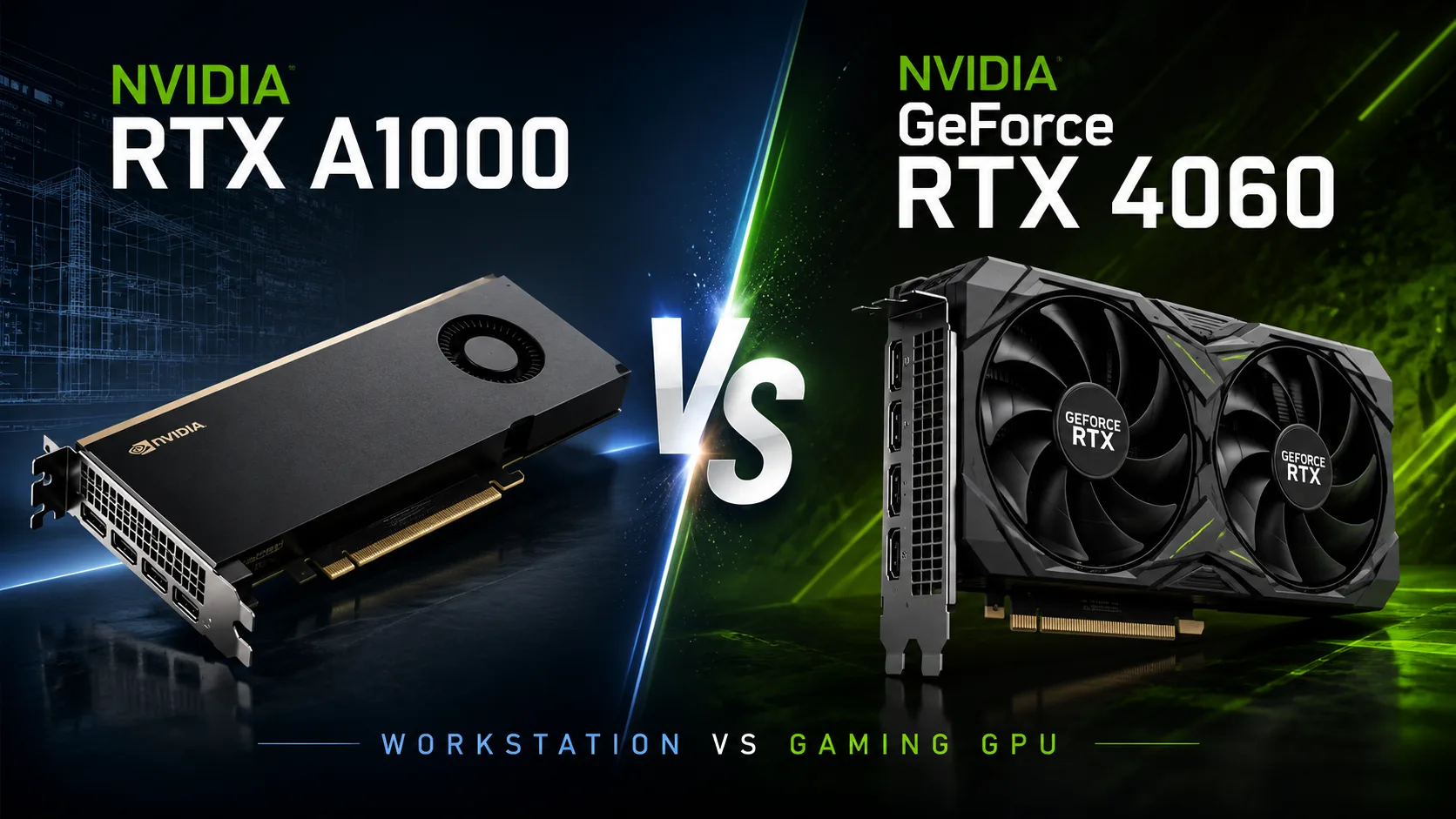
GPU Comparison Result
NVIDIA RTX A1000 vs GeForce RTX 4060: What's More Important - Compactness or Speed
NVIDIA RTX A1000 can easily be mistaken for a stripped-down alternative to the GeForce RTX 4060. Both graphics cards feature 8 GB of GDDR6 memory, a 128-bit bus, and connect via PCIe 4.0 x8. However, the similarities end there with just a few lines of specifications. The RTX 4060 is designed for gaming and resource-intensive home applications, while the RTX A1000 is meant for workstations where the graphics card needs to fit in a single slot, consume no more than 50 watts, and perform reliably with professional software.
Therefore, the question is not which model is faster: the RTX 4060 wins by a large margin. It's much more important to understand in what systems the advantages of the RTX A1000 truly justify its lower performance.
Key Differences
| Parameter | NVIDIA RTX A1000 | GeForce RTX 4060 |
|---|---|---|
| Architecture | Ampere | Ada Lovelace |
| CUDA Cores | 2304 | 3072 |
| FP32 Performance | around 6.7 TFLOPS | around 15 TFLOPS |
| Video Memory | 8 GB GDDR6 | 8 GB GDDR6 |
| Memory Bus | 128 bits | 128 bits |
| Power Consumption | 50 W | 115 W |
| Form Factor | Low Profile, 1 slot | usually 2 slots |
| Primary Use Case | Professional workstations | Gaming, rendering, home PC |
The table highlights the main contradiction in this comparison: the RTX A1000 is nearly three times more energy-efficient and significantly more compact, but the RTX 4060 has more than double the computing power.
Why the RTX 4060 is Significantly Faster
The RTX A1000 is based on the Ampere architecture and features 2304 CUDA cores, second-generation RT cores, and third-generation Tensor cores. This setup allows for hardware ray tracing, CUDA calculations, and 3D graphics work; however, the 50 W power limit restricts clock speeds.
The RTX 4060 is built on the newer Ada Lovelace architecture. It has more computing blocks, higher clock speeds, and more advanced ray tracing and neural network processing units. The theoretical FP32 performance is around 15 TFLOPS compared to 6.7 TFLOPS for the RTX A1000.
This difference also persists under real workloads. In rendering, effect processing, neural network tasks, and gaming, the RTX 4060 typically falls into a different performance class. The same amount of video memory doesn't significantly change things here: 8 GB dictates how much data can be housed in the GPU but doesn’t compensate for the difference in computational resources.
Gaming: RTX A1000 is Hindered by Power Limit
The RTX 4060 is designed for gaming at a resolution of 1920 × 1080. It supports ray tracing, DLSS Super Resolution, and frame generation. In less demanding projects, the card can also handle 1440p, although 8 GB of video memory may already limit maximum texture settings.
The RTX A1000 can technically also run modern games and supports DirectX 12 Ultimate. The issue is not compatibility but performance. Its single-slot cooling and 50 W power consumption prevent it from coming close to the RTX 4060 in heavy projects.
Considering the RTX A1000 for gaming makes sense only under strict constraints:
- The case only supports low-profile single-slot cards;
- The power supply has no separate connector for the graphics card;
- Power consumption and heat are more important than frame rates;
- Games are used as a secondary rather than primary load.
In all other cases, the RTX 4060 is the more rational choice. It is not only faster but also offers features that the Ampere generation lacks, including hardware-based DLSS frame generation.
Where the RTX A1000 Shows Its Advantages
The RTX A1000 is designed for compact workstations. It receives all its power from the PCIe slot, occupies a single slot, and is available in a low-profile format. This allows it to be installed in thin office computers or specialized systems where standard gaming graphics cards physically cannot fit.
Another feature is the professional NVIDIA RTX Enterprise drivers. For home users, the difference with GeForce drivers may be negligible. In a corporate environment, certification for CAD and engineering software, predictable behavior after updates, and a long support cycle are important.
The RTX A1000 is also equipped with four Mini DisplayPort connectors. This is convenient for workplaces with multiple monitors, dispatch complexes, medical equipment, and information systems. The RTX 4060 also supports multi-monitor configurations, but its layout and output set are primarily aimed at typical desktop PCs.
Working with Video and 3D Graphics
Professional RTX indexing does not automatically mean that the A1000 is faster in work applications. In Blender, video editors, and other CUDA-enabled applications, the RTX 4060 often holds the advantage thanks to its more powerful GPU.
Ada Lovelace also features a modern hardware encoder with AV1 support. For editing, recording gameplay, and streaming, the RTX 4060 is more functional. The RTX A1000 makes sense not as the fastest accelerator but as a compact professional card with a certified software environment.
Conclusion
The GeForce RTX 4060 is the choice for gaming, home rendering, editing, and a versatile computer. It is more than twice as powerful in FP32, supports frame generation, and features a modern media engine.
The RTX A1000 serves a different purpose. It packs 8 GB of memory, hardware ray tracing, and professional drivers into a single-slot card consuming 50 watts. Compactness comes at the cost of performance, but in a thin workstation, alternatives in such a format are limited.
The RTX A1000 is not a weaker version of the RTX 4060. It is a specialized tool for systems where size, power consumption, and driver stability are more important than maximum speed.
Advantages
- Newer Launch Date: April 2024 (April 2024 vs May 2023)
- Higher Boost Clock: 2460MHz (1462MHz vs 2460MHz)
- Higher Bandwidth: 272.0 GB/s (192.0 GB/s vs 272.0 GB/s)
- More Shading Units: 3072 (2304 vs 3072)
Basic
Memory Specifications
Display and Media
3x DisplayPort 1.4a
Theoretical Performance
Miscellaneous
Benchmarks
Related GPU Comparisons


Share in social media
Or Link To Us
<a href="https://cputronic.com/index.php/gpu/compare/nvidia-rtx-a1000-vs-nvidia-geforce-rtx-4060" target="_blank">NVIDIA RTX A1000 vs NVIDIA GeForce RTX 4060</a>