NVIDIA GeForce RTX 5090
vs
NVIDIA RTX PRO 6000 Blackwell

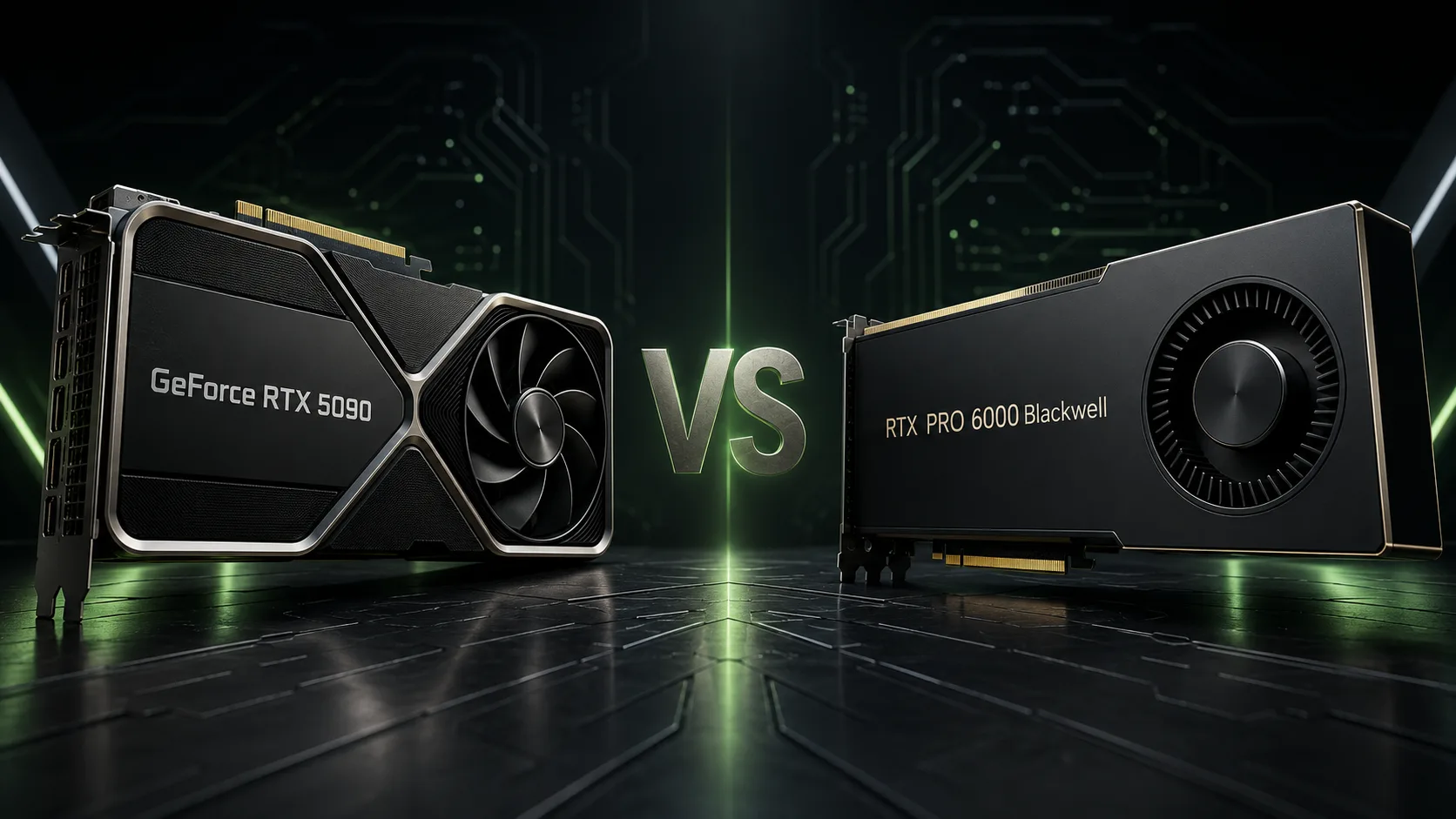
GPU Comparison Result
NVIDIA GeForce RTX 5090 vs RTX PRO 6000 Blackwell: Is It Worth Paying Extra for 96 GB of Memory?
The NVIDIA GeForce RTX 5090 and the RTX PRO 6000 Blackwell belong to the same generation but are designed for different tasks. The RTX 5090 is a flagship consumer graphics card for gaming and resource-intensive work. The RTX PRO 6000 is an accelerator for workstations, where 96 GB of memory, ECC, professional drivers, and stability in long computations are critical.
Therefore, comparing them solely based on the number of CUDA cores is not accurate. The main question is much more practical: does your work project fit within 32 GB of video memory?
Key Differences
| Feature | GeForce RTX 5090 | RTX PRO 6000 Blackwell |
|---|---|---|
| CUDA Cores | 21,760 | 24,064 |
| AI Performance | 3,352 TOPS | 4,000 TOPS |
| Ray Tracing Performance | 318 TFLOPS | 380 TFLOPS |
| Video Memory | 32 GB GDDR7 | 96 GB GDDR7 ECC |
| Memory Bus | 512 bits | 512 bits |
| Bandwidth | 1,792 GB/s | 1,792 GB/s |
| Video Codecs | 3 NVENC, 2 NVDEC | 4 NVENC, 4 NVDEC |
| Maximum Power | 575 W | 600 W |
| MIG | No | Yes |
The RTX PRO 6000 has approximately 11% more CUDA cores, and its claimed performance for RT and Tensor cores is notably higher. However, theoretical specifications cannot be directly translated to real applications. The final speed depends on clock frequencies, power limits, drivers, program optimization, and the type of workload.
The main hardware advantage of the professional model is not the additional computing cores, but the triple amount of memory. However, its bandwidth remains the same as the RTX 5090: 1.792 TB/s.
For Gaming, RTX 5090 is More Rational
The RTX PRO 6000 can run modern games and may be faster than the RTX 5090 in certain projects. However, its price is determined not by gaming performance but by professional capabilities that a regular PC does not need.
The GeForce RTX 5090 gets gaming-oriented drivers and the full suite of consumer NVIDIA technologies: DLSS, Multi Frame Generation, Reflex, RTX Remix, and HDMI 2.1b. It is designed for 4K, ray tracing, high frame rates, and heavy graphical modifications.
In a gaming computer, the main advantages of the RTX PRO 6000 are rarely utilized:
- 96 GB of memory offers little benefit to most games;
- ECC does not increase frame rates;
- MIG and professional certifications do not affect image quality.
Even 32 GB on the RTX 5090 leaves a sizable buffer for modern games, ray tracing, and high-resolution textures. Buying the RTX PRO 6000 for a few potential performance percentage points makes no economic sense.
Where RTX 5090 Hits the 32 GB Wall
The advantage of the RTX PRO 6000 starts where a project no longer fits into the RTX 5090's memory. If a workload requires more than 32 GB, data has to be offloaded to system memory, the task needs to be divided into parts, or the complexity of the model has to be reduced.
The RTX PRO 6000 with 96 GB GDDR7 is designed for scenarios where such compromises hinder work:
- launching and retraining large language models;
- rendering scenes with heavy geometry and textures;
- digital twins and large CAD projects;
- scientific visualization of large data sets;
- processing multiple video streams;
- running several GPU applications in parallel.
The difference between 21,760 and 24,064 CUDA cores is relatively small. The difference between 32 and 96 GB could determine whether a project will run at all.
Meanwhile, the RTX 5090 remains a very strong working accelerator as long as the task fits within its memory. For Blender, DaVinci Resolve, image generation, and local execution of moderate AI models, it can offer performance close to professional class without the extra cost for corporate features.
ECC, MIG, and Professional Drivers
The memory of the RTX PRO 6000 supports ECC - single error correction. For gaming, this is excessive, but during hours of rendering, model training, and engineering calculations, a random failure can spoil the result or require the task to be restarted.
MIG allows the GPU to be divided into isolated instances with dedicated resources. This capability is useful in corporate and server environments where a single graphics card serves multiple users or applications.
Professional drivers undergo additional testing and certification for specialized software. Their advantage lies not necessarily in higher speed but in predictable operation, compatibility, and reduced risk of failures in the production process.
Video, Power, and Cooling
The RTX PRO 6000 is equipped with four NVENC encoders and four NVDEC decoders. The RTX 5090 has three encoders and two decoders. The professional card is better suited for multicamera editing, virtual production, and simultaneous processing of multiple video streams.
In terms of power consumption, the models are close: the maximum power of the RTX 5090 reaches 575 W, while the RTX PRO 6000 is 600 W. Both will require a high-quality power supply, a spacious case, and well-organized cooling. Choosing between them based on a 25 W difference is pointless-the decisive factors remain memory and the set of professional features.
Which One to Choose
GeForce RTX 5090 is more rational for gaming, editing, 3D rendering, image generation, and local AI, if work projects fit within 32 GB of memory. It offers nearly maximum Blackwell performance without paying extra for ECC, MIG, and corporate certification.
RTX PRO 6000 Blackwell is needed where 32 GB already limits work. It is purchased for 96 GB of memory, ECC, professional drivers, additional video accelerators, and the ability to perform tasks without offloading data or reducing project complexity.
The RTX PRO 6000 cannot simply be considered an enhanced RTX 5090. In gaming, it does not justify its price, but in professional workloads, it can tackle tasks for which 32 GB is insufficient. As long as a project fits into memory, the RTX 5090 remains the more economical choice. When it does not fit, comparing price and core count loses its meaning.
Advantages
- Larger Memory Size: 32 GB GDDR7 (32 GB GDDR7 vs 96GB)
- Higher Bandwidth: 1792 GB/s (1792 GB/s vs 1.79TB/s)
- Higher Boost Clock: 2617 MHz (2407 MHz vs 2617 MHz)
- More Shading Units: 24064 (21760 vs 24064)
- Newer Launch Date: March 2025 (January 2025 vs March 2025)
Basic
Memory Specifications
Display and Media
3x DisplayPort 2.1b with UHBR20
Theoretical Performance
Miscellaneous
Benchmarks
Related GPU Comparisons


Share in social media
Or Link To Us
<a href="https://cputronic.com/index.php/gpu/compare/nvidia-geforce-rtx-5090-vs-nvidia-rtx-pro-6000-blackwell" target="_blank">NVIDIA GeForce RTX 5090 vs NVIDIA RTX PRO 6000 Blackwell</a>