NVIDIA GeForce RTX 5090
vs
AMD Radeon AI PRO R9700

GPU Comparison Result
NVIDIA GeForce RTX 5090 vs AMD Radeon AI PRO R9700: Same 32 GB, Different Use Cases
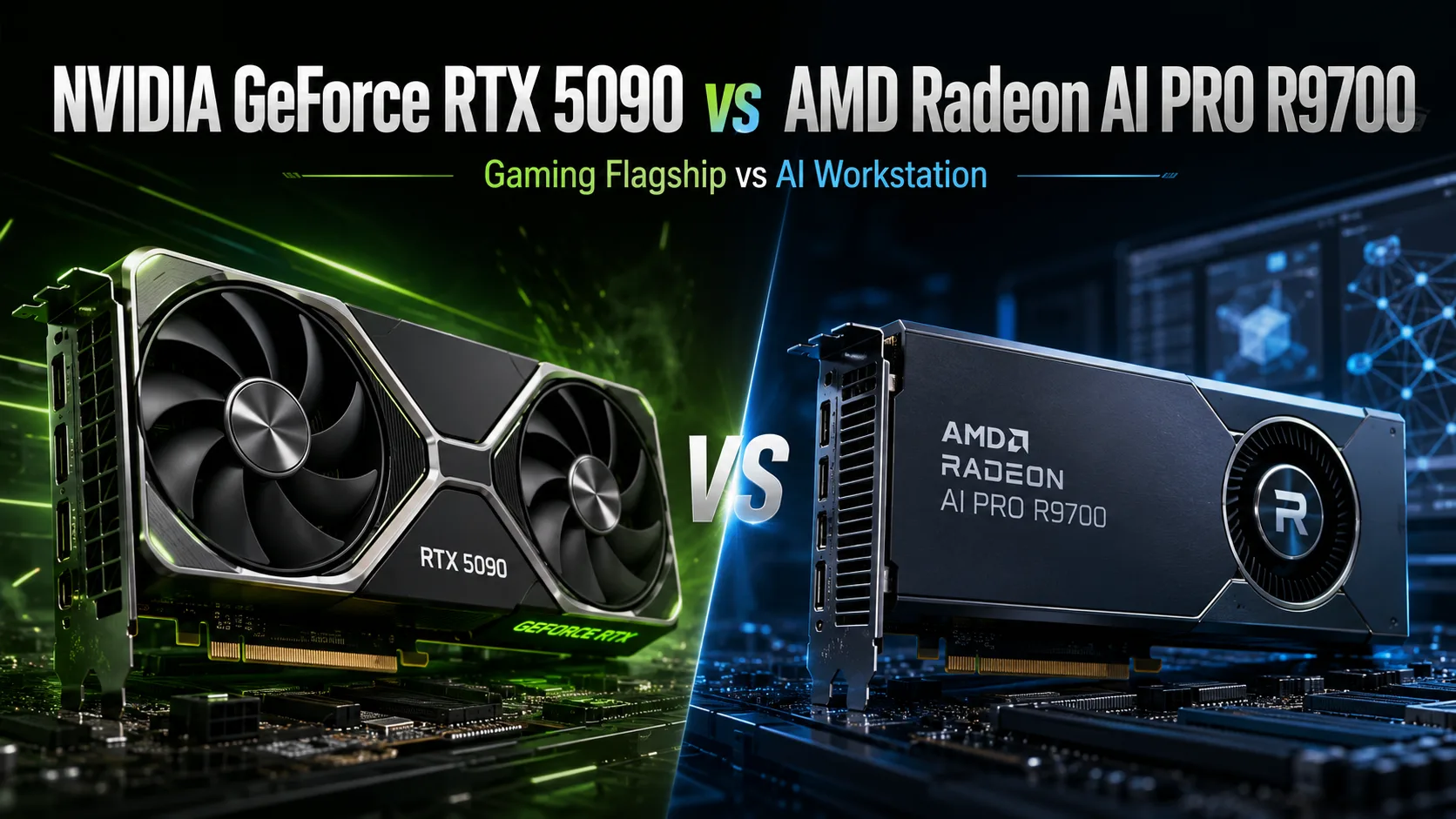
The NVIDIA GeForce RTX 5090 and AMD Radeon AI PRO R9700 both feature 32 GB of video memory, but they can only be considered direct competitors in a limited sense. The RTX 5090 is designed for maximum performance in gaming, rendering, and CUDA applications. The Radeon AI PRO R9700, on the other hand, is primarily aimed at professional workstations, local AI, and multi-GPU configurations.
Therefore, the choice between them should not be based solely on memory capacity, but rather on software platform, power consumption, and type of workload.
Key Differences
| Feature | GeForce RTX 5090 | Radeon AI PRO R9700 |
|---|---|---|
| Architecture | NVIDIA Blackwell | AMD RDNA 4 |
| Video Memory | 32 GB GDDR7 | 32 GB GDDR6 |
| Memory Bus | 512 bits | 256 bits |
| Bandwidth | 1792 GB/s | 640 GB/s |
| Power Consumption | 575 W | 300 W |
| Recommended PSU | 1000 W | 750 W |
| Software Platform | CUDA, TensorRT, OptiX | ROCm |
| Primary Use Case | Gaming, rendering, AI | AI and workstations |
The number of CUDA cores in NVIDIA and stream processors in AMD cannot be directly compared, as architectures utilize different execution units. More crucial are the differences in memory, power consumption, drivers, and supported software.
RTX 5090 Is Significantly Stronger in Gaming
For a gaming PC, this is an unequal comparison. The RTX 5090 was created as a flagship gaming card, while the R9700 is geared towards professional drivers and compute workloads.
The RTX 5090 is better suited for 4K, ray tracing, path tracing, and heavy graphics modifications. Additional advantages come from DLSS 4, frame generation, and ray reconstruction. In games with high load on RT cores, NVIDIA's advantage is especially noticeable.
The Radeon AI PRO R9700 supports modern gaming technologies from AMD, but its design, cooling, and driver profile are not aimed at maximizing FPS. It can run games, but purchasing it specifically for a gaming PC is not practical.
Equal Memory Does Not Mean Equal Speed
Both cards allow working with large scenes, textures, neural network models, and large LLM contexts. In terms of video memory, they are equal: both offer 32 GB.
The difference lies in bandwidth. The RTX 5090 uses GDDR7, has a 512-bit bus, and provides nearly 1.8 TB/s. The R9700 is equipped with GDDR6 with a 256-bit bus and a speed of about 640 GB/s.
In workloads sensitive to data transfer, the RTX 5090's memory subsystem is significantly less likely to become a bottleneck. This is crucial in rendering, video processing, image generation, and some computational tasks.
At the same time, the equal amount of VRAM means that a model or scene that is too large will not fit on either card. The RTX 5090 transfers data faster but does not provide more memory.
CUDA vs ROCm
For professional work, software compatibility often becomes a more significant factor than hardware power.
The RTX 5090 gains access to CUDA, TensorRT, and OptiX. These technologies are widely used in Blender, generative AI, scientific libraries, video editors, and 3D graphics applications. Many programs are optimized for NVIDIA and run without additional configuration.
The Radeon AI PRO R9700 operates with ROCm. The platform supports popular AI frameworks, but compatibility must be checked for each project separately. Some tools require Linux, special builds, or manual configuration.
If the workflow is already built around CUDA, switching to the R9700 is unlikely to be justified. In a ROCm-compatible environment, the AMD card is significantly more appealing due to its 32 GB of memory, moderate power consumption, and professional positioning.
What Professional Radeon Offers
The Radeon AI PRO R9700 differs from a standard gaming card not only in name. Its advantages are tied to operation in workstations:
- Professional drivers;
- Certification for specialized software;
- Orientation towards long compute workloads;
- ECC support in compatible configurations;
- Dual-slot design with turbine cooling.
Such a cooling system may be louder than a typical open cooler, but it exhausts heated air outside the case. This is especially important when installing two or three accelerators close together.
Most versions of the RTX 5090 occupy three or four slots and dissipate heat within the case. For a single card, this is not an issue, but building a tight multi-GPU system becomes significantly more challenging.
Power Consumption Changes System Requirements
The RTX 5090 consumes up to 575 W, while the R9700 operates around 300 W. The difference is almost twofold.
In a home computer, this means a more powerful power supply, a larger case, and increased cooling requirements. In a workstation with multiple accelerators, power consumption becomes one of the main limitations.
Two R9700 cards require about 600 W just for the GPUs. A pair of RTX 5090s would approach 1150 W, not including the CPU and other components. This is why AMD is more practical in systems where installation density is more important than maximum GPU speed.
Which Graphics Card to Choose
GeForce RTX 5090 is better suited for:
- 4K gaming and ray tracing;
- Blender, CUDA, and OptiX;
- Image and video generation;
- Editing, streaming, and encoding;
- Maximum performance with a single graphics card.
Radeon AI PRO R9700 should be considered for:
- Projects with verified ROCm support;
- Local execution of models within 32 GB;
- Professional applications;
- Dual and triple card workstations;
- Systems with power density and installation constraints.
Conclusion
The RTX 5090 is the choice for maximum speed, gaming, rendering, and the CUDA software ecosystem. The Radeon AI PRO R9700 is better for ROCm-compatible workstations, particularly multi-GPU ones.
With the same 32 GB, these models address different tasks: NVIDIA offers higher performance per card, while AMD provides more reasonable power consumption, professional drivers, and convenient design for dense configurations.
Advantages
- Larger Memory Size: 32 GB GDDR7 (32 GB GDDR7 vs 32GB)
- Higher Bandwidth: 1792 GB/s (1792 GB/s vs 644.6GB/s)
- More Shading Units: 21760 (21760 vs 4096)
- Higher Boost Clock: 2920 MHz (2407 MHz vs 2920 MHz)
- Newer Launch Date: July 2025 (January 2025 vs July 2025)
Basic
Memory Specifications
Display and Media
3x DisplayPort 2.1b with UHBR20
Theoretical Performance
Miscellaneous
Benchmarks
Related GPU Comparisons


Share in social media
Or Link To Us
<a href="https://cputronic.com/index.php/gpu/compare/nvidia-geforce-rtx-5090-vs-amd-radeon-ai-pro-r9700" target="_blank">NVIDIA GeForce RTX 5090 vs AMD Radeon AI PRO R9700</a>