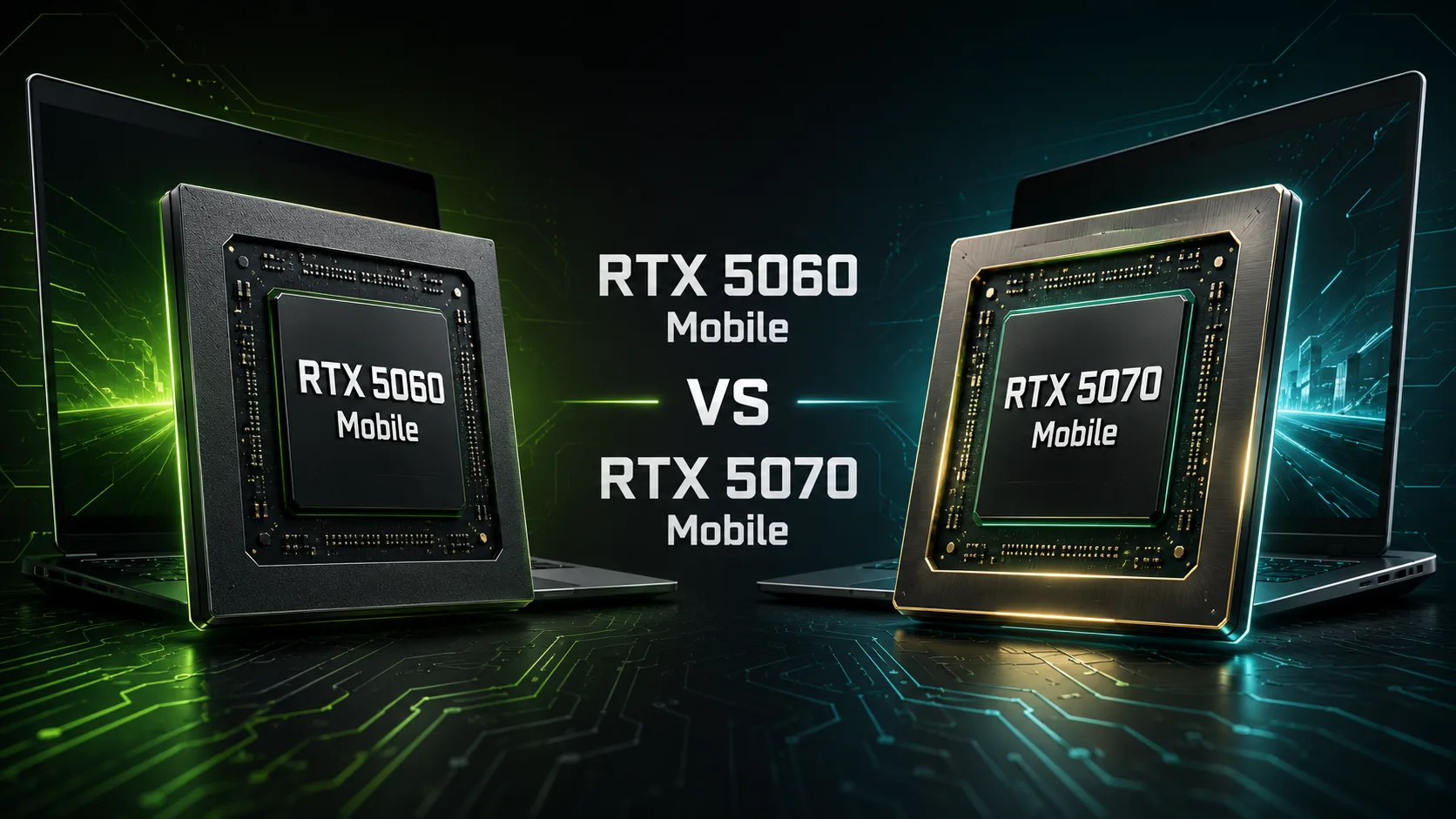
NVIDIA GeForce RTX 5060 Mobile
vs
NVIDIA GeForce RTX 5070 Mobile

GPU Comparison Result
NVIDIA GeForce RTX 5060 Mobile vs RTX 5070 Mobile: Why the Difference is Smaller Than It Seems
The GeForce RTX 5070 Mobile is noticeably more powerful than the RTX 5060 Mobile in terms of specifications: it has 38% more CUDA cores and nearly 40% higher claimed performance in AI operations. However, in real laptops, the gap usually turns out to be much smaller. The reason is the close power limits, different cooling systems, and manufacturer settings.
As a result, a powerful RTX 5060 in a well-cooled gaming laptop can come close to an RTX 5070 in a thinner model. Therefore, it is essential to compare not only the graphics cards but also the specific laptops in which they are installed.
Key Differences
| Feature | GeForce RTX 5060 Mobile | GeForce RTX 5070 Mobile |
|---|---|---|
| CUDA Cores | 3328 | 4608 |
| AI Performance | 572 TOPS | 798 TOPS |
| Boost Clock | 1455-2497 MHz | 1425-2347 MHz |
| GPU Power | 45-100 W | 50-100 W |
| Video Memory | 8 GB GDDR7 | 8 or 12 GB GDDR7 |
The RTX 5070 has a significantly higher number of computing blocks, but its official upper power limit is the same 100 W as the RTX 5060. The additional cores must fit within almost the same energy budget, so the advantage of the higher model does not correspond to the difference in specifications.
How Much Faster is the RTX 5070
Under comparable conditions, the gap between the graphics cards is often within 5-15%, rather than the 38-40% one might expect based on the number of cores.
In one comparison, the RTX 5060 with a 95 W limit nearly matched the 85 W RTX 5070. The more powerful version of the RTX 5070 was about 10% faster across a total of four 3DMark tests. In individual games, the higher model’s advantage was estimated at about 5-12% at comparable power.
However, the variability between different laptops is quite large. A strong RTX 5060 can outperform some weaker configurations of the RTX 5070, although in modern GPU-heavy games, the higher model usually maintains an advantage.
This is why the statement "the RTX 5070 is always faster than the RTX 5060" is technically correct only when comparing devices with similar cooling and power.
Full HD or QHD
The RTX 5060 Mobile is best suited for screens with resolutions of 1920 × 1080 and 1920 × 1200. In this mode, it allows for high settings in most games, and DLSS helps maintain a comfortable frame rate in the most demanding projects.
The RTX 5070 Mobile performs more confidently at resolutions of 2560 × 1440 and the common gaming laptop format of 2560 × 1600. The additional computing blocks are beneficial for ray tracing, rendering, video editing, and other prolonged GPU workloads.
However, upgrading to the RTX 5070 solely for QHD is not always necessary. If a laptop with the RTX 5060 has quality cooling and the GPU operates close to maximum power, the difference may not be significant enough to justify a hefty price increase.
Memory Has Become More Important Than the Index Itself
The RTX 5060 Mobile comes equipped with 8 GB of GDDR7. For Full HD, this amount is sufficient in most cases, but at max textures, ray tracing, and QHD resolution, the buffer can't be considered large.
The RTX 5070 Mobile is available in versions with 8 and 12 GB of GDDR7. The 8 GB configuration is faster than the RTX 5060 in compute performance but maintains the same memory volume limitation. The 12 GB version seems more convincing: the extra memory is useful in demanding games, video editors, 3D projects, and local AI tasks.
Thus, when choosing a laptop with the RTX 5070, it's essential to check not only TGP but also the amount of video memory. Two models with the same GPU name can significantly differ in long-term value.
What to Check Before Buying
A single graphics card name is not enough. In the specifications and independent reviews, it’s crucial to look for:
- The actual power limit of the GPU;
- Temperatures and frequencies under sustained load;
- Noise level of the cooling system;
- Presence of MUX Switch or discrete graphics mode;
- Memory capacity in the RTX 5070;
- Results of the specific laptop in gaming.
Particularly cautious attention should be given to thin models. A compact laptop with the RTX 5070 might be more expensive but perform slower than a larger device with the RTX 5060 due to limited power and cooling.
RTX 5060 Mobile or RTX 5070 Mobile: What to Choose
The RTX 5060 Mobile is more rational when the laptop with it is cheaper by more than 15-20%, and other specifications are comparable. For Full HD and 1920 × 1200, it offers the best price-to-performance ratio. The budget difference is often better spent on a quality display, a more powerful processor, 32 GB of RAM, or a larger SSD.
The RTX 5070 Mobile justifies the extra cost if the price difference does not exceed about 10-15%, the laptops are similar in cooling, and the higher graphics card operates at a high TGP. The version with 12 GB of memory is particularly interesting for QHD, 3D graphics, and extended use without a drop in texture quality.
These boundaries are not strict rules but reflect the actual scale of the increase: overpaying 25-30% for about a 10% advantage is usually not profitable.
Conclusion
The GeForce RTX 5070 Mobile is faster than the RTX 5060 Mobile, but its advantage is much smaller than the difference in the number of CUDA cores suggests. Under comparable power conditions, the performance gain is often around 5-15%, rather than a transition to a different performance class.
The RTX 5060 Mobile remains a more cost-effective foundation for a laptop with a Full HD or 1920 × 1200 screen. The RTX 5070 Mobile is better suited for QHD and heavy workloads, especially in the 12 GB memory version.
The main rule for choosing is simple: compare not two graphics cards on paper but two specific laptops-taking into account power, cooling, memory, and price.
Basic
Memory Specifications
Display and Media
3x DisplayPort 1.4a
Theoretical Performance
Miscellaneous
Benchmarks
Related GPU Comparisons


Share in social media
Or Link To Us
<a href="https://cputronic.com/index.php/gpu/compare/nvidia-geforce-rtx-5060-mobile-vs-nvidia-geforce-rtx-5070-mobile" target="_blank">NVIDIA GeForce RTX 5060 Mobile vs NVIDIA GeForce RTX 5070 Mobile</a>