NVIDIA GeForce RTX 5050
vs
NVIDIA GeForce RTX 5060
GPU Comparison Result
GeForce RTX 5050 vs RTX 5060: Why Identical 8 GB Doesn't Make the Cards Equal
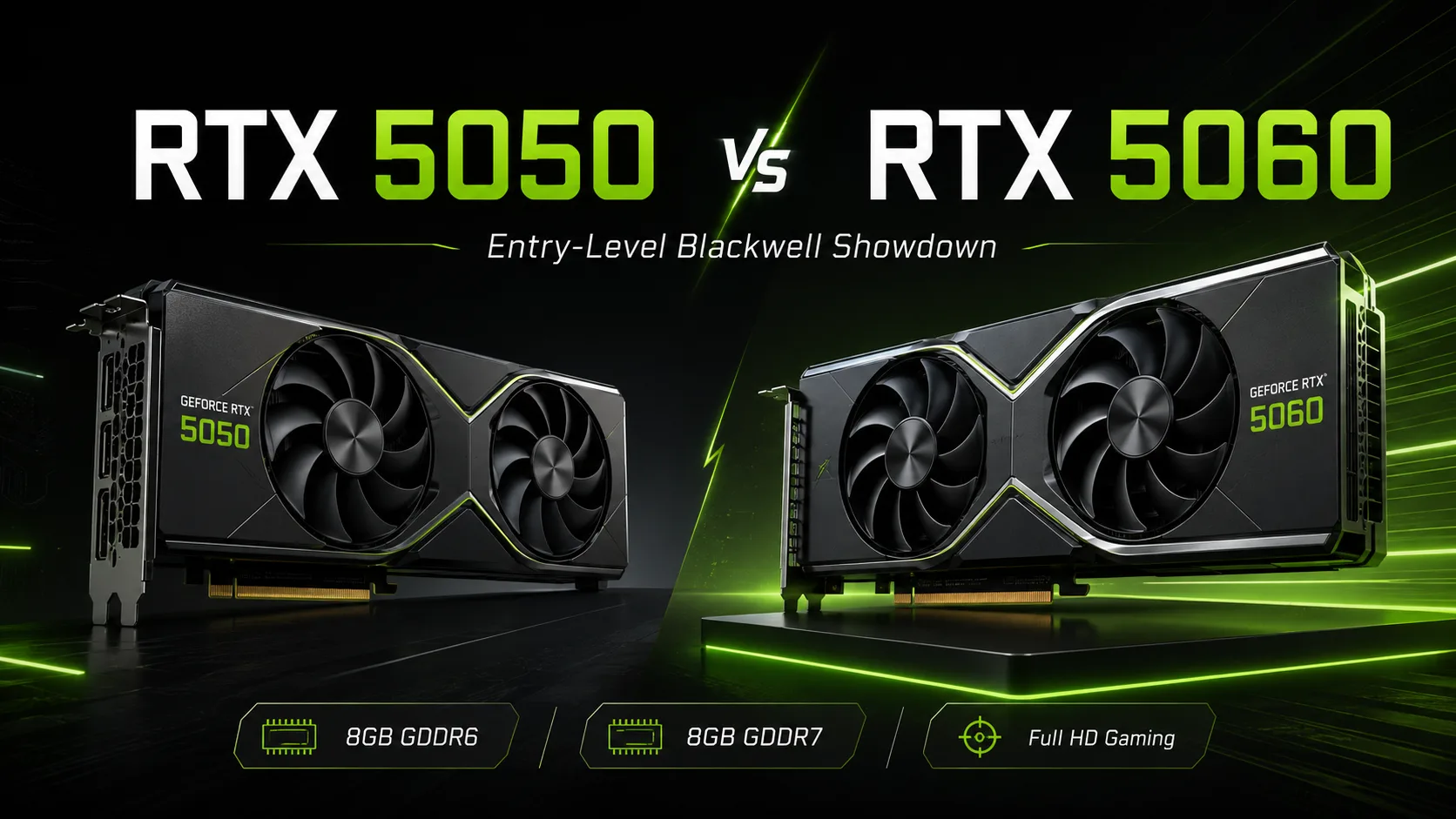
The GeForce RTX 5050 and RTX 5060 are built on the Blackwell architecture but are designed for different tasks. The RTX 5050 is the most affordable entry into the RTX 50 series, featuring DLSS 4, Multi Frame Generation, and AV1. The RTX 5060 is more expensive but offers more CUDA cores, faster GDDR7 memory, and a significantly higher performance margin in Full HD.
At first glance, the cards may seem similar: both have 8 GB of video memory and a 128-bit bus. However, they are not equal. The RTX 5050 uses GDDR6 and has 2560 CUDA cores, while the RTX 5060 upgrades to GDDR7 and boasts 3840 CUDA cores. Therefore, it is a choice between a lower-end model of the generation and a more practical option for modern gaming.
| Specification | GeForce RTX 5050 | GeForce RTX 5060 |
|---|---|---|
| Architecture | Blackwell | Blackwell |
| CUDA Cores | 2560 | 3840 |
| Video Memory | 8 GB GDDR6 | 8 GB GDDR7 |
| Memory Bus | 128-bit | 128-bit |
| AI Performance | 421 AI TOPS | 614 AI TOPS |
| RT Performance | 40 TFLOPS | 58 TFLOPS |
| Boost Clock | 2.57 GHz | 2.50 GHz |
| Base Clock | 2.31 GHz | 2.28 GHz |
| Power Consumption | 130 W | 145 W |
| Recommended PSU | 550 W | 550 W |
| DLSS 4 / Multi Frame Generation | Yes | Yes |
| AV1 Encode / Decode | Yes | Yes |
What’s the Real Difference?
The RTX 5050 cannot be viewed as a lesser RTX 5060 with a lower price. It has one-third fewer CUDA cores, lower AI and RT performance, and its memory remains GDDR6. A slight edge in boost clock frequency does not compensate for the difference in cores and memory.
In practice, the RTX 5060 allows for more freedom in settings. The RTX 5050 is suitable for Full HD but often requires lowering graphics quality. The RTX 5060 performs better at high settings, utilizes DLSS more consistently, and rarely necessitates switching to medium presets. The difference is especially noticeable in new AAA games, projects with large open worlds, and when ray tracing is enabled.
Gaming Performance
The RTX 5050 should be considered as a card for 1080p with compromises. Online games, esports titles, older AAA games, and less demanding new releases are a suitable scenario for this model. However, ultra settings, heavy textures, and ray tracing quickly require a drop in graphics quality.
The RTX 5060 should not be overestimated either. It is not a card for consistently stable 1440p gaming with years of headroom, nor is it a replacement for higher-end models. However, in Full HD, it is noticeably more practical than the RTX 5050. In this comparison, the RTX 5060 serves as a more sensible minimum for new games if the goal is not only to run projects but to maintain good graphics quality.
Both models feature DLSS 4 and Multi Frame Generation, but they do not make the cards equal. Frame generation is useful when the base FPS is already high enough. If the initial performance is weak, the FPS may increase, but responsiveness and stability might not improve proportionally.
Memory: 8 GB for Both, but GDDR7 for the RTX 5060
Formally, both cards have 8 GB of VRAM and a 128-bit bus. For the buyer, this may appear to be parity, but the RTX 5060 has a significant advantage: GDDR7 instead of GDDR6. With the same capacity, it transfers data faster and handles scenes where performance depends not only on the GPU but also on memory bandwidth more effectively.
A general downside remains: 8 GB is the lower limit for a modern gaming graphics card. For Full HD, this is still acceptable, provided maximum textures and heavy ray tracing are not employed. For 1440p and new games with large worlds, both models have limited headroom. The RTX 5060 exhibits this limitation later.
Ray Tracing and DLSS
Both graphics cards support DLSS 4, Ray Reconstruction, Multi Frame Generation, and Reflex 2. The technology set is the same, but the hardware headroom is different: the RTX 5060 has 58 RT TFLOPS compared to the 40 RT TFLOPS of the RTX 5050.
The RTX 5050 is better suited for standard rendering with occasional ray tracing. RT can be enabled in lighter games or with the active aid of DLSS, but reliable headroom should not be expected. The RTX 5060 is a better fit for scenarios where ray tracing is used not episodically but continuously.
Price and Justification for the Premium
The main argument for the RTX 5050 is its low price. It is suitable for those who want a new NVIDIA card with DLSS 4, AV1, fresh drivers, and reduced power consumption but are not ready to pay for the RTX 5060. In a budget build for regular Full HD monitors, such a purchase can be justified.
However, with only a small price difference, the RTX 5060 is the more rational choice. The premium is not for greater memory capacity-it's not present here. It is for a stronger GPU, GDDR7, better ray tracing performance, and greater future-proofing in new games. For a gaming PC, this is more important than a slight savings on the lower-end model.
Power Consumption and Build
The difference in power consumption is minor: 130 W for the RTX 5050 and 145 W for the RTX 5060. Both cards require a power supply of at least 550 W, so switching to the RTX 5060 does not significantly change the system requirements. This is one of the main advantages of the higher model: the performance gain does not require a noticeably more expensive platform.
The RTX 5050 may be more appealing for compact and quiet builds, where low power consumption, cooling, and price are important. However, in a regular gaming computer, a 15 W difference does not decide the choice. More often, the performance headroom of the RTX 5060 is more critical.
Who Should Consider the RTX 5050
The RTX 5050 should only be considered for buyers with a strict budget and a focus on Full HD. Its scenario includes online games, esports, older AAA games, and new projects at medium settings. For ultra presets, heavy ray tracing, and long-lasting headroom, this card will be a limitation.
Who Should Consider the RTX 5060
The RTX 5060 is the better choice if a more powerful card for Full HD is needed. It is faster, uses GDDR7, performs better with ray tracing, and will maintain headroom in new games for a longer period. The 8 GB limitation persists, but compared to the RTX 5050, this model is considerably more balanced.
Conclusion
The GeForce RTX 5050 is the most affordable entry into the RTX 50 series. It offers Blackwell, DLSS 4, Multi Frame Generation, and AV1 support, but in terms of gaming performance, it remains a compromise option for Full HD.
The GeForce RTX 5060 is a stronger, more practical card. It has more CUDA cores, faster memory, higher RT and AI performance, and its power consumption has only increased by 15 W.
The RTX 5050 only makes sense with significant savings. If the price difference is minimal, the RTX 5060 is almost always a more justified purchase for a gaming PC.
Advantages
- Higher Boost Clock: 2520 MHz (2520 MHz vs 2497 MHz)
- Higher Bandwidth: 448 GB/s (224.0GB/s vs 448 GB/s)
- More Shading Units: 3840 (2560 vs 3840)
- Newer Launch Date: May 2025 (January 2025 vs May 2025)
Basic
Memory Specifications
Display and Media
3x DisplayPort 1.4a
3x DisplayPort 2.1b
Theoretical Performance
Miscellaneous
Benchmarks
Related GPU Comparisons


Share in social media
Or Link To Us
<a href="https://cputronic.com/index.php/gpu/compare/nvidia-geforce-rtx-5050-vs-nvidia-geforce-rtx-5060" target="_blank">NVIDIA GeForce RTX 5050 vs NVIDIA GeForce RTX 5060</a>