NVIDIA GeForce RTX 3060 12 GB GA104
vs
NVIDIA GeForce RTX 5060 Ti 8 GB

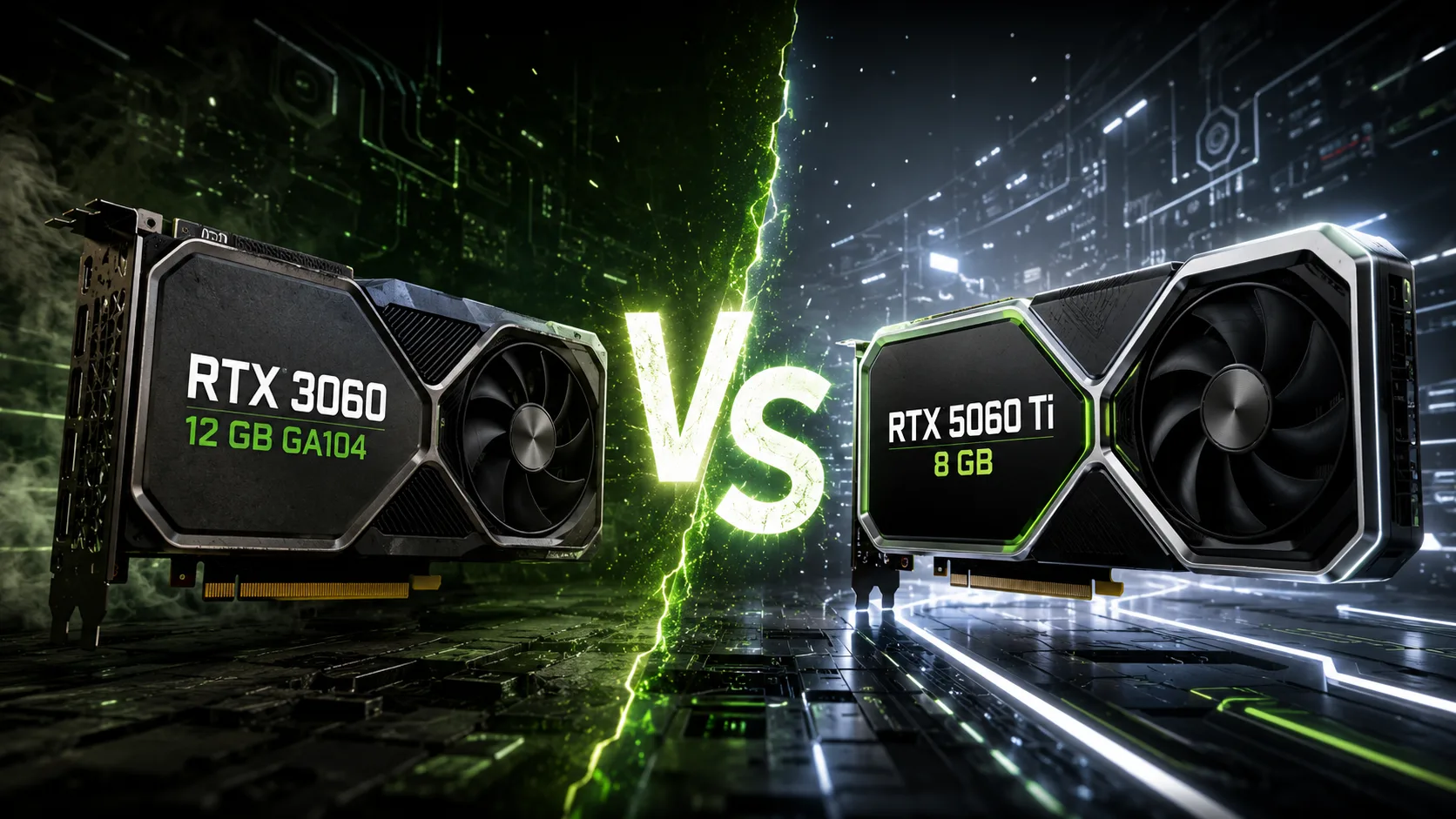
GPU Comparison Result
GeForce RTX 3060 12 GB GA104 vs. RTX 5060 Ti 8 GB: Speed vs. Memory Capacity
The RTX 5060 Ti is noticeably faster than the RTX 3060 in gaming, ray tracing, and most computational tasks. However, this upgrade reduces the video memory from 12 GB to 8 GB. For 1080p resolution, this is typically not critical, but at 1440p, in demanding games and work applications, this limitation may become apparent.
The RTX 3060 version on the GA104 die requires further clarification. The larger chip was also used in higher-end models of the series; however, in this case, most of the computing blocks are disabled. In terms of the number of CUDA cores, clock speeds, and gaming performance, the model remains a regular RTX 3060 and not a hidden RTX 3060 Ti.
| Key Difference | RTX 3060 12 GB GA104 | RTX 5060 Ti 8 GB |
|---|---|---|
| Video Memory | 12 GB GDDR6 | 8 GB GDDR7 |
| Memory Bus | 192-bit | 128-bit |
| Bandwidth | 360 GB/s | around 448 GB/s |
| PCIe Interface | 4.0 x16 | 5.0 x8 |
| Power Consumption | 170 W | 180 W |
| Frame Generation | No | DLSS Multi Frame Generation |
RTX 5060 Ti Significantly Faster in Games
In most modern titles, the RTX 5060 Ti confidently outpaces the RTX 3060 in both conventional rasterization and when ray tracing is enabled. The new architecture, higher clock speeds, and more powerful compute blocks allow it to often utilize high settings without resorting to aggressive scaling modes.
At 1080p, the RTX 5060 Ti is better suited for high refresh rate monitors. At 1440p, it also maintains a noticeable advantage, though the demand for video memory increases.
The limitations of the Ampere architecture are particularly noticeable when ray tracing is involved. The RTX 3060 supports RT effects, but enabling them often leads to a significant drop in frame rates. The RTX 5060 Ti handles such workloads much better and gains an additional advantage from modern DLSS versions.
The GA104 die doesn't change the balance of power. The RTX 3060 has the same number of CUDA cores as the version on the GA106, so the larger physical chip does not provide a significant boost in gaming performance.
Eight Gigabytes Limit the Capabilities of the New Card
In terms of computational performance, the RTX 3060 cannot compete with the RTX 5060 Ti. However, the 12 GB of memory allows the older model to encounter video buffer overflow less frequently.
In most games, at 1080p, eight gigabytes is still sufficient. The risk of limitations increases when combining several factors:
- 1440p resolution or higher;
- Maximum texture quality;
- Ray tracing;
- Heavy modifications;
- Background applications using GPU resources.
Memory shortages do not always immediately reflect on average FPS. Initially, there may be delays when moving through a location, late texture loading, and unstable frame times. Sometimes texture quality has to be reduced, even though the RTX 5060 Ti still has enough computational headroom.
This highlights the main paradox of the comparison: the RTX 5060 Ti can deliver significantly more frames, but in certain games, it offers less freedom in choosing texture settings.
The RTX 3060 with 12 GB is less likely to face such limitations. However, the large video buffer does not compensate for the relatively weak GPU. The card can hold heavier textures but is not always capable of processing the rest of the graphics at a comfortable frame rate.
DLSS Increases the Lead of the RTX 5060 Ti
The RTX 3060 supports DLSS Super Resolution and continues to benefit from modern scaling models. Hardware frame generation is not available to it.
The RTX 5060 Ti supports DLSS 4 and Multi Frame Generation. In compatible games, this technology allows for a smoother image, especially with ray tracing enabled.
However, frame generation does not replace actual performance. If the base frame rate is too low, input lag will still be noticeable. The technology is most effective when the game already delivers an acceptable FPS without interpolation.
The RTX 5060 Ti also features a more modern media block and hardware AV1 encoding, making it better suited for recording gameplay, streaming, and video processing.
Where the RTX 3060 Remains More Useful
In gaming, the RTX 5060 Ti is almost always faster. In work applications, the outcome may depend on whether the project fits into the available video memory.
The RTX 3060 may prove to be more practical for tasks that require more than 8 GB of VRAM:
- Running local machine learning models;
- Rendering heavy scenes;
- Working with large textures;
- Some Blender projects;
- Computations where the entire dataset must reside in video memory.
If the task fits within 8 GB, the RTX 5060 Ti will usually complete it faster. However, if 10-12 GB is required, the project will need to be simplified or parts of the data moved to system memory, which drastically reduces speed.
Thus, for work tasks, the amount of VRAM is sometimes more important than the generational differences in architecture.
Power Consumption Is Nearly Identical
The RTX 3060 consumes about 170 W, while the RTX 5060 Ti consumes around 180 W. With similar loads on the power supply, the new model provides significantly higher performance.
For both graphics cards, a quality power supply of 550-600 W is usually sufficient. Actual requirements depend on the CPU, factory overclocking, and the specific card implementation.
The RTX 5060 Ti uses a PCIe 5.0 x8 interface, whereas the RTX 3060 connects via PCIe 4.0 x16. On a platform with PCIe 4.0, the difference is usually minimal. In PCIe 3.0 x8 mode, losses may become more noticeable, especially if the game exceeds 8 GB of video memory and starts to access system memory more actively.
Should You Upgrade from RTX 3060 to RTX 5060 Ti 8 GB?
Such an upgrade will provide a noticeable boost in gaming performance even without frame generation. The RTX 5060 Ti is better suited for 1080p with high refresh rates, performs more confidently at 1440p, and is significantly faster in ray tracing.
The main compromise is the reduction in video memory from 12 GB to 8 GB. In most games, this does not negate the speed gain, but it reduces headroom for future projects and requires more careful texture quality selection.
Choose the RTX 5060 Ti 8 GB if:
- The primary goal is high gaming performance;
- You are using 1080p or 1440p resolution without maximum textures in all games;
- Ray tracing, DLSS 4, and frame generation are important;
- Work tasks do not require more than 8 GB of VRAM.
The RTX 3060 12 GB Makes Sense if:
- It is already installed and its performance is currently sufficient;
- The card is being offered at a low price on the secondary market;
- Memory capacity is more important than GPU speed;
- Projects, models, or scenes exceed 8 GB in size.
Conclusion
The RTX 5060 Ti 8 GB is significantly faster than the RTX 3060 12 GB GA104 and provides a noticeable performance increase in modern games. It handles ray tracing better, supports frame generation, and, with nearly identical power consumption, belongs to a higher speed class.
The RTX 3060 only offers a larger amount of video memory. This advantage is important in some games and work applications, but it does not make the older card comparable in overall performance. The GA104 die also does not provide it with a significant edge over the standard RTX 3060 version.
For playing at 1080p, the RTX 5060 Ti 8 GB appears compelling. For 1440p and purchasing with plans for several years, the 16 GB version better matches the GPU's capabilities and avoids forcing a choice between high frame rates and texture quality.
Advantages
- Larger Memory Size: 12GB (12GB vs 8GB)
- Higher Boost Clock: 2497 MHz (1777MHz vs 2497 MHz)
- Higher Bandwidth: 448.0GB/s (360.0 GB/s vs 448.0GB/s)
- More Shading Units: 4608 (3584 vs 4608)
- Newer Launch Date: March 2025 (September 2021 vs March 2025)
Basic
Memory Specifications
Display and Media
3x DisplayPort 1.4a
3x DisplayPort 2.1b
Theoretical Performance
Miscellaneous
Benchmarks
Related GPU Comparisons


Share in social media
Or Link To Us
<a href="https://cputronic.com/index.php/gpu/compare/nvidia-geforce-rtx-3060-12-gb-ga104-vs-nvidia-geforce-rtx-5060-ti-8-gb" target="_blank">NVIDIA GeForce RTX 3060 12 GB GA104 vs NVIDIA GeForce RTX 5060 Ti 8 GB</a>