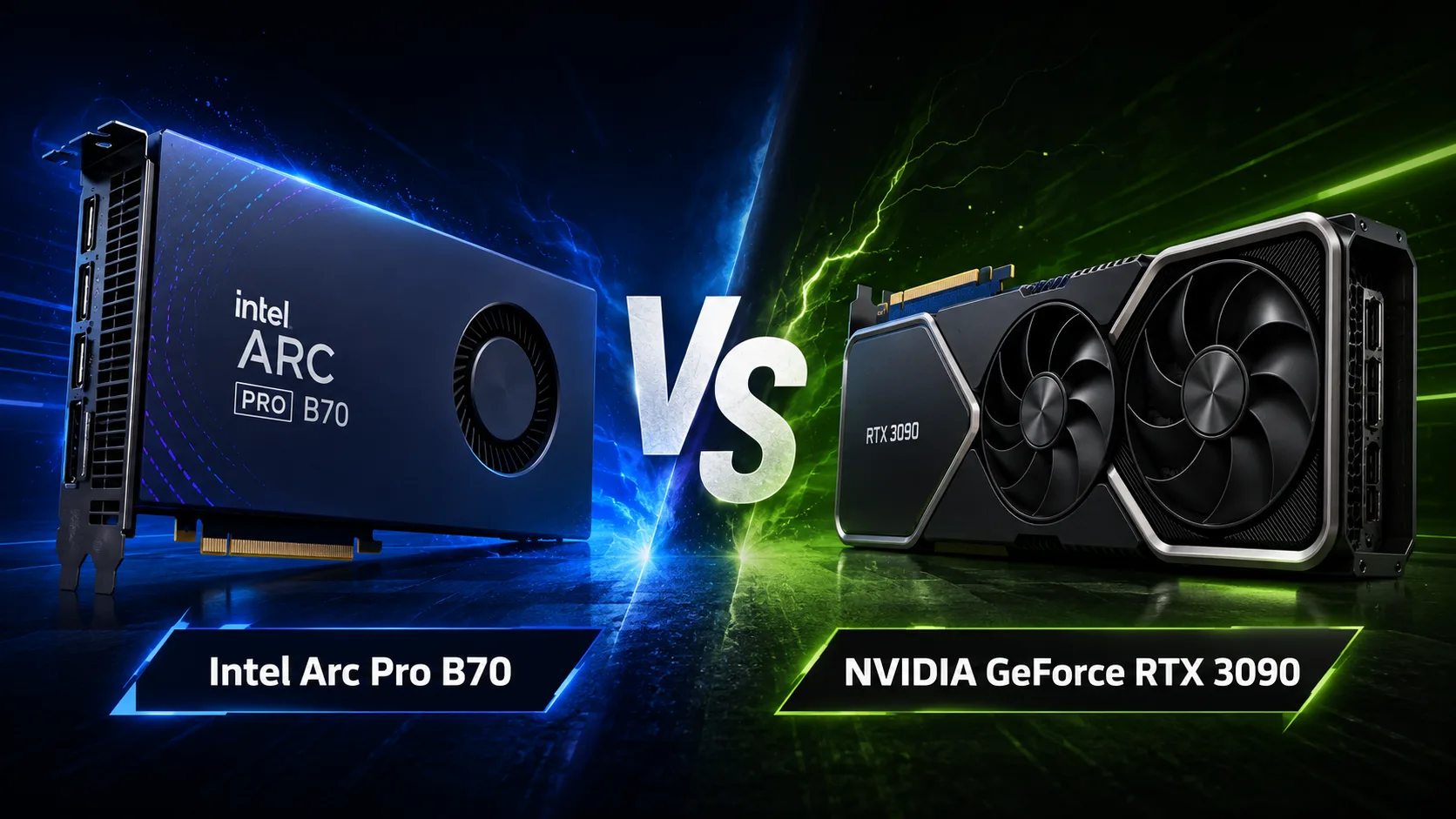
Intel Arc Pro B70
vs
NVIDIA GeForce RTX 3090

GPU Comparison Result
Intel Arc Pro B70 vs NVIDIA GeForce RTX 3090: 32 GB and ECC vs CUDA and High Power
The Intel Arc Pro B70 offers 32 GB of memory, ECC support, and a power consumption of 230 W. The GeForce RTX 3090 is limited to 24 GB and requires around 350 W, but is noticeably faster in FP32, has a wider memory bus, and relies on a mature CUDA ecosystem.
Thus, Intel's new professional card does not automatically replace NVIDIA's old flagship. The Arc Pro B70 is more interesting where the amount of video memory, reliability, and efficiency are critical. The RTX 3090 remains stronger in rendering, gaming, and most computational applications that are already optimized for NVIDIA.
Key Differences
| Specification | Intel Arc Pro B70 | NVIDIA GeForce RTX 3090 |
|---|---|---|
| Architecture | Xe2 Battlemage | Ampere |
| Video Memory | 32 GB GDDR6 | 24 GB GDDR6X |
| ECC | Supported | No |
| Memory Bandwidth | 608 GB/s | 936 GB/s |
| FP32 Performance | about 22.9 TFLOPS | about 35.6 TFLOPS |
| Power Consumption | 230 W | 350 W |
| Interface | PCIe 5.0 x16 | PCIe 4.0 x16 |
| AV1 Encoding | Yes | No |
| Primary Use | Workstations, AI, CAD | Gaming, CUDA, rendering |
The number of compute units cannot be directly compared: Intel and NVIDIA use different architectures and counting principles. In practice, the amount of memory, its bandwidth, driver quality, and support for specific software are more important.
RTX 3090 is Noticeably Faster in FP32
In terms of peak FP32 performance, the RTX 3090 outpaces the Arc Pro B70 by about 55%. NVIDIA's memory bandwidth is also higher by more than 1.5 times: 936 vs. 608 GB/s.
The advantage is especially noticeable in tasks that leverage CUDA, OptiX, and high memory speeds:
- GPU rendering;
- scientific computing;
- processing large data sets;
- training and inference of models via CUDA;
- applications optimized for NVIDIA.
In Blender, OctaneRender, and other popular GPU renderers, the RTX 3090 remains a more predictable accelerator. The age of the card here is secondary: a mature software environment is often more important than a newer architecture.
32 GB of Memory - The Main Argument for Arc Pro B70
The Arc Pro B70 has 8 GB more video memory. The difference becomes crucial when a model, scene, or engineering project does not fit within 24 GB.
The additional capacity is beneficial for:
- large language models;
- complex CAD projects;
- heavy scenes with detailed geometry;
- high-resolution textures;
- working with multiple models simultaneously.
If a task exceeds the RTX 3090's limit, its advantage in computational power loses significance. One has to offload some data to system memory, reduce the model, or lower the quality of the scene.
The B70 also supports ECC. This is not significant for gaming, but in long computations, error correction enhances reliability. The RTX 3090 remains a consumer card and does not offer full ECC support.
Power Consumption and Cooling
The Arc Pro B70 is rated for 230 W, while the RTX 3090 is around 350 W. The difference of 120 W simplifies cooling, lowers power supply requirements, and makes Intel more convenient for dense workstations.
In configurations with multiple accelerators, the gap becomes even more noticeable. Three Arc Pro B70s consume about 690 W-almost as much as two RTX 3090s which sum to 700 W. Meanwhile, the Intel system gains 96 GB of video memory compared to 48 GB from a pair of NVIDIA cards.
The RTX 3090 requires a spacious case and powerful cooling. In the secondary market, there is an additional risk: many units may have been under heavy load for years.
Artificial Intelligence: Memory vs Ecosystem
Peak INT8 metrics do not fully represent AI speed. The outcome depends on model format, computation precision, framework, available optimizations, and support for individual operators.
The Arc Pro B70 is aimed at OpenVINO, oneAPI, and Intel Extension for PyTorch. It is particularly interesting for local inference and models that require more than 24 GB of memory.
The RTX 3090 gains an advantage through CUDA. Most popular machine learning tools are first optimized for NVIDIA, so the setup is usually easier, and performance is more predictable.
The practical choice looks like this:
- RTX 3090 is better for ready-made CUDA projects;
- Arc Pro B70 is more cost-effective for models requiring more than 24 GB VRAM;
- B70 is stronger in prolonged inference when ECC and power efficiency are important;
- RTX 3090 is preferable where the program lacks a mature backend for Intel.
Rendering and Professional Software
The RTX 3090 remains stronger in rendering due to CUDA, OptiX, high FP32 performance, and fast GDDR6X memory. In most popular engines, it is faster and requires less experimentation with settings.
The professional status of the Arc Pro B70 does not guarantee an advantage on its own. It is important only in applications where the Intel driver is certified, and the software is well-optimized for Arc.
The B70 makes sense for engineering packages, workstations, and projects needing 32 GB, ECC, or several relatively economical accelerators. For maximum rendering speed, the RTX 3090 remains preferable.
Gaming and Video Processing
In gaming, the RTX 3090 has a clear advantage. It was created as a flagship GeForce, supports DLSS, and has more mature gaming drivers. The Arc Pro B70 can run games, but this is not its primary specialization.
In video processing, the Intel card is more functional. It supports hardware encoding and decoding for AV1, HEVC, H.264, and VP9. The RTX 3090 can decode AV1 but is not equipped with a hardware AV1 encoder.
For transcoding, streaming, and exporting modern video, the Arc Pro B70 offers a more up-to-date media block.
What to Choose
Intel Arc Pro B70 is better suited if you need:
- 32 GB of video memory;
- ECC support;
- AV1 hardware encoding;
- moderate power consumption;
- operation through OpenVINO or oneAPI;
- a system with multiple accelerators.
GeForce RTX 3090 is preferable if you value:
- CUDA and OptiX;
- high FP32 performance;
- fast memory;
- Blender and popular GPU renderers;
- gaming;
- wide compatibility with existing software.
Conclusion
The GeForce RTX 3090 remains faster in rendering, gaming, and most CUDA applications. Its strengths are high computing power, memory bandwidth, and a mature software ecosystem.
The Intel Arc Pro B70 meets different requirements. It offers 32 GB of memory, ECC, AV1 encoding, and 120 W lower power consumption. This makes it more practical for large models, engineering projects, prolonged inference, and multi-card systems.
The choice is determined not only by speed and memory volume. The main question is whether the used software supports Intel as well as it does NVIDIA. For CUDA, OptiX, and gaming, the RTX 3090 is a wiser choice. For tasks that feel cramped in 24 GB or require ECC and efficiency, the Arc Pro B70 looks more convincing.
Advantages
- Higher Boost Clock: 2800 MHz (2800 MHz vs 1695MHz)
- Larger Memory Size: 32GB (32GB vs 24GB)
- Newer Launch Date: March 2026 (March 2026 vs September 2020)
- Higher Bandwidth: 936.2 GB/s (608.0GB/s vs 936.2 GB/s)
- More Shading Units: 10496 (4096 vs 10496)
Basic
Memory Specifications
Display and Media
3x DisplayPort 2.1
3x DisplayPort 1.4a
Theoretical Performance
Miscellaneous
Benchmarks
Related GPU Comparisons


Share in social media
Or Link To Us
<a href="https://cputronic.com/index.php/gpu/compare/intel-arc-pro-b70-vs-nvidia-geforce-rtx-3090" target="_blank">Intel Arc Pro B70 vs NVIDIA GeForce RTX 3090</a>