NVIDIA RTX PRO 5000 Blackwell
vs
NVIDIA GeForce RTX 5090

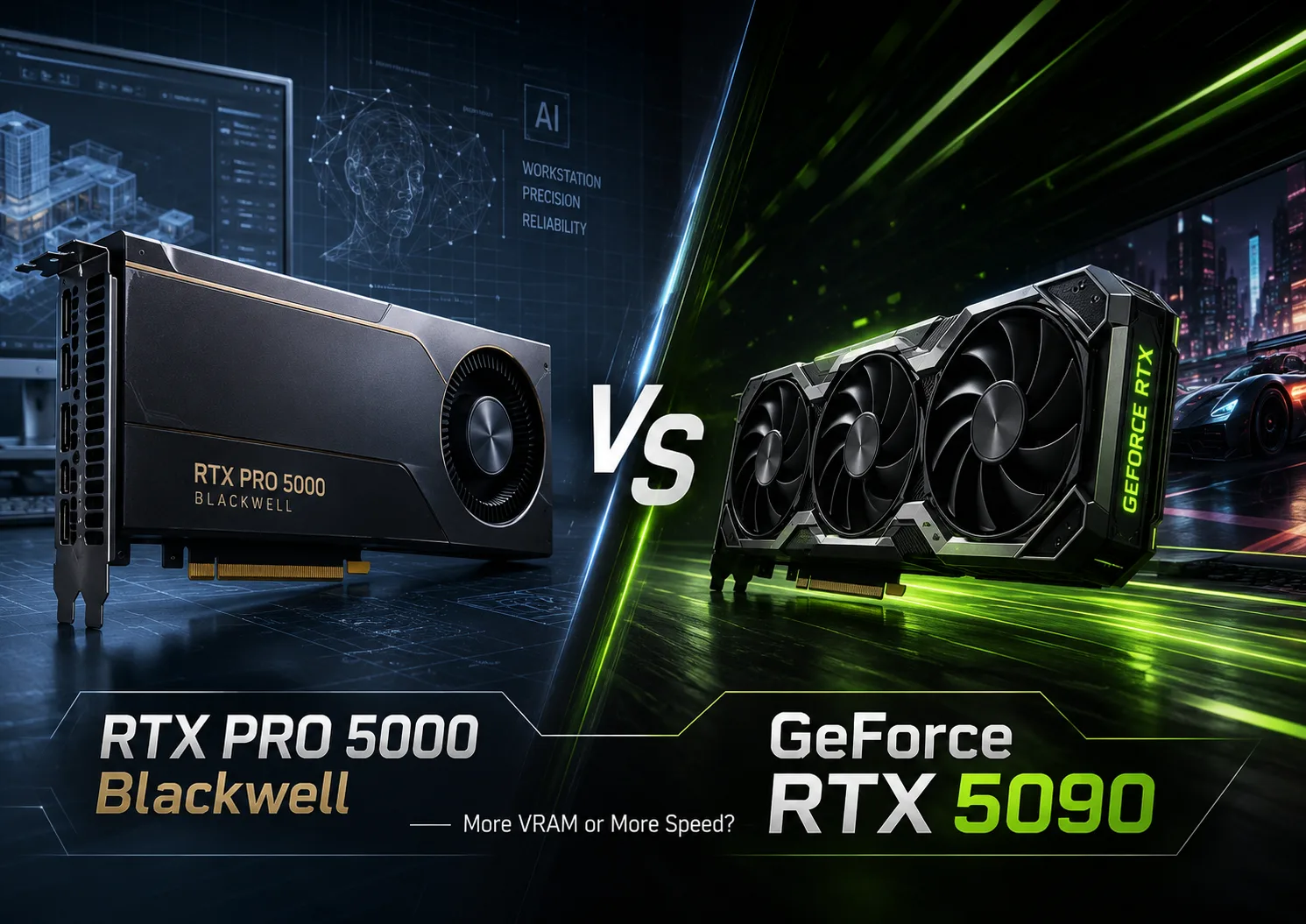
GPU Comparison Result
NVIDIA RTX PRO 5000 Blackwell vs GeForce RTX 5090: More Memory or Higher Performance?
NVIDIA RTX PRO 5000 Blackwell and GeForce RTX 5090 are based on the same architecture but compete only formally. The RTX 5090 is designed for maximum speed in gaming, rendering, image generation, and local AI tasks. The RTX PRO 5000 is built for workstations where large memory capacity, error correction, certified drivers, and predictable operation of professional software are important.
Therefore, the question here is not which card is more powerful. The RTX 5090 is faster in almost all computational metrics. The main divergence arises later: whether the work project fits into its 32 GB of video memory.
| Specification | RTX PRO 5000 Blackwell | GeForce RTX 5090 |
|---|---|---|
| CUDA cores | 14,080 | 21,760 |
| Video memory | 48 or 72 GB GDDR7 ECC | 32 GB GDDR7 |
| Memory bandwidth | 1,344 GB/s | 1,792 GB/s |
| AI performance | 2,064 TOPS | 3,352 TOPS |
| RT core performance | 196 TFLOPS | 318 TFLOPS |
| Power consumption | 300 W | 575 W |
| Video encoders | 3 NVENC, 3 NVDEC | 3 NVENC, 2 NVDEC |
RTX 5090 Is Significantly Faster
The GeForce RTX 5090 has about 55% more CUDA cores, more powerful tensor and RT cores, as well as higher memory bandwidth. In tasks that do not hit the VRAM limit, this advantage is usually more important than all the professional features of the RTX PRO 5000.
In gaming, the choice is practically clear. The RTX 5090 is better suited for 4K, ray tracing, high refresh rates, and image scaling technologies. Memory error correction and certified professional software do not provide a noticeable increase in FPS, making the use of the RTX PRO 5000 as an expensive gaming card almost meaningless.
A similar situation is observed in Blender, Octane, Redshift, Stable Diffusion, and other GPU applications. As long as the scene, model, or dataset occupies less than 32 GB, the RTX 5090 is capable of completing the work faster thanks to its larger compute block.
For example, when rendering a relatively compact scene, both cards can keep the data in video memory, but the RTX 5090 will process it faster. The same applies to image generation and running moderately sized language models.
RTX PRO 5000 Is Chosen for Tasks That Don’t Fit in GeForce
The RTX PRO 5000 is available with 48 or 72 GB of GDDR7 RAM. This is not just future-proofing but a way to load projects that the RTX 5090 physically cannot hold entirely in video memory.
In a large Blender scene, memory may be taken up by complex geometry, high-resolution textures, and heavy simulations. In AI tasks, it can involve a larger model, increased context, or larger batch sizes. In video editing and color grading, multilayered projects with high resolution, effects, and noise reduction.
When the data exceeds the available VRAM, the application is forced to move some workload to system memory or may refuse to run the task altogether. In such a situation, the RTX 5090's computational power advantage loses significance. A fast card does not help if the project does not fit into it.
This is why the RTX PRO 5000 can be more practical, even though its GPU is significantly weaker.
What Else Is Paid for in the Professional Series
The memory of the RTX PRO 5000 supports ECC. This technology allows detecting and correcting single memory errors during prolonged computations. For gaming, it is almost unnecessary, but in engineering calculations, simulations, and lengthy AI tasks, it increases system reliability.
Certified professional drivers do not make the card faster by themselves. Their purpose is to ensure predictable operation in CAD, DCC, engineering, and scientific applications. For a studio or company, the stability of a specific version of the software is often more important than a few percentage points of additional performance.
Multi-Instance GPU support allows sharing the accelerator among several isolated working environments. This feature is nearly useless in a home computer but is in demand in virtual workstations, server systems, and multi-user infrastructure.
The RTX PRO 5000 is also significantly more power-efficient: its power consumption is around 300 W compared to 575 W for the RTX 5090. This simplifies cooling and positioning the card in a workstation that runs under full load for hours.
However, professional advantages come at a high cost. The RTX PRO 5000 belongs to a different price tier, and the premium is justified only when memory shortages, software instability, or downtime for specialists cost the company more than the graphics card itself.
Which One to Choose
GeForce RTX 5090 is worth buying if:
- the main scenario is gaming at 4K;
- maximum rendering speed is important;
- AI models and work projects fit within 32 GB;
- ECC, MIG, and certified drivers are not required.
RTX PRO 5000 Blackwell is justified if:
- 32 GB of video memory is already insufficient;
- large scenes, models, or datasets are used;
- stability, ECC, and certification of professional software are important;
- the card will run under prolonged constant load;
- 48 or 72 GB of VRAM is required, but RTX PRO 6000 is excessive.
Conclusion
GeForce RTX 5090 is a faster and more rational choice for gaming, home rendering, content generation, and most local AI tasks. If the project fits within 32 GB, the RTX PRO 5000 usually cannot justify its higher cost based solely on performance.
The RTX PRO 5000 is needed in a different case: when the ability to load and complete a project is more important than the speed of a single test. It is chosen for its 48 or 72 GB of memory, ECC, professional drivers, and more convenient integration into a working infrastructure.
RTX 5090 wins the race. The RTX PRO 5000 is chosen when one needs to ensure that they reach the finish line.
Advantages
- Higher Boost Clock: 2617 MHz (2617 MHz vs 2407 MHz)
- Newer Launch Date: March 2025 (March 2025 vs January 2025)
- Larger Memory Size: 32 GB GDDR7 (48GB vs 32 GB GDDR7)
- Higher Bandwidth: 1792 GB/s (1.34TB/s vs 1792 GB/s)
- More Shading Units: 21760 (14080 vs 21760)
Basic
Memory Specifications
Display and Media
3x DisplayPort 2.1b with UHBR20
Theoretical Performance
Miscellaneous
Benchmarks
Related GPU Comparisons


Share in social media
Or Link To Us
<a href="https://cputronic.com/en/gpu/compare/nvidia-rtx-pro-5000-blackwell-vs-nvidia-geforce-rtx-5090" target="_blank">NVIDIA RTX PRO 5000 Blackwell vs NVIDIA GeForce RTX 5090</a>