NVIDIA GeForce RTX 4090
vs
NVIDIA RTX PRO 4000 Blackwell

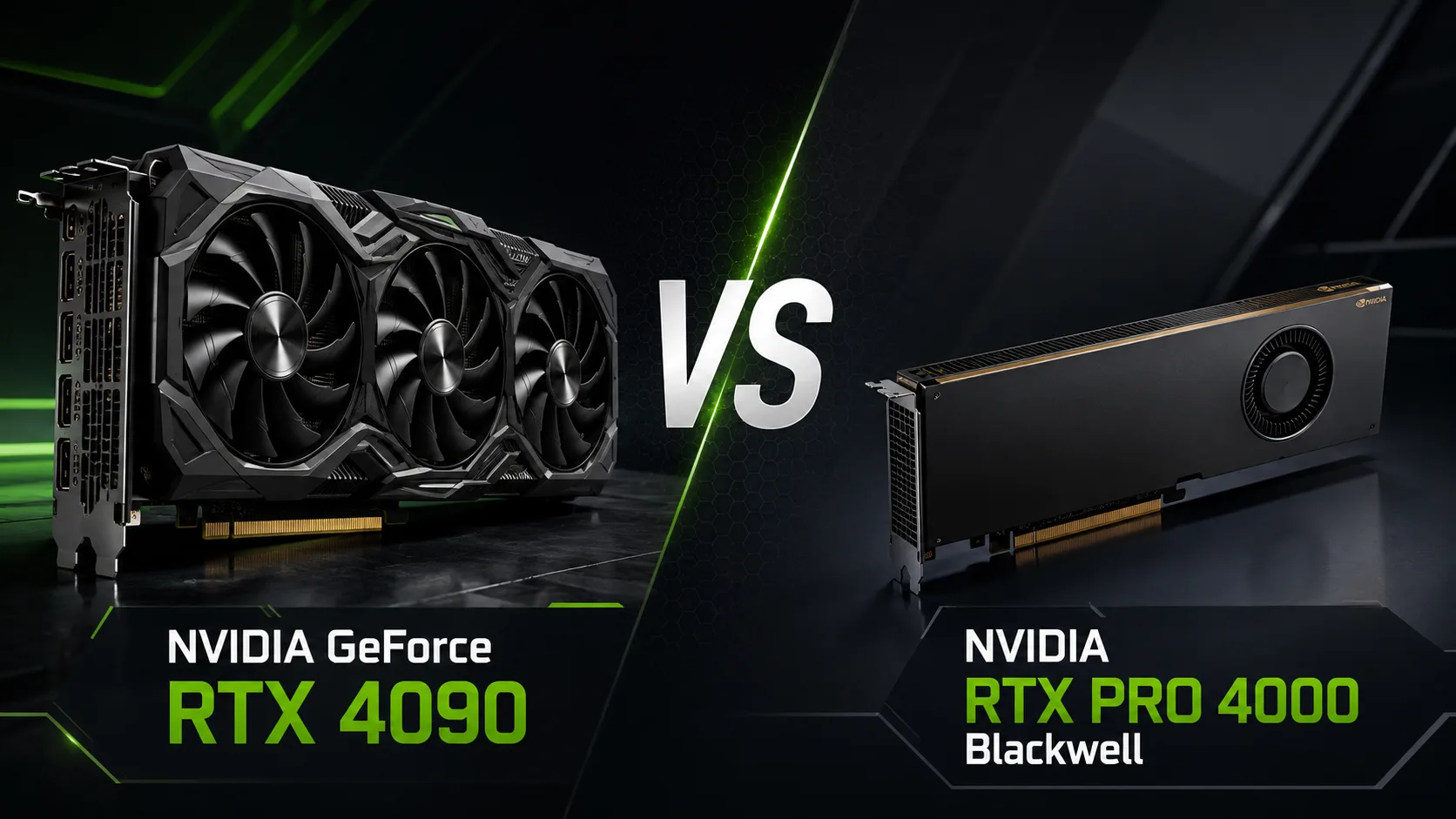
GPU Comparison Result
NVIDIA GeForce RTX 4090 vs NVIDIA RTX PRO 4000 Blackwell: Maximum Speed or Professional Efficiency
The identical 24 GB of video memory may create the impression that the GeForce RTX 4090 and RTX PRO 4000 Blackwell belong to the same class. In practice, these are two cards meant for different usage scenarios. The RTX 4090 is a large 450-watt flagship designed for maximum performance. The RTX PRO 4000 is a single-slot professional model with ECC memory and a power consumption of around 140-145 watts.
The new Blackwell architecture makes the RTX PRO 4000 more modern in terms of technology, but it does not compensate for the nearly twofold difference in the number of compute units. The choice between these cards is determined not by the GPU generation but by the task at hand: is maximum speed needed or a compact and predictable professional system?
Key Differences
| Specification | GeForce RTX 4090 | RTX PRO 4000 Blackwell |
|---|---|---|
| Architecture | Ada Lovelace | Blackwell |
| CUDA Cores | 16,384 | 8,960 |
| FP32 Performance | 83 TFLOPS | 40 TFLOPS |
| Video Memory | 24 GB GDDR6X | 24 GB GDDR7 ECC |
| Memory Bus | 384 bits | 192 bits |
| Memory Bandwidth | around 1008 GB/s | 672 GB/s |
| Interface | PCIe 4.0 | PCIe 5.0 x16 |
| Video Encoders | 2 × NVENC 8th generation | 2 × NVENC 9th generation |
| Video Outputs | HDMI 2.1a, 3 × DP 1.4a | 4 × DP 2.1b |
| Power Consumption | 450 W | around 140-145 W |
| Form Factor | 3 slots in Founders Edition | 1 slot |
The RTX 4090 has 1.8 times more CUDA cores and boasts more than double the stated FP32 performance of the RTX PRO 4000. The professional model features more modern GDDR7 memory, PCIe 5.0, updated video encoders, and significantly lower power consumption.
Gaming: RTX 4090 is Significantly Stronger
If the primary task is gaming, the RTX 4090 is preferable. The larger GPU and wide 384-bit memory bus are particularly important at 4K resolution, when ray tracing, and at high-quality settings. The RTX PRO 4000 supports the architectural features of Blackwell and DLSS 4, but frame generation does not replace base performance.
Professional drivers also do not provide advantages in frame rates. Their aim is stable operation, certification, and compatibility with specialized applications. Purchasing the RTX PRO 4000 for a gaming computer, a user is primarily paying for ECC, a compact form factor, and a corporate ecosystem, rather than for additional FPS.
Rendering and Work Applications
In Blender, OctaneRender, Redshift, and other workloads that utilize CUDA or OptiX, the RTX 4090 should maintain a significant advantage. It has almost twice as many CUDA cores, higher compute power, and considerably faster memory. For a home workstation, independent artist, or small studio, it provides more performance per card.
The RTX PRO 4000 is designed for different conditions. It occupies a single slot and consumes approximately three times less power. This simplifies the installation of multiple GPUs, reduces power supply requirements, and allows for more compact cases.
The professional model is particularly well-suited for CAD, BIM, engineering design, medical visualization, and corporate workstations. ECC memory helps detect and correct individual data errors, and corporate drivers and application certification are critical where system stability is valued more than the speed of a single render.
Artificial Intelligence
Both cards have 24 GB of memory, so at the same precision of calculations, they can load models of comparable size. However, in common local AI tasks, the RTX 4090 will typically be stronger due to its more powerful GPU and high memory bandwidth.
The advantage of the RTX PRO 4000 lies in its fifth-generation Tensor cores, support for FP4, and ECC memory. In compatible software, FP4 allows for reduced video memory consumption and accelerated inference. This is useful for newly optimized models but does not guarantee automatic victory over the RTX 4090.
The stated AI TOPS figures cannot be directly compared without taking accuracy and sparsity into account. For the RTX PRO 4000, NVIDIA provides the FP4 result using sparsity, so a single large number does not reflect performance across all AI applications.
Video Processing and Monitors
The RTX PRO 4000 is significantly more modern in handling professional video. It is equipped with two ninth-generation NVENC encoders and two sixth-generation NVDEC decoders. Support for 4:2:2 formats for H.264 and HEVC is helpful when editing materials from professional cameras, in broadcasting, and in complex video pipelines.
The RTX 4090 has two eighth-generation NVENC encoders and one fifth-generation NVDEC decoder. For ordinary editing, game recording, and streaming, this is more than enough, but the RTX PRO 4000 offers a more current set of features for professional production.
Four DisplayPort 2.1b outputs are also more convenient for working configurations with multiple high-resolution monitors. The RTX 4090 is limited to DisplayPort 1.4a but is equipped with HDMI 2.1a, which is better suited for connecting gaming TVs.
What to Choose
GeForce RTX 4090 is better suited for:
- 4K gaming;
- ray tracing;
- GPU rendering;
- local AI where maximum speed is important;
- work tasks without mandatory ECC requirements.
RTX PRO 4000 Blackwell is worth choosing for:
- CAD, BIM, and engineering applications;
- corporate workstations;
- projects requiring ECC memory;
- professional video processing 4:2:2;
- compact systems and configurations with multiple GPUs;
- work under strict power and cooling constraints.
Conclusion
The GeForce RTX 4090 is a more powerful card for gaming, rendering, and most local computations. The RTX PRO 4000 Blackwell is not a direct replacement; it has significantly fewer computational resources and lower memory bandwidth.
However, the professional model combines 24 GB of GDDR7 with ECC, a single-slot form factor, power consumption of around 140-145 W, DisplayPort 2.1b, and new video encoders. Where ECC, certified drivers, and tight installation are not needed, the RTX 4090 will deliver more speed. The RTX PRO 4000 is justified in systems where compactness, stability, and ease of use are more important than maximum benchmark results.
Advantages
- Higher Bandwidth: 1008 GB/s (1008 GB/s vs 672.0GB/s)
- More Shading Units: 16384 (16384 vs 8960)
- Higher Boost Clock: 2617 MHz (2520MHz vs 2617 MHz)
- Newer Launch Date: March 2025 (September 2022 vs March 2025)
Basic
Memory Specifications
Display and Media
3x DisplayPort 1.4a
Theoretical Performance
Miscellaneous
Benchmarks
Related GPU Comparisons


Share in social media
Or Link To Us
<a href="https://cputronic.com/en/gpu/compare/nvidia-geforce-rtx-4090-vs-nvidia-rtx-pro-4000-blackwell" target="_blank">NVIDIA GeForce RTX 4090 vs NVIDIA RTX PRO 4000 Blackwell</a>