AMD Radeon RX 9070 XT
vs
AMD Radeon RX 9060 XT 16 GB
GPU Comparison Result
AMD Radeon RX 9070 XT vs Radeon RX 9060 XT 16 GB: Same Memory Doesn’t Mean Same Speed
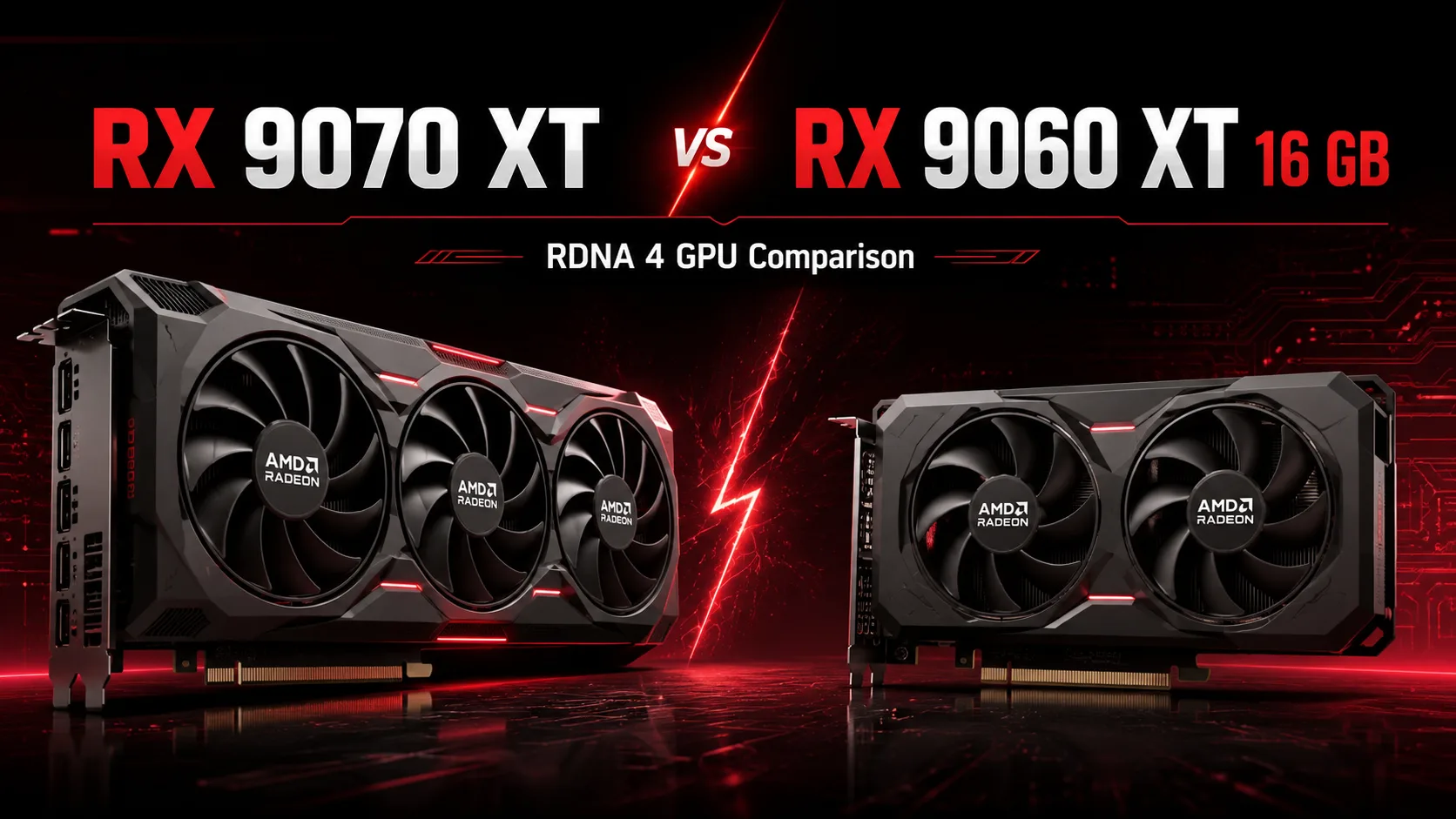
The Radeon RX 9070 XT and RX 9060 XT 16 GB both feature RDNA 4 architecture, support for FSR 4, and 16 GB of GDDR6 memory. However, these graphics cards belong to different classes. The RX 9060 XT is primarily designed for 1080p and 1440p gaming, while the RX 9070 XT targets high FPS at 1440p and 4K gaming.
The main difference lies not in the memory size but in the GPU size. The RX 9070 XT has double the compute units, a wider bus, and double the memory bandwidth. Therefore, the same 16 GB does not make these models direct competitors.
Key Differences
| Specification | Radeon RX 9070 XT | Radeon RX 9060 XT 16 GB |
|---|---|---|
| Compute Units | 64 | 32 |
| Stream Processors | 4096 | 2048 |
| Ray Tracing Accelerators | 64 | 32 |
| AI Accelerators | 128 | 64 |
| Boost Clock | up to 2970 MHz | up to 3130 MHz |
| Video Memory | 16 GB GDDR6 | 16 GB GDDR6 |
| Memory Bus | 256 bits | 128 bits |
| Bandwidth | 640 GB/s | 320 GB/s |
| Infinity Cache | 64 MB | 32 MB |
| Power Consumption | 304 W | 160 W |
| Recommended PSU | 750 W | 450 W |
The RX 9060 XT operates at a higher clock speed, but the megahertz does not compensate for the double difference in execution units. The more powerful card can process significantly more operations simultaneously and better maintains speed as resolution increases.
What 16 GB Provides for RX 9060 XT
The large memory capacity is a significant advantage of the RX 9060 XT. The card allows for the use of heavy textures, mods, and high settings without the limitations typical of 8 GB models.
However, the amount of VRAM only dictates how much data can be stored in memory. The processing speed of that data depends on the power of the GPU, the width of the bus, and the bandwidth.
The RX 9060 XT uses a 128-bit bus with a 320 GB/s speed. In contrast, the RX 9070 XT doubles those figures - 256 bits and 640 GB/s. Both graphics cards can hold the same amount of data, but the RX 9070 XT transfers it to the GPU significantly faster.
That’s why having 16 GB does not make the RX 9060 XT a fully capable card for native 4K gaming.
Performance at 1080p, 1440p, and 4K
At Full HD, the RX 9060 XT achieves high FPS in almost all modern games. The advantage of the RX 9070 XT here is somewhat concealed by CPU limitations, especially in competitive titles and lower settings.
At 1440p, the difference becomes more noticeable. The RX 9060 XT is suitable for high settings and typically provides a comfortable frame rate without major compromises. In the most demanding games, particularly with ray tracing, FSR or lowering individual settings may be required.
The RX 9070 XT is designed for heavier loads. It is better suited for 1440p monitors with refresh rates of 144-240 Hz and allows for less frequent compromises on graphics quality.
According to aggregated gaming benchmarks, the RX 9070 XT typically offers an advantage of around 60-70% at 1440p. At 4K, the gap in demanding projects can approach 80-90% as the lower model’s performance is increasingly constrained by the smaller GPU and 128-bit bus.
The RX 9060 XT can also run games at 4K but often relies on upscaling. For it, FSR becomes a way to achieve comfortable FPS, while the RX 9070 XT uses it primarily for additional performance enhancement.
Ray Tracing and FSR 4
Both graphics cards support third-generation ray tracing accelerators and FSR 4 machine upscaling. However, the RX 9070 XT has 64 RT cores compared to 32 in the RX 9060 XT.
Under moderate ray tracing, the lower card maintains acceptable speeds at 1080p and 1440p. Maximum RT settings significantly reduce its base FPS, necessitating more aggressive use of upscaling and frame generation.
FSR 4 benefits both models but does not eliminate differences in base power. Frame generation improves image smoothness, but it does not replace high base FPS nor fully compensate for increased latency.
Power Consumption and System Requirements
The RX 9060 XT consumes around 160 W and typically connects with a single 8-pin power cable. A decent 450-550 W power supply is sufficient for it. The card is easier to cool and better suited for compact cases.
The RX 9070 XT consumes around 304 W and requires two 8-pin connectors. The recommended PSU power is 750 W. Partner versions are also noticeably larger, so it's wise to check the length of the graphics card and the thickness of the cooling system before purchase.
Thus, the RX 9060 XT is almost twice as power-efficient. It generates less heat, exerts less load on the power supply, and is easier to install in an already assembled computer.
Is It Worth Paying Extra for the RX 9070 XT?
Initially, the RX 9060 XT 16 GB was priced at $349, while the RX 9070 XT was set at $599. The more powerful model is about 72% more expensive, but at higher resolutions, its advantage often justifies the additional cost.
The RX 9060 XT is a better value for an everyday gaming computer aimed at 1080p or 1440p. The buyer gets 16 GB of memory, low consumption, and sufficient speed without needing to change the power supply.
The RX 9070 XT justifies its higher price when used with a fast 1440p monitor or for transitioning to 4K. Its performance headroom is significantly higher, especially in demanding games and with ray tracing enabled.
Which Graphics Card to Choose
Choose the Radeon RX 9060 XT 16 GB if:
- Your main resolution is 1080p or 1440p;
- You need a large amount of memory on a limited budget;
- Low power consumption and quiet cooling are important;
- Maximum ray tracing is not a priority;
- Your system has a power supply around 500 W.
The Radeon RX 9070 XT is better suited if:
- You use a fast 1440p monitor;
- You plan to play in 4K;
- Maximum graphics and ray tracing settings are important;
- You need substantial performance headroom;
- Your computer is equipped with a suitable power supply and spacious case.
Conclusion
The RX 9060 XT 16 GB is a mid-range graphics card with a large memory size and moderate system requirements. It is designed for high settings at 1080p and 1440p, but at 4K it relies more on upscaling.
The RX 9070 XT is notably higher tier. Twice as many compute units and a twice as fast memory subsystem provide a significant advantage that increases with resolution.
The choice here is not determined by the amount of VRAM. The RX 9060 XT is an economical card for 1080p and 1440p, while the RX 9070 XT is a solution for high FPS at 1440p, 4K gaming, and demanding ray tracing.
Advantages
- Higher Bandwidth: 624.1GB/s (624.1GB/s vs 322.3GB/s)
- More Shading Units: 4096 (4096 vs 2048)
- Higher Boost Clock: 3230 MHz (2430 MHz vs 3230 MHz)
- Newer Launch Date: May 2025 (March 2025 vs May 2025)
Basic
Memory Specifications
Display and Media
3x DisplayPort 2.1a
Theoretical Performance
Miscellaneous
Benchmarks
Related GPU Comparisons


Share in social media
Or Link To Us
<a href="https://cputronic.com/en/gpu/compare/amd-radeon-rx-9070-xt-vs-amd-radeon-rx-9060-xt-16-gb" target="_blank">AMD Radeon RX 9070 XT vs AMD Radeon RX 9060 XT 16 GB</a>