Intel Core i9-14900K
vs
Intel Core Ultra 7 270K Plus


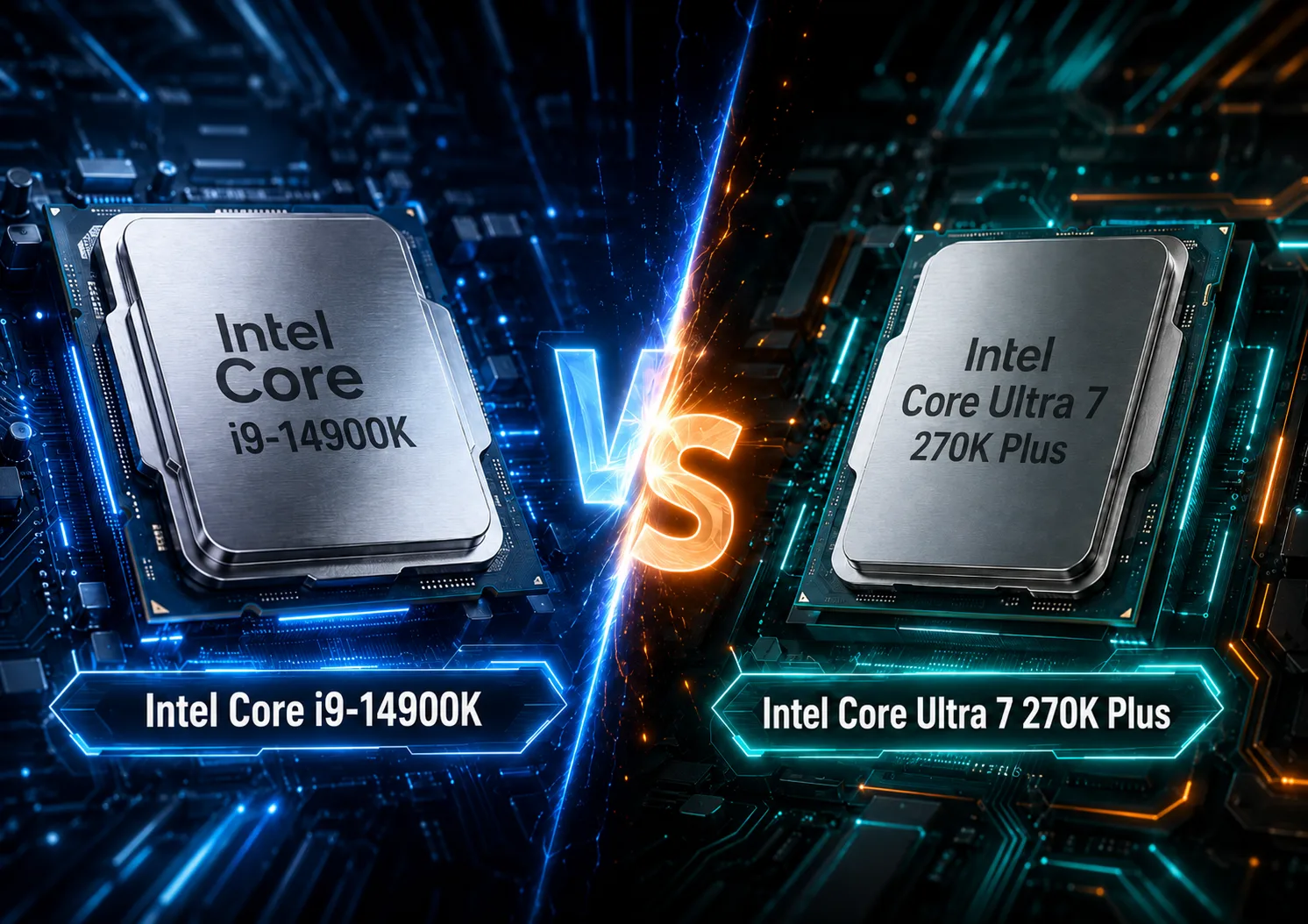
CPU Comparison Result
Intel Core i9-14900K vs Intel Core Ultra 7 270K Plus: Old Flagship vs New Ultra 7
At first glance, the Intel Core i9-14900K and Intel Core Ultra 7 270K Plus appear to be processors from different classes: one belongs to the Core i9 category, while the other is part of the Core Ultra 7 lineup. However, the naming can be a bit misleading. The Core i9-14900K is the flagship of the Raptor Lake Refresh for LGA1700, while the Core Ultra 7 270K Plus is a new representative of the Core Ultra Series 2 / Arrow Lake for LGA1851, and in terms of core configuration, it does not resemble a typical "seven."
Both processors feature 24 cores: 8 performance (P) cores and 16 efficiency (E) cores. The difference lies in the fact that the Core i9-14900K supports Hyper-Threading on the P-cores, yielding 32 threads, while the Core Ultra 7 270K Plus operates without Hyper-Threading and is limited to 24 threads. However, the new processor has a larger L2 cache, enhanced official support for DDR5, an NPU, and a more modern set of platform capabilities.
Key Differences
| Feature | Intel Core i9-14900K | Intel Core Ultra 7 270K Plus |
|---|---|---|
| Platform | LGA1700 | LGA1851 |
| Family | Raptor Lake Refresh | Core Ultra Series 2 / Arrow Lake |
| Cores | 8 P-cores + 16 E-cores | 8 P-cores + 16 E-cores |
| Threads | 32 threads | 24 threads |
| Hyper-Threading | Yes on P-cores | No |
| Max Frequency | Up to 6.0 GHz | Up to 5.5 GHz |
| L2 Cache | 32 MB | 40 MB |
| L3 Cache | 36 MB | 36 MB |
| Memory | DDR5-5600 or DDR4-3200 | Only DDR5, officially up to DDR5-7200 |
| PCIe Lines from CPU | Up to 20 | Up to 24 |
| Integrated Graphics | Intel UHD Graphics 770 | Intel Graphics, 4 Xe-cores |
| NPU | No | Yes, Intel AI Boost |
| Base Power | 125 W | 125 W |
| Max Turbo Power | 253 W | 250 W |
| Main Advantage | Frequencies, gaming, LGA1700 upgrade | Work tasks, efficiency, fresh platform |
The main intrigue is that the Core Ultra 7 270K Plus should not be perceived as a direct analog to the old Core i7. In terms of core count, it matches the Core i9-14900K and higher models from the Core Ultra series. Its distinction from the old flagship lies not in "fewer cores," but in a different architecture, the absence of Hyper-Threading, larger L2 cache, faster memory, and a new platform.
The Core i9-14900K excels with high clock speeds up to 6.0 GHz, 32 threads, and a mature LGA1700 platform. The Core Ultra 7 270K Plus counters with a more modern set of capabilities, 40 MB of L2 cache, DDR5-7200, an NPU, and better efficiency in various workloads. Therefore, it cannot simply be stated: "i9 is a higher class, therefore it's better." In some tasks, the new Ultra 7 may appear equally capable, and sometimes even more intriguing.
Platform and Upgrade
The Core i9-14900K is convenient for those who already have an LGA1700 system. If you have a good motherboard for the 12th, 13th, or 14th generation Intel, the transition to the 14900K could be a logical upgrade without requiring a complete platform change. An additional advantage is the support for both DDR4 and DDR5. This allows for boosting the older build without the need to buy new memory.
The Core Ultra 7 270K Plus requires LGA1851 and DDR5. Upgrading from an older system incurs higher costs: you will need to replace not just the processor but also the motherboard, and if migrating from DDR4, you'll also need new memory. However, for a new build, it offers a more modern feature set: more PCIe lanes from the processor, faster official support for DDR5, updated integrated graphics, and the Intel AI Boost NPU.
It's important to note that LGA1851 should not be viewed as a guaranteed long-lasting platform. Its advantage lies not in promising years of upgrades but in providing a more modern foundation for builds right now. Thus, the choice depends on the starting point: for an existing LGA1700 system, the Core i9-14900K might be more practical, while for a new build, the Core Ultra 7 270K Plus appears more appealing.
Performance in Work Tasks
In work tasks, the Core Ultra 7 270K Plus demonstrates particular strength. It has fewer threads than the Core i9-14900K, but its new architecture, 16 E-cores, 40 MB of L2 cache, and high memory speed help compensate for the lack of Hyper-Threading.
Based on independent testing, the distribution looks like this:
| Scenario | Who Looks Stronger |
|---|---|
| Multithreaded Performance | Core Ultra 7 270K Plus often leads |
| Single-thread Performance | Core Ultra 7 270K Plus is very strong |
| Rendering | Core Ultra 7 270K Plus often performs better |
| Encoding and Heavy Mixed Loads | Core Ultra 7 270K Plus has the upper hand |
| Older or Specialized Applications | Core i9-14900K may perform reliably |
| Frequency-sensitive Tasks | Core i9-14900K is still strong |
The core strength of the Core Ultra 7 270K Plus lies not only in its formal core count but in its high performance in applications with more rational power consumption. This makes it an unusual processor: it formally belongs to the Ultra 7 class, but in terms of productivity, it can behave like a higher-end chip.
There is an important caveat. Part of the performance gain in the Core Ultra 7 270K Plus is related not just to the hardware, but also to platform updates, BIOS, memory, and optimizations such as the Intel Binary Optimization Tool. Therefore, results in specific tests may depend heavily on the BIOS version, drivers, memory settings, and specific methodologies. For the average user, this is not a drawback in itself, but comparing such processors is better done using several independent tests rather than a single benchmark.
Gaming
In gaming, the comparison is closer than one might expect based on processor names. The Core i9-14900K boasts very high clock speeds, 32 threads, and a mature platform, making it still an excellent choice for a gaming PC. However, the Core Ultra 7 270K Plus has significantly improved gaming results with Arrow Lake and no longer appears to be a weak link in the series.
| Gaming Scenario | Who Looks Better |
|---|---|
| Max FPS on an existing LGA1700 system | Core i9-14900K |
| 1080p with a powerful GPU | Very close, depends on the game |
| CPU-dependent Projects | Performance may swing in both directions |
| 1440p and 4K | Differences are often less significant |
| New Build Not Only for Gaming | Core Ultra 7 270K Plus is more appealing |
The Core i9-14900K can still be considered a very strong gaming CPU, especially in an already established LGA1700 system. But the Core Ultra 7 270K Plus can no longer be labeled as a weak gaming choice. It may not always be faster in every project, but it is generally close enough that when building a new system, consideration should not only focus on FPS but also on power consumption, work performance, memory, platform, and price.
The practical takeaway is straightforward: if the main goal is maximum FPS on an existing LGA1700 platform, the Core i9-14900K seems logical. If the PC is being built from scratch and will be used for more than just gaming, the Core Ultra 7 270K Plus becomes a more interesting option.
Power Consumption and Cooling
The Core i9-14900K is a very fast but hot processor. Its Maximum Turbo Power is rated at 253 W, but in real builds, much depends on motherboard settings, power limits, and cooling solutions. With a good cooler and quality motherboard, it can deliver excellent performance, but assembling a quiet and cool system with it is challenging.
The Core Ultra 7 270K Plus is also not a low-power processor: its Maximum Turbo Power is stated at 250 W. However, it often appears more efficient in work tasks and is better suited for a balanced modern build, where not just peak results but also noise, temperature, and stability under prolonged loads are important.
That said, one should not expect the 270K Plus to behave like a cool, economical CPU. It is a powerful 24-core processor with a high power limit. However, compared to the Core i9-14900K, it often presents a more rational performance-to-power consumption ratio.
Integrated Graphics and AI Block
For a gaming PC with a discrete graphics card, integrated graphics is not a primary factor. However, the integrated graphics of the Core Ultra 7 270K Plus is more advanced: Intel Graphics with 4 Xe-cores and support for current media capabilities. The Core i9-14900K uses Intel UHD Graphics 770-a decent option for display output, Quick Sync, and diagnostics, but it is an older solution.
An additional plus for the Core Ultra 7 270K Plus is the Intel AI Boost NPU. Currently, for a typical gaming PC, this is not a decisive argument. Instead, it lays the groundwork for AI functions in Windows, local effects, and applications with hardware AI acceleration. It's useful but not significant enough to select a processor purely for the NPU.
What to Choose
Choose the Intel Core i9-14900K if you already have a good LGA1700 platform, a quality motherboard, and suitable cooling. It is still a very powerful processor for gaming and work tasks. It is especially interesting as an upgrade for an existing system where there's no need to replace the motherboard or memory.
The Core i9-14900K also remains a strong choice for a gaming PC if the price for the processor and motherboard is attractive. Its advantages include high frequency, 32 threads, a mature platform, and predictable performance in games.
The Intel Core Ultra 7 270K Plus is better suited for a new build if high performance in work tasks, a more modern feature set, DDR5, energy efficiency, and an NPU are important. Despite its Ultra 7 designation, it is not a "mid-range" processor but a very strong 24-core processor capable of competing with the old Core i9.
Conclusion
The Intel Core i9-14900K is an old flagship in a good sense: high frequencies, 32 threads, strong gaming performance, and upgrade convenience for LGA1700. Its drawbacks include high power consumption, significant cooling requirements, and an older platform.
The Intel Core Ultra 7 270K Plus is a more modern and surprisingly strong processor. Formally, it belongs to the Ultra 7 class, but in terms of configuration and real performance, it is closer to the higher models. It is better suited for new builds, work tasks, and scenarios where efficiency, DDR5, modern graphics, NPU, and a fresh feature set are important.
If there is already a powerful LGA1700 system, the Core i9-14900K seems to be a logical upgrade. If the PC is being built from scratch, the Core Ultra 7 270K Plus appears to be a more reasonable and modern choice in many scenarios, despite its lower designation in name.
Advantages
- Higher Performance-core Max Turbo Frequency: 6 GHz (6 GHz vs 5.5 GHz)
- Higher Technology: 3 nm (Intel 7 vs 3 nm)
- Newer Launch Date: March 2026 (October 2023 vs March 2026)
Basic
CPU Specifications
Memory Specifications
GPU Specifications
Interfaces and Ports
Benchmarks
Related CPU Comparisons


Share in social media
Or Link To Us
<a href="https://cputronic.com/en/cpu/compare/intel-core-i9-14900k-vs-intel-core-ultra-7-270k-plus" target="_blank">Intel Core i9-14900K vs Intel Core Ultra 7 270K Plus</a>