AMD Ryzen 7 PRO 249
AMD Ryzen 7 PRO 249: What Sets It Apart from the Regular Ryzen 7 249
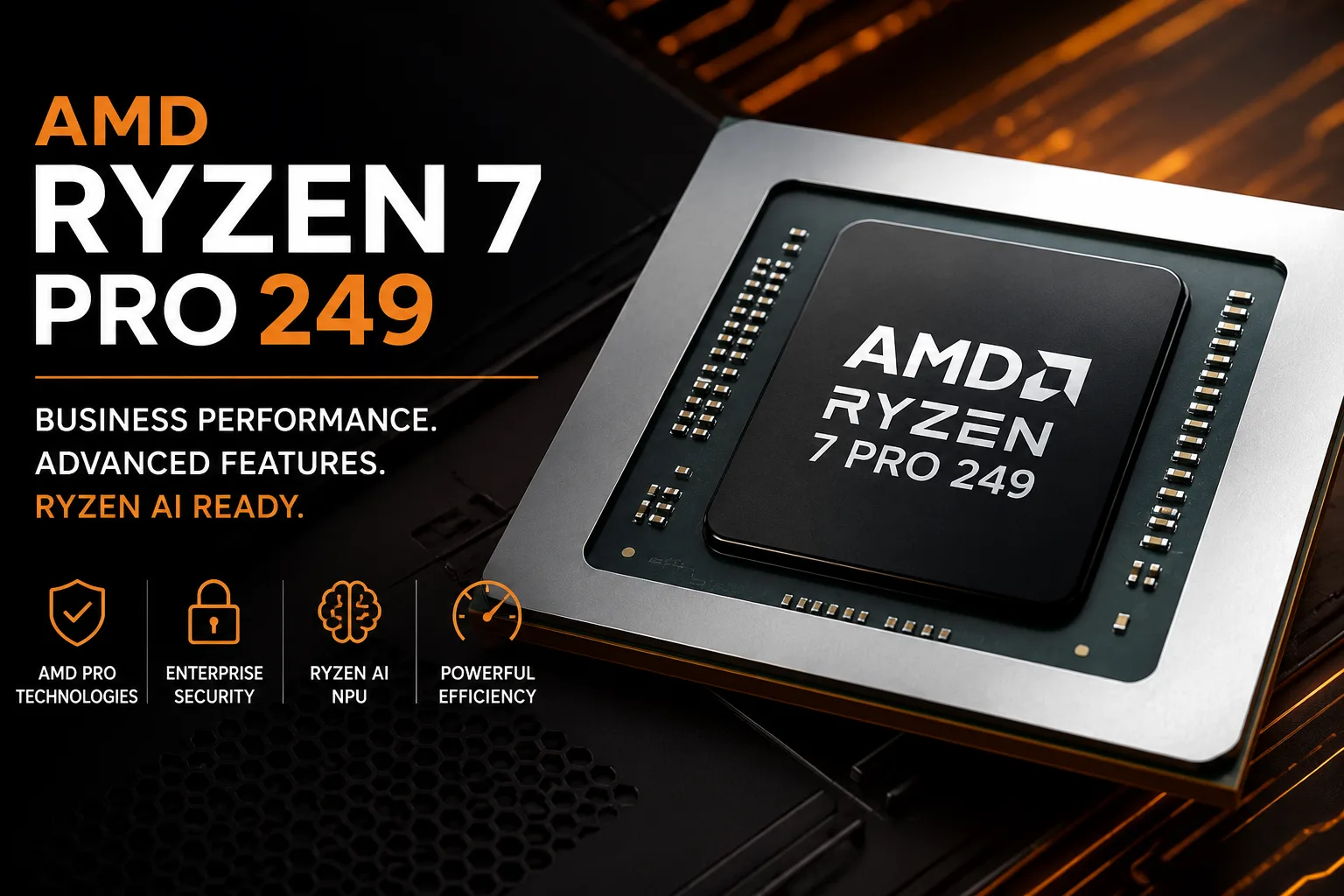
The AMD Ryzen 7 PRO 249 is not merely a corporate version of the Ryzen 7 249. In terms of cores, frequencies, and graphics, it is the same 8-core Hawk Point with Radeon 780M and a TDP of 28 W, but the PRO version gains features that the standard model lacks: AMD PRO Technologies and the Ryzen AI/NPU block. Therefore, the key question here is not about pure speed but whether the buyer needs business functions, management capabilities, security, and local AI acceleration.
Ryzen 7 PRO 249: Its Place in the Lineup
The Ryzen 7 PRO 249 is part of the mobile Ryzen PRO 200 series and is built on the Hawk Point platform. This is not a new architecture but another version of Zen 4 within AMD's updated mobile lineup. The processor features 8 cores, 16 threads, a base clock of 3.1 GHz, and boost capabilities up to 4.9 GHz.
In terms of computational performance, it is close to the regular Ryzen 7 249. This level of power is sufficient for office tasks, browsing with numerous tabs, video conferencing, spreadsheets, programming, light photo editing, basic video editing, and multitasking across several applications.
However, the point of the PRO version is not the increase in FPS or frequencies. The Ryzen 7 PRO 249 is designed for work laptops that need to fit into corporate infrastructure: to be manageable remotely, to support security policies, and to remain a predictable platform for a fleet of devices for a longer time.
The Main Difference from Ryzen 7 249
The regular Ryzen 7 249 is a consumer-focused 8-core APU with Radeon 780M. The Ryzen 7 PRO 249 adds two significant layers: AMD PRO Technologies and Ryzen AI. This is what makes the PRO version more interesting than it may appear from just the name.
The difference is particularly noticeable due to the NPU. The regular Ryzen 7 249 lacks Ryzen AI, while the Ryzen 7 PRO 249 includes it. Yes, it does not reach the level of the newer Ryzen AI 300/400, but the positioning changes: the PRO 249 is not just a "business version" but a more equipped variant of the same base platform.
If you need a home laptop for browsing, movies, studying, and light gaming, the regular Ryzen 7 249 is sufficient. If the laptop is being purchased for a company, remote work, or an environment with security requirements, the Ryzen 7 PRO 249 makes more sense.
What AMD PRO Technologies Offer
AMD PRO Technologies are the main practical argument for the Ryzen 7 PRO 249. For home users, these features are almost imperceptible, but in a corporate environment, they are more significant than a slight difference in clock speeds.
The PRO platform is necessary for remote management, data protection, working with TPM, Secure Boot, VBS, Windows Secured-Core PCs, and other security mechanisms. This does not make the laptop invulnerable, but it makes it easier to integrate into corporate standards.
Therefore, the Ryzen 7 PRO 249 should be evaluated not as a gaming or home processor, but as a foundation for business laptops. Its advantage becomes apparent where devices are purchased in bulk rather than individually and where longevity, manageability, and uniform security requirements are critical.
Radeon 780M: Strong Integrated Graphics Without a Discrete GPU
The integrated AMD Radeon 780M graphics remain a strong point of the Ryzen 7 PRO 249. This iGPU is based on the RDNA 3 architecture with 12 graphics cores and a frequency of up to 2500 MHz. This level of graphics is more than enough for a work laptop.
The Radeon 780M handles interfaces, video playback, multiple external displays, video calls, office tasks, and light graphical work effectively. It also allows for playing older and less demanding games without a discrete graphics card. In titles like Dota 2, CS2, Fortnite, and GTA V, one can expect playable FPS at moderate settings.
The key condition is fast dual-channel memory. The Radeon 780M uses system RAM, so a laptop with 16 or 32 GB of memory will be significantly more advantageous than minimal configurations. Slow or single-channel memory reduces FPS and limits the potential of the integrated graphics.
Ryzen AI: A Useful Supplement, But Not a Primary Selling Point
The Ryzen 7 PRO 249 features Ryzen AI with an NPU of up to 16 TOPS. This is an important distinction from the regular Ryzen 7 249, but it is not a reason to classify the processor in a new AI category. For background AI functions, video calls, noise suppression, some Windows tools, and local acceleration of light tasks, the NPU can be useful. However, its capabilities are limited for heavy generative models.
Here, it is important not to raise expectations too high. The Ryzen 7 PRO 249 is not a replacement for Ryzen AI 300/400. Its NPU complements the work platform rather than transforming the laptop into a local AI station.
However, compared to the regular Ryzen 7 249, the inclusion of Ryzen AI is a real advantage. If the laptop is intended for several years of use, this added functionality might prove to be more beneficial than it seems at the time of purchase.
Performance in Work Tasks
In everyday tasks, the Ryzen 7 PRO 249 will be fast. The eight Zen 4 cores are sufficient for documents, browsing, video conferencing, messaging, CRM, spreadsheets, IDEs, remote desktops, and light media processing.
In multithreaded tasks, the 8 cores and 16 threads offer a noticeable advantage over the lower-end Ryzen 5 and Ryzen 3 processors. This is beneficial for compiling, archiving, photo processing, working with virtual machines, and simultaneously launching several heavy applications.
Under sustained workloads, the power limits and cooling solutions become important. The processor has a TDP of 28 W, but specific laptops can be configured differently. A thin chassis will reduce frequencies more quickly for the sake of silence, while a model with more robust cooling will maintain performance longer.
Ryzen 7 PRO 249 Against Ryzen 7 249 and Ryzen 7 PRO 250
The Ryzen 7 PRO 249 is most conveniently compared to its two neighbors: the standard Ryzen 7 249 and the higher-end Ryzen 7 PRO 250.
| Parameter | Ryzen 7 249 | Ryzen 7 PRO 249 | Ryzen 7 PRO 250 |
|---|---|---|---|
| Class | consumer | corporate | corporate |
| Architecture | Zen 4 / Hawk Point | Zen 4 / Hawk Point | Zen 4 / Hawk Point |
| Cores / Threads | 8 / 16 | 8 / 16 | 8 / 16 |
| CPU Frequency | 3.1-4.9 GHz | 3.1-4.9 GHz | 3.3-5.1 GHz |
| Integrated Graphics | Radeon 780M | Radeon 780M | Radeon 780M |
| GPU Frequency | up to 2500 MHz | up to 2500 MHz | up to 2700 MHz |
| AMD PRO Technologies | no | yes | yes |
| Ryzen AI / NPU | no | yes | yes |
| TDP | 28 W | 28 W | 28 W |
Compared to the regular Ryzen 7 249, the PRO version differs not in performance but in the set of features: AMD PRO Technologies and Ryzen AI. Compared to the Ryzen 7 PRO 250, it is the lower-end model: lower CPU and GPU frequencies, so the older model will be faster under the same conditions.
The conclusion is simple: The Ryzen 7 PRO 249 makes sense if you need a business laptop with PRO features but without the extra cost of the PRO 250 or Ryzen AI 300. If the price difference from the Ryzen 7 PRO 250 is small, the older model is preferred.
Who Is the Ryzen 7 PRO 249 For?
The Ryzen 7 PRO 249 is suitable for work laptops without a discrete GPU. This is a processor for office workers, developers, administrators, remote work, and companies that need a manageable platform with a good performance reserve.
It is suitable for:
- office work and video conferencing;
- browsing, spreadsheets, CRM, and corporate applications;
- programming and light virtualization;
- remote workstations;
- photo processing and basic video editing;
- laptops with security and management requirements;
- playing older and undemanding games after work.
It is advisable not to purchase a laptop with the Ryzen 7 PRO 249 for heavy 3D work, modern games at high settings, or serious local AI workloads. For such tasks, a discrete GPU, Ryzen AI 300/400, or a more powerful mobile platform is required.
What to Look for When Buying a Laptop
Eight Zen 4 cores and Radeon 780M do not guarantee a good laptop by themselves. The first thing to consider is memory. For office work, a minimum of 16 GB is advisable, and for longevity and multitasking, 32 GB is better. For Radeon 780M, a fast dual-channel configuration is particularly important.
The second factor is cooling and power limits. In thin business laptops, the processor may quickly drop frequencies if the chassis is tuned for quietness and battery life. This is a limitation of the specific model, not of the Ryzen 7 PRO 249 itself.
The third factor is corporate configuration. If PRO features are genuinely needed, it is worth checking not only the processor but also the support from the laptop manufacturer: BIOS, TPM, Secured-Core PC, remote management tools, warranty, and update timelines. Without this, the PRO designation loses some practical value.
Conclusion
The AMD Ryzen 7 PRO 249 is not just a Ryzen 7 249 with a different name. In terms of basic computational capabilities, they are similar: 8 Zen 4 cores, 16 threads, Radeon 780M, and TDP of 28 W. However, the PRO version adds AMD PRO Technologies, security features, manageability, and Ryzen AI/NPU-features that the standard Ryzen 7 249 lacks.
For a home laptop, the PRO version is not essential. For a company or work machine, the Ryzen 7 PRO 249 offers more value than the regular Ryzen 7 249 because it provides the same performance foundation but with business features and NPU. If a Ryzen 7 PRO 250 is available at a small extra cost, it is better to choose that model, as it is faster in terms of CPU and integrated graphics.
CPU Comparison
Compare Ryzen 7 PRO 249 with other CPUs
Basic
CPU Specifications
Memory Specifications
GPU Specifications
Miscellaneous
Share in social media
Or Link To Us
<a href="https://cputronic.com/en/cpu/amd-ryzen-7-pro-249" target="_blank">AMD Ryzen 7 PRO 249</a>