Intel Core i5-1334U
vs
Intel Core 5 120U

CPU Comparison Result
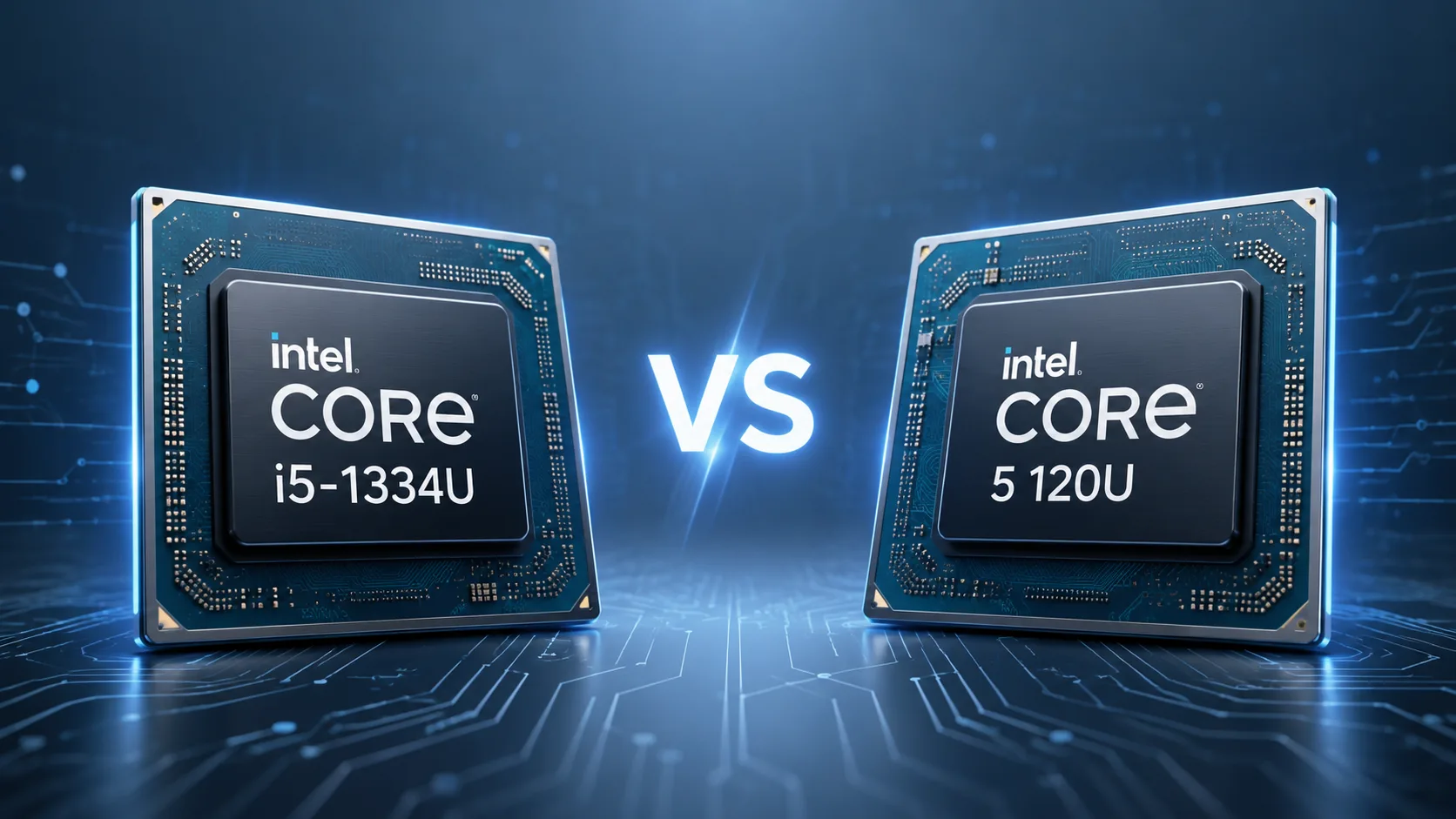
Intel Core i5-1334U vs Intel Core 5 120U: Is It a Rebranding or Is There a Difference?
Intel Core i5-1334U and Intel Core 5 120U may easily be mistaken for processors from different generations. One belongs to the 13th generation of Core, while the other uses a new naming scheme, the Intel Core Series 1. However, in practice, the difference between them is much smaller than it seems based on their names.
In short: Intel Core 5 120U is almost a rebranding of the Core i5-1334U, but not a complete one-to-one renaming. It has the same basic architectural formula, the same class of devices, and very similar specifications, yet with higher CPU frequencies and slightly higher integrated graphics frequencies.
Is It a Rebranding?
Almost yes, but not entirely.
Both processors are based on Raptor Lake-U and are part of the mobile U-class for thin laptops. They share the same configuration: 10 cores, 12 threads, 2 performance P-cores, and 8 energy-efficient E-cores. They also have the same 12 MB cache, a base power of 15 W, and a maximum turbo power of 55 W.
Therefore, the Core 5 120U should not be perceived as a transition to a new class. It is not a Core Ultra, not a new architecture with an NPU, and not a significant leap in capabilities. It is more accurate to view it as an updated version of the already familiar Raptor Lake-U under Intel's new naming scheme.
What Really Differs
| Parameter | Intel Core i5-1334U | Intel Core 5 120U | Practical Implication |
|---|---|---|---|
| Line | 13th Gen Core i5 | Core Series 1 | The 120U has a new name and fresh positioning |
| Year of Release | 2023 | 2024 | Core 5 120U is newer |
| P-core Frequency | up to 4.6 GHz | up to 5.0 GHz | 120U is faster in short CPU tasks |
| E-core Frequency | up to 3.4 GHz | up to 3.8 GHz | 120U may be faster in multi-threaded tests |
| Integrated Graphics | up to 1.25 GHz | up to 1.30 GHz | The difference is minimal |
The main real difference is in the frequencies. The Core 5 120U received a boost of 400 MHz for the P-cores and 400 MHz for the E-cores. This gives it an edge in tests and short workloads but does not elevate it to a different tier of processor.
In terms of graphics, the difference is almost symbolic: both processors have 80 execution units, but the Core 5 120U has a slightly higher frequency. In practice, this does not change the class of the laptop: both options are suitable for browsing, video, office work, and simple gaming, but not for serious gaming on integrated graphics.
Performance
In synthetic tests, the Core 5 120U is usually faster than the Core i5-1334U. The approximate results for PassMark look like this:
| Test | Intel Core i5-1334U | Intel Core 5 120U | Difference |
|---|---|---|---|
| PassMark Single Thread | around 3260 | around 3550 | +9% |
| PassMark CPU Mark | around 13100 | around 15600 | +18-19% |
On paper, the advantage of the Core 5 120U looks significant, especially in overall multi-threaded performance. However, for U-processors, the specific laptop matters just as much as the chip name.
In a thin chassis with poor cooling, the Core 5 120U may quickly hit power limits and lose some of its advantages. Meanwhile, the Core i5-1334U in a well-configured laptop with decent cooling and good limits could perform closer to it than the table suggests.
Therefore, while there is a difference between these CPUs, it is not substantial enough to choose a laptop based solely on the processor name.
What Matters More in a Laptop
For such processors, the specifications of the laptop itself are very important. Sometimes they impact the actual experience more than the difference between the Core i5-1334U and the Core 5 120U.
First and foremost, it is essential to consider the cooling, power limits, the amount and operating mode of the RAM, the screen, the battery, and the quality of the chassis. For example, a laptop with a Core i5-1334U, 16 GB of memory in dual-channel mode, a good display, and a decent battery could be a more successful purchase than a more expensive model with a Core 5 120U but weak memory and mediocre cooling.
The situation with battery life is similar. According to the official power limits, the processors are the same: 15 W base and up to 55 W in turbo mode. Therefore, the Core 5 120U alone does not guarantee significantly longer battery life. Here, the battery, display, manufacturer's settings, and power consumption profile are more critical.
What to Choose
Intel Core 5 120U is worth considering if the laptop costs about the same as the one with the Core i5-1334U, and the other specifications are similar. In that case, the new processor makes more sense: it is newer, slightly faster, and has a small frequency headroom.
Intel Core i5-1334U can be chosen without hesitation if the laptop is cheaper or better in other parameters: display, memory, battery, chassis, keyboard, cooling, or port selection.
It usually makes little sense to overpay just for the transition from Core i5-1334U to Core 5 120U. These are closely related processors of the same class, not two different performance categories.
Conclusion
Intel Core 5 120U is not a full-fledged new generation but a close refresh of the Core i5-1334U under Intel's new naming scheme. It has the same basic formula: Raptor Lake-U, 10 cores, 12 threads, 2P + 8E, 12 MB cache, and the same U-class for thin laptops.
The main advantage of the Core 5 120U is its higher frequencies. It performs better in tests and is a little livelier in short workloads, but in a real laptop, much depends on cooling, memory, and power limits.
The most accurate description is: Core 5 120U is almost a rebranding of the Core i5-1334U, but with a small factory overclock and new positioning. At the same price, it is better to choose the Core 5 120U. If the laptop with the Core i5-1334U is significantly more advantageous or better in other specifications, it can also be purchased without concerns.
Advantages
- Higher Max Turbo Frequency: 5 GHz (4.60 GHz vs 5 GHz)
- Newer Launch Date: January 2024 (January 2023 vs January 2024)
Basic
CPU Specifications
Memory Specifications
GPU Specifications
AI Specifications
Interfaces and Ports
Miscellaneous
Benchmarks
Related CPU Comparisons




Share in social media
Or Link To Us
<a href="https://cputronic.com/cpu/compare/intel-core-i5-1334u-vs-intel-core-5-120u" target="_blank">Intel Core i5-1334U vs Intel Core 5 120U</a>