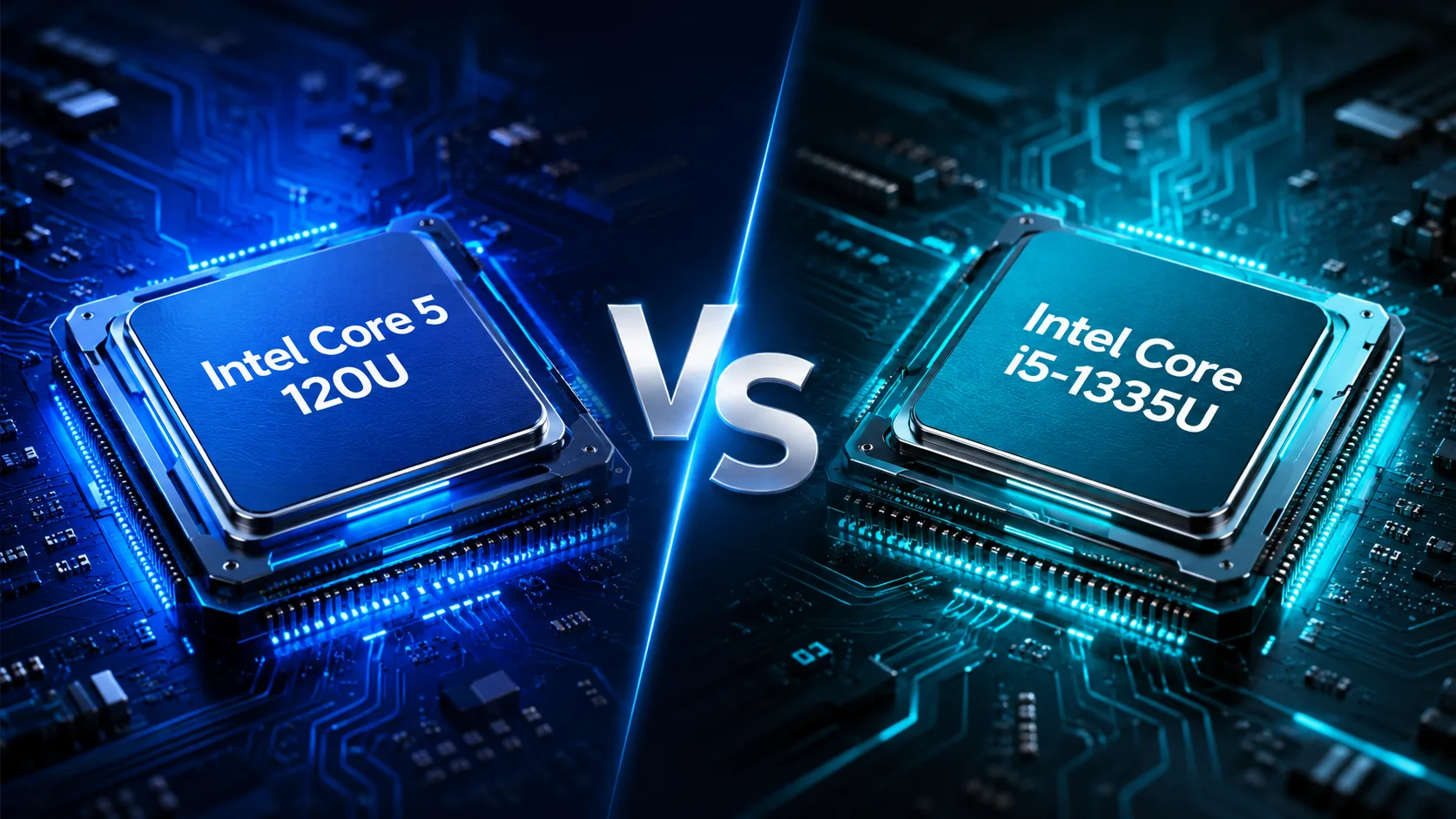
Intel Core 5 120U
vs
Intel Core i5-1335U

CPU Comparison Result
Intel Core 5 120U vs Intel Core i5-1335U: Similar Processors, But the Choice Is Not Obvious
At first glance, the Intel Core 5 120U appears to be a newer and significantly better processor than the Intel Core i5-1335U. However, in reality, the difference between them is less than it might seem from their names. Both chips belong to the economical U-series, are designed for thin laptops, and are well suited for office work, studying, browsing, video conferencing, and regular home tasks.
The main difference is straightforward: Core 5 120U is slightly faster due to higher frequencies, while the Core i5-1335U is often more interesting price-wise. Therefore, the choice should not be based solely on the processor but on the entire laptop as a whole.
Key Specifications
| Specification | Intel Core 5 120U | Intel Core i5-1335U |
|---|---|---|
| Architecture | Raptor Lake | Raptor Lake |
| Cores / Threads | 10 / 12 | 10 / 12 |
| Configuration | 2P + 8E | 2P + 8E |
| Max Frequency for P-Cores | up to 5.0 GHz | up to 4.6 GHz |
| Max Frequency for E-Cores | up to 3.8 GHz | up to 3.4 GHz |
| L3 Cache | 12 MB | 12 MB |
| Base Power | 15 W | 15 W |
| Turbo Power | up to 55 W | up to 55 W |
| Integrated Graphics | Intel Graphics, 80 EU, up to 1.3 GHz | Intel Iris Xe / UHD, 80 EU, up to 1.25 GHz |
| Max Memory | 96 GB | 96 GB |
The specifications show that the Core 5 120U does not represent a leap into a different class. The number of cores, threads, cache, and power limits are identical. The main advantage of the new chip is its higher CPU frequencies and slightly higher integrated graphics frequency.
Performance
In everyday tasks, both processors will feel quite similar. They handle browsing, office applications, spreadsheets, video calls, online services, light photo editing, and multitasking well.
The Core 5 120U is faster in short tasks: launching applications, switching between windows, interface responsiveness, unpacking archives, and certain browsing scenarios. This is aided by the P-cores reaching 5.0 GHz compared to 4.6 GHz in the Core i5-1335U.
In multi-threaded workloads, the gap is possible, but it's not drastic. Both processors have the same configuration of 2 performance cores + 8 efficient cores. Therefore, while the Core 5 120U is better as a CPU, it's not enough of a difference to justify purchasing a laptop with inferior memory, display, or battery.
There is also an important nuance: in a thin chassis, the difference may almost vanish if the manufacturer has severely limited the processor's power or used weak cooling. A well-designed laptop with the i5-1335U may sometimes perform more stably under prolonged loads than a thinner model with the Core 5 120U.
Integrated Graphics
The graphics are nearly identical: both processors feature 80 execution units. The Core 5 120U has a slightly higher frequency-up to 1.3 GHz compared to 1.25 GHz in the i5-1335U.
For gaming, this is a minor difference. Both options are suitable for older games, simple online projects, video playback, and everyday graphics. For modern heavy games, it's better to look for a laptop with a discrete graphics card or more powerful integrated graphics.
More crucial is that integrated graphics heavily depend on RAM. A laptop with dual-channel RAM can be noticeably faster than a similar model with single-channel memory. This is especially relevant for the i5-1335U, where the Iris Xe designation often depends on the memory configuration: with single-channel memory, the graphics may be classified as Intel UHD.
Memory is More Important Than It Seems
For a purchase in 2026, it's best to aim for 16 GB of RAM. This is more critical than the small difference between the Core 5 120U and the Core i5-1335U. A laptop with the i5-1335U and 16 GB of RAM will often be more comfortable than a model with the Core 5 120U and 8 GB of RAM.
Both processors support up to 96 GB of memory, but in real laptops, configurations with 8 or 16 GB are more common. If the memory is soldered and upgrading is impossible, 8 GB is worth considering only for the simplest tasks and at a significantly lower price.
Battery Life
In terms of power consumption, the processors are almost equal: base power of 15 W, maximum turbo power up to 55 W. The Core 5 120U should not be automatically considered more energy-efficient just because of its new designation.
Battery life depends more on the specific laptop: battery capacity, display, cooling, power limits, and manufacturer settings. A model with i5-1335U and a 60 Wh battery may work longer than a laptop with Core 5 120U and a 42 Wh battery.
Which Option to Choose
| Situation | Best Choice |
|---|---|
| Laptops are priced the same | Core 5 120U |
| The model with i5-1335U is significantly cheaper | Core i5-1335U |
| Core 5 120U with 8 GB RAM vs i5-1335U with 16 GB RAM | Core i5-1335U |
| Maximum responsiveness is needed | Core 5 120U |
| Battery life is crucial | Consider the battery and display, not just the CPU |
| Casual gaming | Almost equal, dual-channel memory is important |
| Thin chassis without good cooling | The difference between CPUs may be minimal |
Conclusion
Intel Core 5 120U is better as a processor: it is newer, operates at higher frequencies, and is slightly faster in everyday tasks. However, this is not a significant leap forward but a careful update of a close platform.
Intel Core i5-1335U still remains a good choice, especially if the laptop with it is cheaper or better equipped. For most users, the difference between these CPUs will be less significant than having 16 GB of RAM, a good display, a decent battery, and quality cooling.
If the price is the same, choose the Core 5 120U. If the i5-1335U is cheaper or comes in a better laptop, it may be a more sensible purchase. The key is not to overpay for the Core 5 120U in a weak configuration with 8 GB of memory, a poor display, or a small battery.
Advantages
- Higher Max Turbo Frequency: 5 GHz (5 GHz vs 4.60 GHz)
- Newer Launch Date: January 2024 (January 2024 vs January 2023)
Basic
CPU Specifications
Memory Specifications
GPU Specifications
AI Specifications
Interfaces and Ports
Miscellaneous
Benchmarks
Related CPU Comparisons






Share in social media
Or Link To Us
<a href="https://cputronic.com/cpu/compare/intel-core-5-120u-vs-intel-core-i5-1335u" target="_blank">Intel Core 5 120U vs Intel Core i5-1335U</a>